The 10 Best Webcams
Updated by · How we research

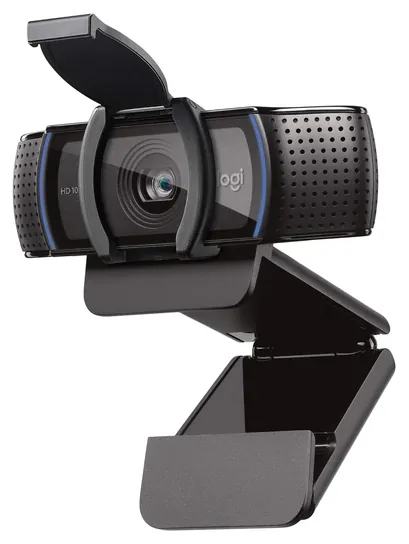
Ten webcams for Zoom, Teams and streaming, compared on sharpness, focus, framing, mics and lens covers. The Logitech C920S is the best pick for most calls. When users buy our independently chosen editorial picks, we may earn commissions to help fund the Wiki.
Zoom and Teams usually send your video at full HD or less, so a 4K webcam rarely looks sharper to the people on the call. What they do notice is light, focus and a camera at eye level. A good USB webcam beats a laptop's built-in camera for remote workers, students, teachers and streamers, and a solid one doesn't cost much.


Editor's Notes
October 23, 2026, by Ezvid Wiki Admin:
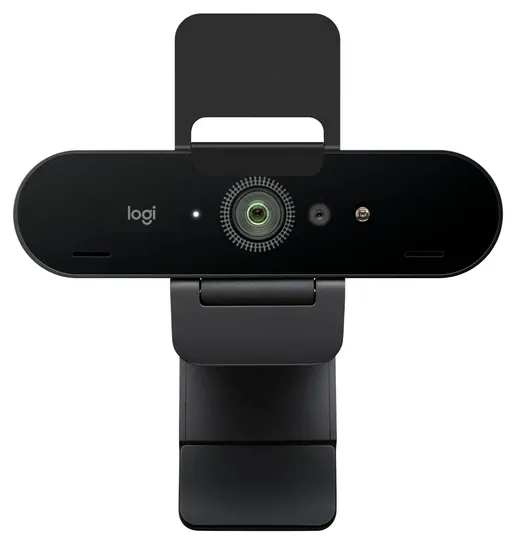
The Logitech C920S moves to the top, and the meeting-room gear is gone. People come here for a webcam for Zoom or Teams, or a good one on a budget, not a camera bar for a conference table. So we dropped the Logitech MeetUp, the Meeting Owl Pro, the Vaddio HuddleShot and the HuddleCamHD GO, along with the Logi 4K Pro Magnetic and the original Razer Kiyo, which newer models have replaced. The Logitech Brio 4K stays as the pick for signing in to Windows by face.
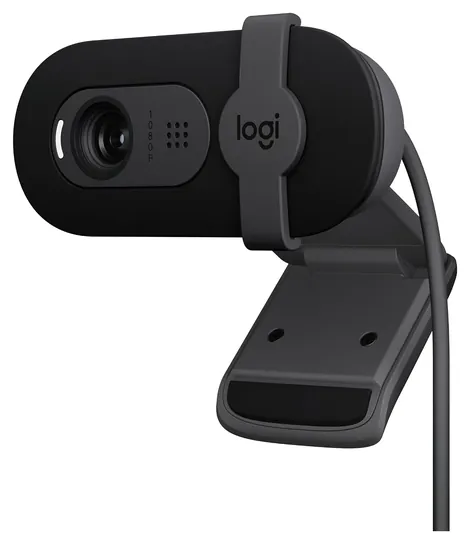
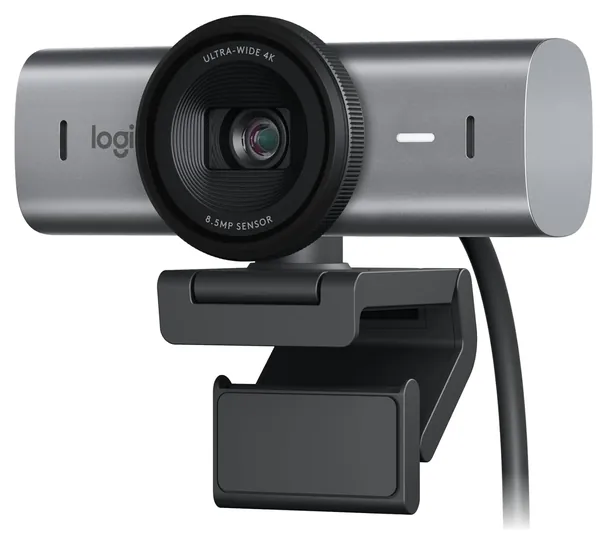
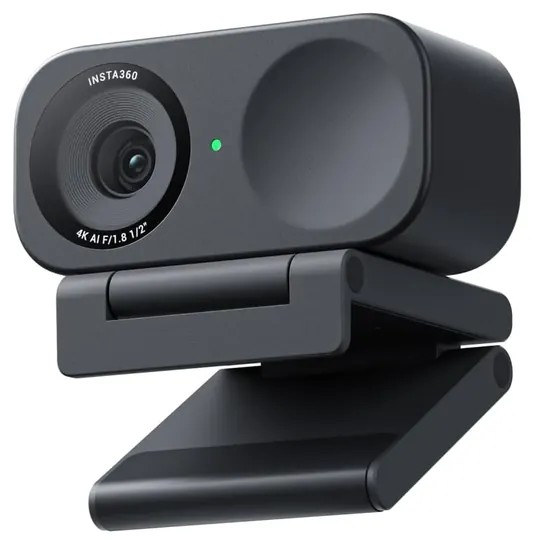
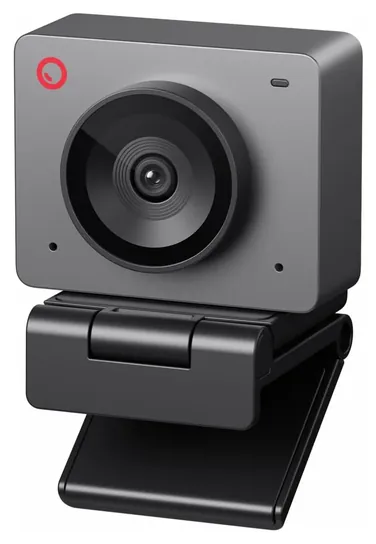
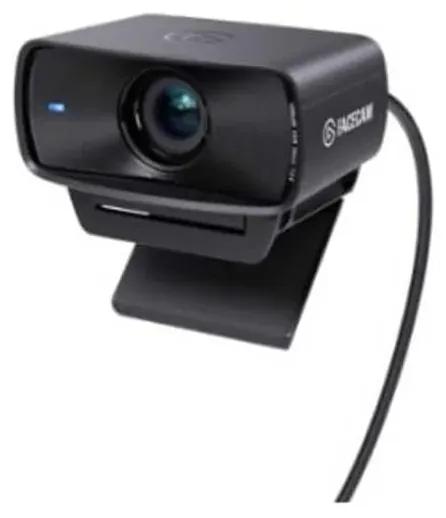
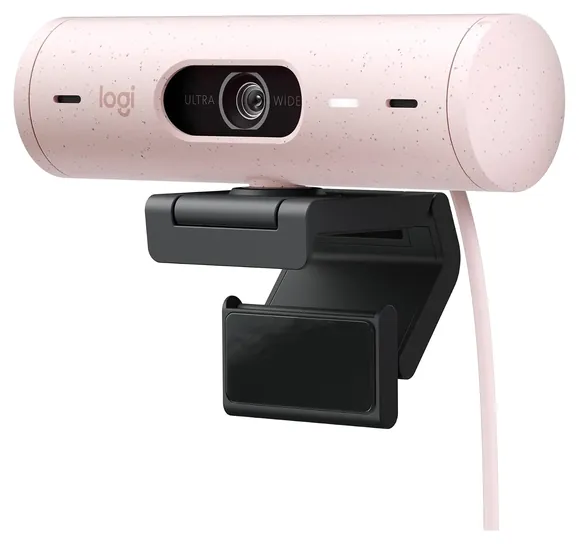
The additions match the searches that bring people here: the cheap Logitech Brio 101, the Logitech MX Brio for picture quality, the Insta360 Link 2C and OBSBOT Meet SE for automatic framing, and the Elgato Facecam MK.2 for streamers. Logitech still holds half the list, which matches how much of this market it owns.
The deciding evidence came from Logitech's own guide, which treats 4K as a premium step over full HD rather than a need for calls, and a 2014 security study showing malware could switch off a webcam's light. That second finding is why a lens cover or shutter counted in the ranking.
July 16, 2021:
We no longer recommend the bulky, expensive Logitech system that's been surpassed by simpler, self-contained units. Instead, we've brought back the Logitech C920S, which is not very recent but still performs great especially considering its low price. Its Full HD resolution is supported by autofocus and automatic light correction, and the overall video quality is good enough that no one should be bothered by the somewhat limited frame rate. The rest of our recommendations have not changed.
July 29, 2020:
As more companies catch up with the 4K resolution standard set by the Logitech Brio Ultra Black, it becomes less forgivable for us to include models like the LilBit RGB-IR from our previous list, which maxes out its resolution at 720p. Among models that max out at 1080p, we wanted to ensure there was at least a standard of 30 frames per second, and in the case of the Vaddio HuddleShot All-In-One, you'll see 60 fps, so even if the connection sputters, it'll still look clean on the other end.
One of our favorites this time around is the Logi 4K Pro Magnetic, which is actually made by Logitech under the banner of their new brand Logi. Its magnetic base will stick to a specific Apple monitor, making it a better choice for owners of that screen than others, but it's still a functional webcam that can adhere to any metal surface with ease.
Another important feature we hope people look out for is a remote control that will allow them to make adjustments to things like zoom, pan, and tilt without having to physically react with the camera or dig into any browser- or app-based interfaces. This is particularly important in the business sector, as you don't want to waste any time unnecessarily fiddling with settings or placement.
June 11, 2019:
Webcams can be an important part of both professional work and play. You'll notice that half of the items on our list are from Logitech, and that's not an accident. As with a number of different types of computer peripherals, they've developed somewhat of a stranglehold on the webcam category, though they certainly aren't the only group to produce a worthwhile product. Among their best are the C920S and the Brio, which capture great HD and UHD pictures, respectively. The C615 is a budget-friendly choice that's perfectly satisfactory to many users, though it doesn't have the most advanced features. At the other end of the spectrum, their PTZ Pro 2 is packed with a host of high-end components and has motorized control of its direction and zoom. In the middle of the price range is the Conference Cam, which is a multipurpose device that combines audio, video, and call control into a single reliable unit.
The Hue HD is a little bit different than the average webcam and it's often used by teachers to make their jobs easier. Travelers who don't demand the best image quality should check out Creative's offering, as it's durable and compact and inexpensive. The LilBit is one of the few available with an infrared camera, which can help secure shared computers among other functions. And if your office can afford it, the Meeting Owl can make videoconferencing particularly easy. Finally, if you're a streamer, Razer's Kiyo is designed specifically for you. It's certified compatible with OBS and XSplit software suites and the integrated light ring helps to keep your beautiful face lit up.
Special Honors
Owl Labs Meeting rooms need a different tool than a desk webcam. Owl Labs makes the Meeting Owl, a 360-degree camera, speaker and microphone that sits in the middle of a conference table and switches the view to whoever is talking. It's meant for teams that hold hybrid meetings in a shared room, and it costs far more than a personal webcam. owllabs.com
Reincubate Camo Before you buy anything, try the phone in your pocket. Camo is an app for Windows and Mac that turns an iPhone or Android phone into a webcam, using the phone's much larger rear camera. The basic version is free, and a paid plan adds higher resolutions and more controls. You'll need a small mount to hold the phone at eye level. reincubate.com
Why Full HD Is Usually Enough
A 4K sensor lets auto framing zoom in without the image turning soft, which is why the Logitech MX Brio and Insta360 Link 2C use one.
Resolution is the number on every box, and it matters less than it looks. Video-call apps squeeze your picture to save bandwidth, and most meetings arrive at full HD (1080p) or lower. Logitech's own home-office webcam guide says 4K carries a premium price, while many 1080p and 720p models reach 60 frames per second. For a talking head on Zoom, Teams or Google Meet, a good 1080p camera is all the call can show.
4K earns its price in recordings and in software that crops the picture. A 4K sensor lets auto framing zoom in without the image turning soft, which is why the Logitech MX Brio and Insta360 Link 2C use one. It also needs a USB 3 port; on an older USB 2 port, a camera may fall back to compressed video. Frame rate is the other number worth reading. Thirty frames a second is fine for calls, while 60 or more looks smoother for streaming games or for teaching with your hands in the shot.
Your laptop's camera is the thing to beat. Most built-in cameras use tiny sensors and sit low in the screen hinge, so you end up lit from below and filmed from under the chin. A clip-on webcam at eye level fixes the angle before you change anything else.
Light, Focus And Field Of View
Light does more for your picture than any camera upgrade. Face a window or a lamp, not away from it. A bright window behind you turns you into a silhouette, and automatic light correction can only do so much. Larger sensors, like the half-inch one in the Insta360 Link 2C, gather more light and show less grain in a dim room.
Autofocus keeps you sharp when you lean in or hold a page up to the lens. Fixed focus is set for a face at arm's length, which is fine for most desk calls but blurs anything held close. Autofocus can also hunt, going in and out, when the room is dark or you move a lot. If that happens, most makers' apps let you lock focus manually.
Field of view decides how much of the room shows. A narrow view, around 60 degrees, keeps your face large and the background small. A wide view, around 90 degrees, fits two people or a whiteboard but also shows more clutter. Several cameras let you narrow the view in software, as Logitech's guide describes, which crops the image and costs some sharpness.
Privacy: Covers, Lights And Microphones
The little light next to the lens is not a guarantee. A 2014 study from Johns Hopkins researchers, published by USENIX, showed that the light on some older laptop cameras could be turned off by rewriting the camera's software. A physical cover is the only off switch you can see. Most cameras here have a built-in shutter or slide; for one that doesn't, a stick-on cover works.
A cover doesn't stop the microphone, and it doesn't stop malware. Security firm Avast recommends keeping your system updated and checking which apps may use the camera and mic. On Windows, that's under Settings, Privacy and security; on a Mac, it's in System Settings, Privacy and Security.
Built-in webcam microphones are a convenience, not a studio. Even good dual-mic cameras pick up room echo and keyboard noise, so a headset or a desk microphone sounds better to the people you're talking to. If you record or stream, also check your state's recording laws: some require everyone on a call to agree before it's recorded.
How we researched this
We compared 18 webcams and meeting-room cameras and narrowed them to 10. We read Logitech's webcam guide and each maker's specifications for the finalists, summaries of published reviews from tech outlets, a 2014 USENIX security study on webcam indicator lights, and patterns in owner feedback, and we checked every brand for recalls with the U.S. Consumer Product Safety Commission. None of these webcams has been recalled.
Sources (12)
- Logitech: best webcams for home office
- Brocker and Checkoway, iSeeYou: Disabling the MacBook Webcam Indicator LED (USENIX Security 2014)
- Avast: webcam security
- MakeUseOf: how hackers access a webcam without the light
- TechRadar: best cheap webcams
- Tom's Guide: best webcams
- Tom's Hardware: best webcams
- DeskDNA: webcams for home office
- U.S. Consumer Product Safety Commission recalls
- Insta360
- OBSBOT
- Elgato
Frequently asked questions
Is a 4K webcam worth it for Zoom?
Usually not. Zoom and Teams send video at full HD or lower, so the people on the call won't see 4K detail. A 4K camera helps if you record videos, or if you want auto framing to zoom in without the picture going soft.
Do I need a webcam if my laptop has a camera?
Not if you're happy with it. A webcam usually has a larger sensor, better focus and better microphones, and it can sit at eye level on a monitor instead of looking up from the hinge.
Can someone turn on my webcam without the light coming on?
On some cameras, yes. Researchers showed in 2014 that malware could switch off the light on some older laptop cameras. A physical cover is the dependable way to block the lens, but it doesn't block the microphone.
Why does my webcam keep going in and out of focus?
Autofocus hunts when the room is dim or when you move a lot. Add light in front of you, or lock the focus manually in the maker's app.
Can a webcam sign me in to Windows?
Only if it has an infrared camera that supports Windows Hello, like the Logitech Brio 4K. Most webcams, including many popular ones, can't do it.