The 9 Best E-Readers
Updated by · How we research

Kindle, Kobo and Boox e-readers compared on screen, store lock-in, library borrowing and water resistance. The Kindle Paperwhite is the pick for most readers. When users buy our independently chosen editorial recommendations, we may earn commissions to help fund the Wiki.
The store you buy books from matters more than the screen. Kindles are built around the Kindle store, while Kobo readers open the EPUB files sold almost everywhere else and borrow library books on the device. Any E Ink screen reads well in sunlight and lasts weeks per charge. This list is for anyone choosing a first reader or replacing one.


Editor's Notes
November 16, 2026, by Ezvid Wiki Editors:
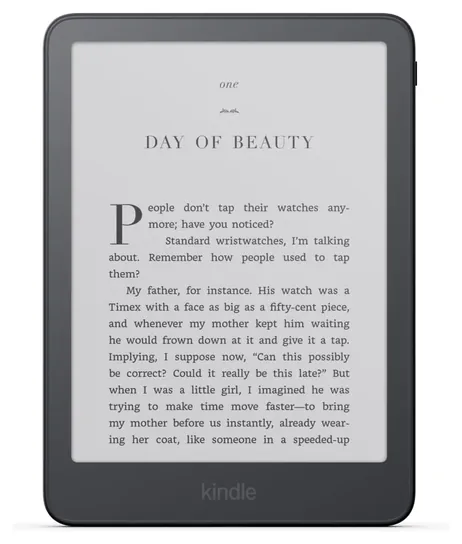
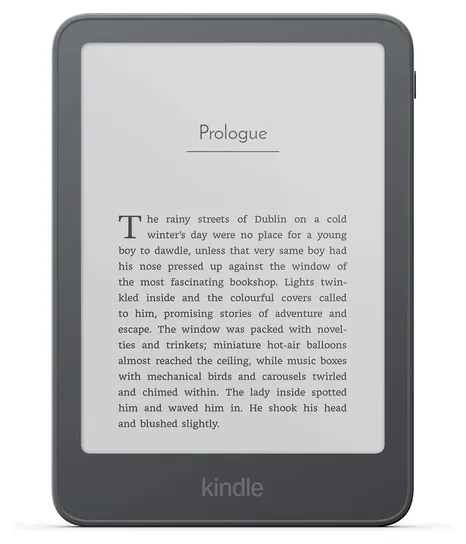
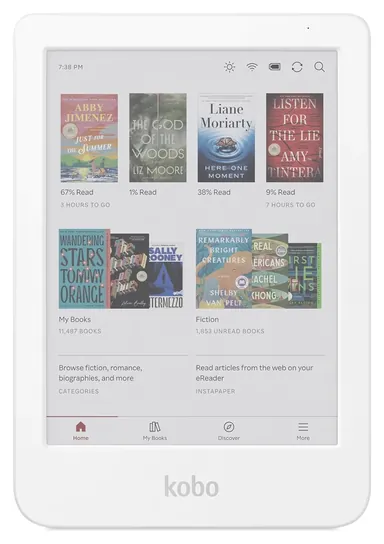
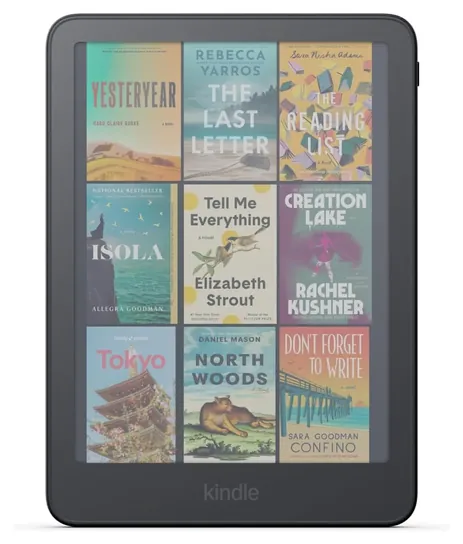
The Kindle Paperwhite keeps its place at the head of the list, now in its redesigned form with a flush, warm-lit screen and a battery that can be replaced. Nearly everything else changed. This page covers dedicated e-readers only now, so the Apple iPad, Apple iPad Mini, Fire HD 10 and Fire HD 8 are gone. They're tablets, and a glossy backlit screen is a different way to read. The Kindle Oasis was discontinued, and the Kobo Forma has been replaced in Kobo's lineup. The Kobo Clara BW takes over from the Clara HD.
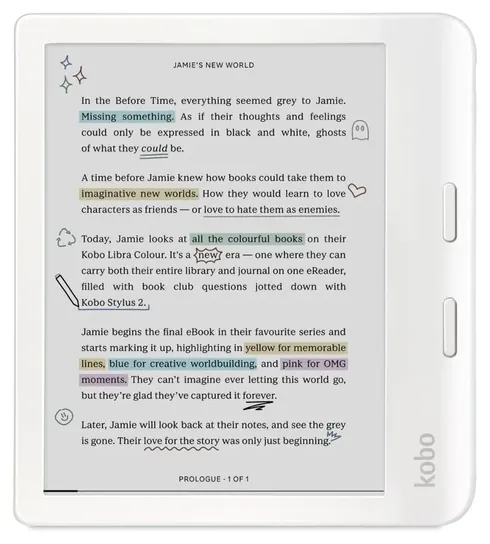
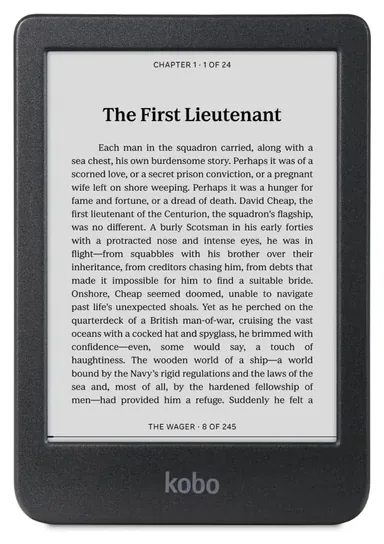
Kobo has the biggest presence. The Kobo Libra Colour brings back the page-turn buttons the Oasis used to offer, and Kobo readers borrow library books with no phone involved. To choose, we set fall reviews of the redesigned Kindles from Wired and TechCrunch against TechRadar's and PCMag's verdicts on the Kobo and Boox readers, then checked the makers' spec pages and OverDrive's own instructions for how library loans reach each brand.
Earlier notes
April 27, 2021, by Christopher Thomas:
Still at the front of the pack is the Kindle Oasis, which has seen another round of updates and remains the best-looking and most convenient device specifically for reading. New to our list, though, is the Apple iPad, which is far more versatile than a standard e-reader. If you don't already have a good tablet to use, we suggest considering the 8th-generation iPad or even the Apple iPad Mini if you want something smaller.
If you don't mind being slightly limited in terms of software ecosystems, the Amazon Fire HD 10 and Amazon Fire HD 8 are worth looking at. Alternatively, the Kobo Clara HD Carta and Kobo Forma aren't terribly versatile or refined, but they do come at a low price and with a simple and straightforward aesthetic.
March 17, 2020, by Daniel Imperiale:
A few important upgrades have come along to the flagship models in both the Kindle and Fire lineups, but some of the most interesting new additions to this ranking come from some unexpected names. Sure, the Apple iPad Mini is incredible and everything you'd expect from a good Apple product, and the Amazon-fuelled offerings provide some excellent budget tablets and what is probably the simplest, most reliable e-reading experience out there.
But there are some newcomers on the block, including the Boox Nova Pro 7.8 ePaper and the Likebook Mars Carta that stand poised to take a chunk out of Amazon's profits. They do so by employing a modified version of an open source Android software, and by making good use of physical e-ink technology that's getting easier and less expensive to produce.
Then, there's the Sony DPT-CP1/B Digital Paper. At 10 inches, it's about the same size as the Amazon Fire HD 10, but it doesn't have that device's high definition color screen. That's because it's intended for business and creative use, interfacing with an excellent stylus to allow for comprehensive note taking and nuanced drawing to take place. For simply reading books, it's likely more than you'd want to bother with, but if you want to save some paper in an office or artistic environment, it's a fine choice.
Special Honors
Libby By OverDrive Libby is the free app most U.S. public libraries use to lend ebooks and audiobooks. It sends loans to Kobo readers through their built-in OverDrive link and to Kindles in the U.S. through the Read With Kindle option, and it works on phones and tablets too. All you need is a library card. overdrive.com
Project Gutenberg Project Gutenberg offers more than 75,000 free ebooks whose U.S. copyright has expired, from Austen to Twain. Its EPUB files open on Kobo and Boox readers, and its Kindle files go to a Kindle through Send to Kindle. It's run by volunteers and costs nothing. gutenberg.org
Pick The Store Before The Screen
Ebooks are licensed, not owned, and they stay in the store's app.
An e-reader is a doorway to one bookstore, so choose the store first. Mashable's buying guide calls the ecosystem the single most important choice (Mashable). A Kindle buys from the Kindle store and handles its own formats. You can send it EPUB files you own through the Send to Kindle service, which converts them, but books bought with copy protection from another store won't open.
Kobo readers open EPUB files, the format most other stores use, and they have OverDrive built in, so a library card is all you need to borrow books on the device itself. Kindle owners in the U.S. can borrow too, by choosing the Read With Kindle option in the Libby app; OverDrive explains both routes in its e-reader help page.
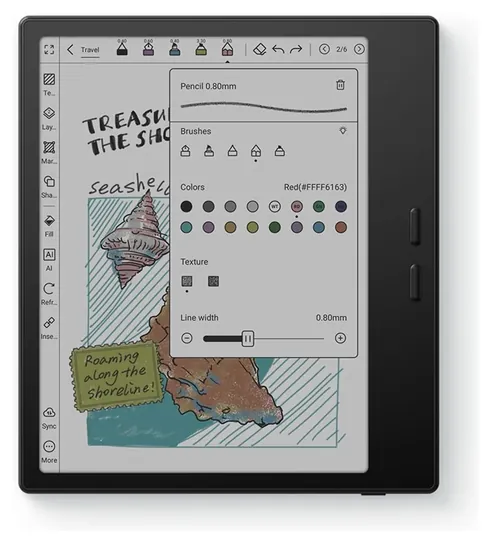
A store is a long commitment. Ebooks are licensed, not owned, and they stay in the store's app. TechRadar notes that Kindles made in 2012 or earlier lost access to the Kindle store in 2026 (TechRadar). Android e-readers such as the Boox Go Color 7 Gen II sidestep the choice by running the Kindle, Kobo and Libby apps side by side, at the cost of more menus, more ghosting and shorter battery life.
Black And White, Color Or A Notebook
Black-and-white E Ink is still the sharpest and longest-lasting screen. Color E Ink adds a filter that halves the sharpness of colored areas: the Kindle Colorsoft shows color at 150 pixels per inch against 300 for black text, and its battery is rated for 8 weeks instead of the Paperwhite's 12 (Techlicious). TechCrunch found the redesigned Colorsoft's colors muted and called it worth buying only if color matters to you (TechCrunch). Color earns its place for comics, cookbooks, children's books and color-coded highlights. For novels, black and white is sharper and costs less.
The smaller color Kobo is the value play: PCMag called the Kobo Clara Colour the best color e-reader it found at its price (PCMag). T3 liked the Libra Colour's buttons but found its color screen clunkier than plain E Ink (T3).
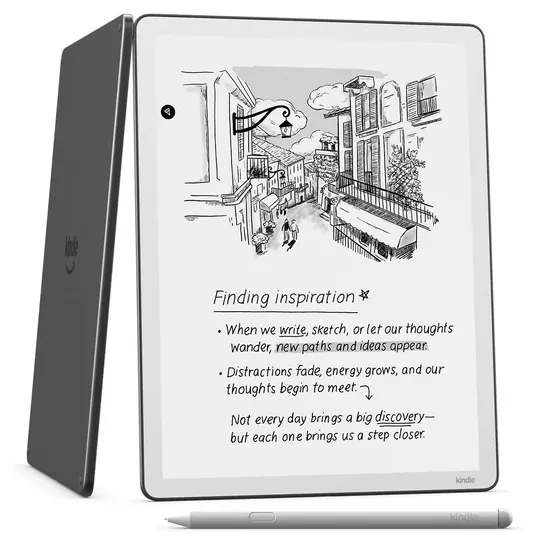
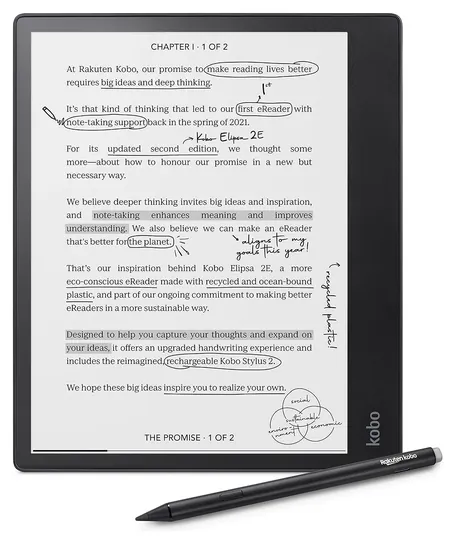
Reader-notebooks such as the Kindle Scribe and Kobo Elipsa 2E add a pen and a 10- to 11-inch screen. They suit students and anyone who marks up PDFs, but they're heavy for reading in bed. Mashable found the 2025 Scribe fast with almost no ghosting and still expensive (Mashable).
Buttons, Water And A Battery That Lasts
Page-turn buttons are rarer than they used to be. The Kindle Oasis, the last Kindle with built-in buttons, was discontinued in 2024 (Android Authority). Today the Kobo Libra Colour and the Boox Go Color 7 Gen II have them. Kindle owners can add a small clip-on remote, or a magnetic cover with buttons on the Signature editions (Techlicious).
If you read in the bath or at the beach, check the water rating. The Paperwhite, Colorsoft and the Kobo Clara and Libra readers are waterproof; Kobo rates its readers for an hour in fresh water 2 meters deep. The basic Kindle has no rating, and TechRadar notes the Boox lacks one too (TechRadar). Rinse a reader in fresh water after salt water or a pool.
Batteries wear out long before the screens do. The redesigned Kindles have a battery you can replace, and Kobo sells official parts and repair guides through iFixit (The Verge). Charge with a USB-C cable and don't leave any reader in a hot car.
How we researched this
We compared 17 current e-readers from Kindle, Kobo, Boox, PocketBook and Xteink, read the makers' spec pages for the 9 finalists, weighed independent reviews from Wired, TechRadar, PCMag, Mashable, T3, TechCrunch and Wirecutter, analyzed owner feedback, and checked every brand against the U.S. Consumer Product Safety Commission's recall database.
Sources (21)
- Techlicious: Amazon's new Kindle lineup
- Wired: Kindle Paperwhite and Kindle Colorsoft (2026) review
- TechCrunch: Kindle Colorsoft review
- TechRadar: the best Kindle alternatives
- TechRadar: Onyx Boox Go Color 7 Gen II review
- PCMag: Onyx Boox Go Color 7 (Gen II) review
- PCMag: Kobo Clara Colour review
- T3: Kobo Libra Colour review
- Trusted Reviews: Kobo Clara BW review
- Mashable: the best e-readers
- Mashable: Kindle Scribe (3rd generation) review
- Kobo: Libra Colour
- Kobo: Clara Colour
- Kobo: Clara BW
- Kobo: Elipsa 2E
- Boox: Go Color 7 Gen II
- OverDrive: getting started with e-readers
- The Verge: Kobo and iFixit repair partnership
- Android Authority: Amazon kills the Kindle Oasis
- Wirecutter: Xteink X3 and X4 review
- CPSC SaferProducts recall search
Frequently asked questions
Can I borrow library books on an e-reader?
Yes. Kobo readers have OverDrive built in, so you sign in with a library card and borrow on the device. In the U.S., the Libby app can also send loans to a Kindle with its Read With Kindle option. Android readers such as Boox run the Libby app directly.
Can a Kindle read EPUB files?
Not directly, but Send to Kindle converts EPUB files you own into Kindle format. EPUBs bought with copy protection from another store won't work. Kobo, Boox and most other readers open EPUB files as they are.
Is a color e-reader worth it?
Only if you read comics, cookbooks, children's books or like color highlights. Color E Ink looks muted, shows color at half the sharpness of black text and drains the battery faster. For novels, a black-and-white reader is sharper and cheaper.
How long does an e-reader last?
A charge lasts weeks, from about six weeks on the basic Kindle to about 12 on the Paperwhite by the maker's ratings. The devices themselves often last many years, until the battery fades or the store drops support; the redesigned Kindles have replaceable batteries, and Kobo sells repair parts.
Is an e-reader better than a tablet for reading?
For long reading, usually. E Ink screens reflect light like paper, stay readable in direct sun, carry no app alerts and run for weeks per charge. A tablet is better for video, color magazines and apps.