The 8 Best ID Card Printers
Updated by · How we research

Ribbons and blank cards cost more over time than the printer itself. We compared eight ID card printers, and the Magicard 300 leads for two-sided office badges. When users buy our independently chosen editorial choices, we may earn commissions to help fund the Wiki.
A plastic card printer heats dye from a ribbon onto a blank card the size of a credit card, and those ribbons, not the machine, set what each badge costs. That's also what people mean by a credit card printer. These picks suit offices, schools, gyms and event desks that print their own photo IDs.


Editor's Notes
November 1, 2026, by Ezvid Wiki Admin:
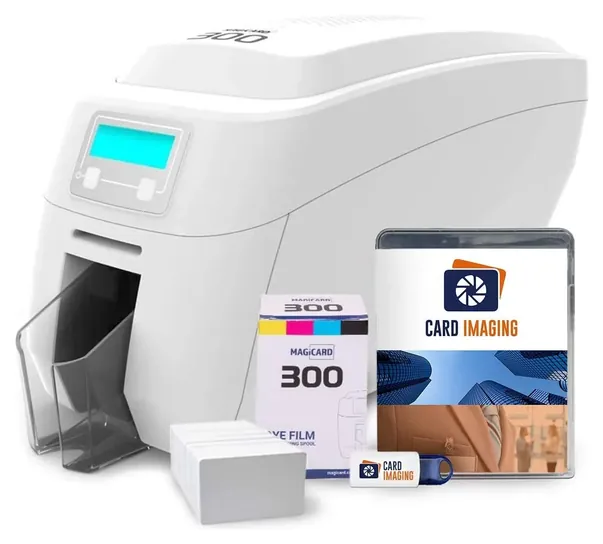
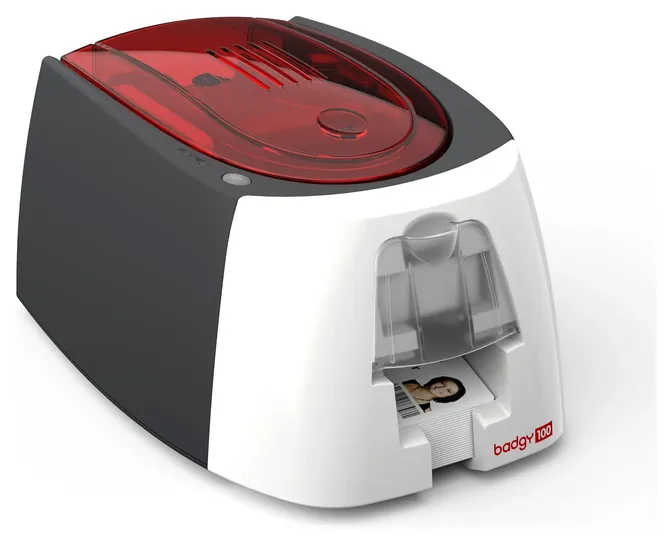
Two-sided printing in one pass decided first place for the Magicard 300. It holds a full stack of blanks and carries a three-year warranty that includes the printhead. Most of the earlier picks are gone: the Evolis Primacy, Magicard Enduro3E and original Magicard Pronto are unavailable, the Evolis Zenius and Zebra ZC100 LT are down to their last units, and the Datacard SD260 and Nisca PR-C101 couldn't be found new. The Evolis Badgy100 stays for people who print a few cards a month. Speeds, hopper sizes and warranty terms come from the Magicard and Evolis spec pages; where Zebra's and HID's pages wouldn't load, we leaned on the sellers' descriptions and say so in the text. Anyone who needs edge-to-edge prints on chip cards should look at a retransfer printer like the Evolis Avansia, a step up in price.
October 05, 2020:
ID card printers run the gamut from fully-featured, expensive machines that offer a host of security features, to simpler, less pricey models with single-sided printing for casual needs. You can rely on the former for ID cards that grant access to restricted areas, while the latter produce relatively simple photo IDs, loyalty cards, and similar.
For those who need a heavy-duty choice, we still think that the Evolis Primacy can fit the bill. Offering everything from edge-to-edge printing to a 100-card input hopper, it can be upgraded with various encoding kits, offered for separate purchase; this provides versatility and makes it perfect for many applications, including creating membership cards, motel keys, and more. The Magicard Enduro3E is also quite feature-heavy, as well as fast, producing full-color cards in 25 seconds and monochrome versions in less than 10.
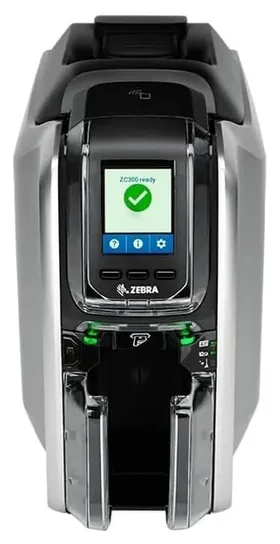
Simpler machines still include the Badgy 100 and the Magicard Pronto, although neither is without small drawbacks. The Pronto, for instance, can't match the image quality offered by some other choices, while the Badgy isn't capable of edge-to-edge printing. Nevertheless, they are more affordable than many, so if you need cards only occasionally, they'll get the job done and leave room in your budget for all the other supplies your office needs, whether that's a Bluetooth printer or desk chair. We added the Zebra ZC100 LT as a simple, user-friendly model, as well. With it, you'll get a 30-day subscription to CloudBadging; this trial is free, but if you wish to continue, you'll need to invest in a paid subscription.
October 30, 2018:
Added Evolis Primacy due to its integrated Ethernet functionality, ease of customization, and extended warranty. Also included the Magicard Enduro3E because of its integrated watermark security functionality. Added Nisca PR-C101 for its intuitive interface and rotatable LCD. Included the environmentally-friendly Datacard SD260, as it is built with biodegradable and recyclable components.
Special Honors
Evolis Avansia For edge-to-edge cards with chips or contactless antennas, the Evolis Avansia uses retransfer printing at 600 dpi and handles about 144 single-sided cards an hour from a 250-card hopper. Evolis gives it a three-year warranty and a lifetime printhead warranty. It's a business-class machine sold through resellers. evolis.com
Evolis Primacy 2 The Evolis Primacy 2 is a mid-volume direct-to-card printer rated at up to 280 single-sided cards an hour, with a 100-card hopper and a three-year warranty. It replaces the original Primacy and is sold through Evolis's reseller network. evolis.com
Direct-To-Card Or Retransfer
A heated printhead passes over a ribbon of yellow, magenta and cyan dye panels, then a black panel for text and barcodes, and finally a clear overlay that protects the face.
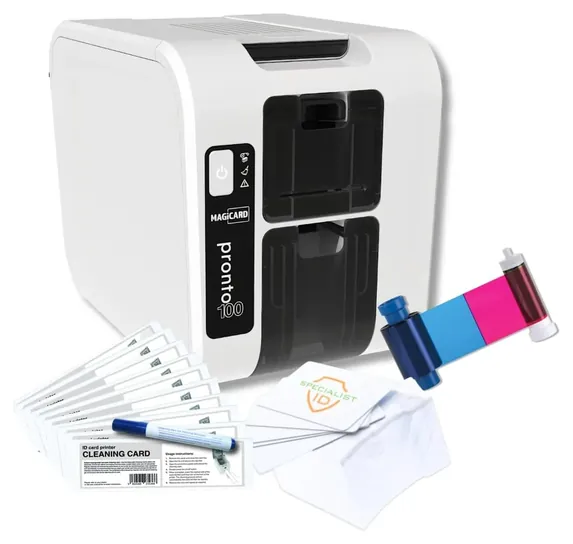
Nearly every printer under a few thousand dollars is direct-to-card. A heated printhead passes over a ribbon of yellow, magenta and cyan dye panels, then a black panel for text and barcodes, and finally a clear overlay that protects the face. Ribbons sold this way are labeled YMCKO. The method is quick and cheap, and it's what the Magicard 300 and Pronto100 use. Its limits show at the edges, where a thin unprinted line can appear, and on cards with a chip or an uneven surface, where the printhead can't sit flat.
Retransfer printers print onto a clear film first, then fuse that film onto the card. The result runs to every edge, covers chips cleanly and resists wear. The Evolis Avansia prints at 600 dpi and handles about 144 single-sided cards an hour, and Evolis puts a lifetime warranty on its printhead. Machines like it cost several times more than a direct-to-card model, so they make sense for government-style credentials, university smart cards and large access-control systems, not a gym's member cards.
One Side Or Two, Hand-Fed Or Hopper
A single-sided printer covers most badges: a photo, a name, a logo and a barcode on the front. Two-sided printing is worth paying for only when the back carries something people need, such as an emergency contact, building rules or a second barcode. Dual-sided models flip the card inside and print both faces in one pass, which saves a second trip through the machine but adds cost and bulk.
Feeding matters more than most buyers expect. Hand-fed printers take one card at a time, which is fine for replacing a lost badge and painful for a new class of 300 students. A hopper lets you load a stack and walk away. Magicard rates the Pronto100 at 50 cards in and 50 out, and the Magicard 300 at 100 in and 70 out. Small machines like the Badgy family hold far less: Evolis says the Badgy200 feeder takes 25 standard-thickness cards. Standard CR80 cards are 30 mil thick, about the feel of a credit card, and most printers also take thinner stock.
Ribbons, Cards And Encoding: What You Keep Buying
The printer is a one-time cost; ribbons and blank cards are forever. A full-color ribbon usually prints 100 to 300 cards before it runs out, and Magicard sells its color film in 100- and 200-image versions. Check whether a printer only accepts the maker's own ribbons, since some models read a chip on the roll and refuse others. Clean the rollers with a cleaning card at each ribbon change, as the makers advise, to stop dust from leaving white specks on the print.
Encoding is an add-on, not a default. Magnetic stripes, contact chips and contactless cards each need an encoder, usually ordered with the printer, plus cards that match your door readers. Magicard's warranty on the Magicard 300 covers the printhead for up to 50,000 cards, a useful yardstick for how long a busy office's printer should last. One rule applies to every machine: print only credentials you're entitled to issue. Copying a driver's license or any government ID is a crime in the U.S.
How we researched this
We compared 21 ID card printers and bundles, read the maker spec pages for the Magicard and Evolis models, screened owner feedback for repeated faults, and checked every brand against CPSC recall records. Updated November 1, 2026 by Ezvid Wiki Admin.
Frequently asked questions
Is a credit card printer the same as an ID card printer?
Yes. Both terms mean a printer that puts photos and text on plastic cards the size of a credit card. It has nothing to do with payment terminals.
Do I need a two-sided ID card printer?
Only if the back of the card needs to carry something, such as a barcode, rules or an emergency contact. A single-sided printer handles most photo badges and costs less.
How many cards per hour can an ID card printer make?
Entry models print roughly 100 to 200 color cards an hour, and mid-range models reach about 280. Black-only printing runs several times faster.
Do ID card printers work with a Mac?
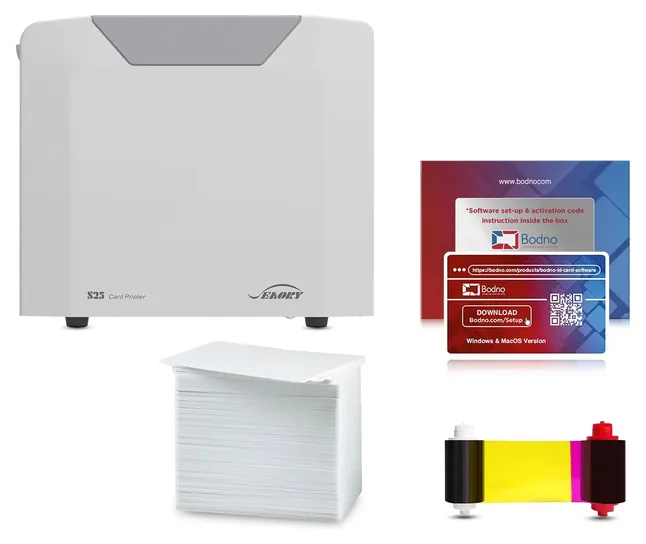
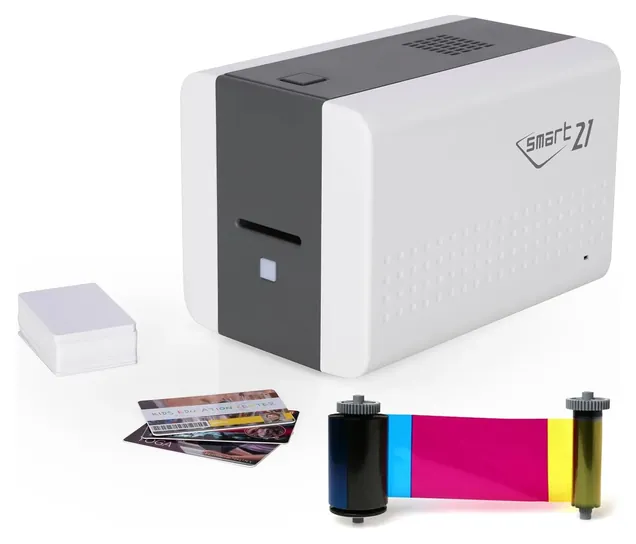
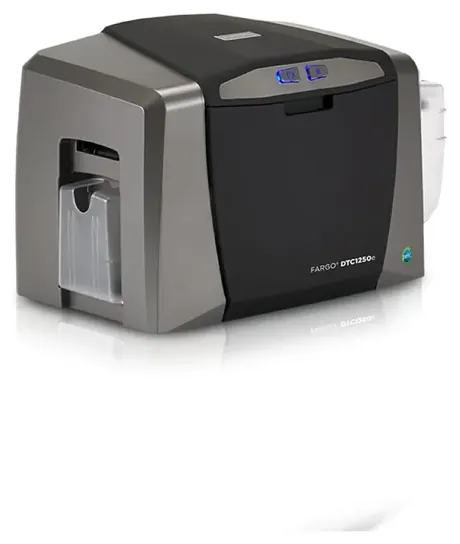
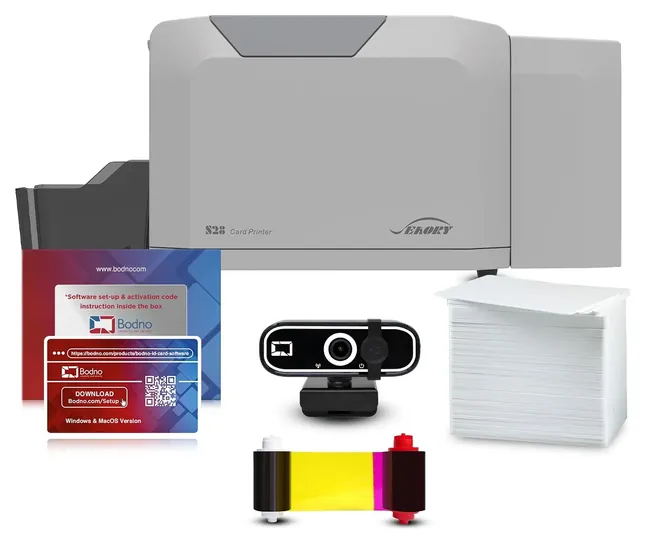
Some do. The Bodno Seaory kits include Mac drivers and software, while the IDP SMART-21S software and the Fargo DTC1250e drivers are Windows only. Check before you buy.
Can an ID card printer make a driver's license?
No, and you shouldn't try. Copying a driver's license or any government ID is illegal in the U.S. Use these printers for staff, student, member and visitor cards you are entitled to issue.