The 10 Best Keyboard Trays
Updated by · How we research

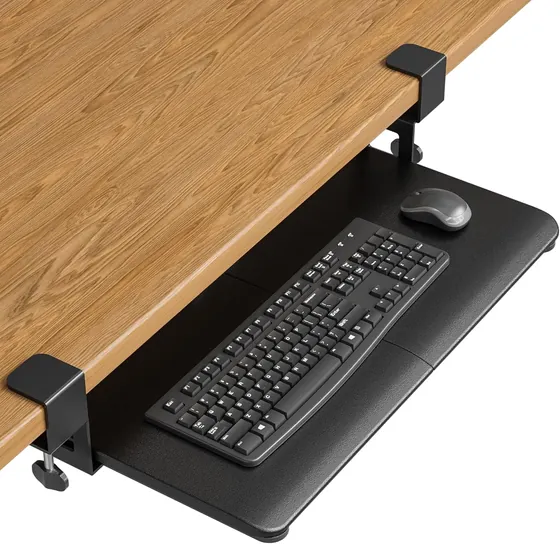
Clamp-on, arm and drawer keyboard trays compared by tilt, fit, desk thickness and warranty. The VIVO Mount-KB05E leads for most desks, with no drilling needed. When users buy our independently chosen editorial recommendations, we may earn commissions to help fund the Wiki.
Cornell University's ergonomics guidance puts the easiest typing posture with the keyboard below elbow height and sloped gently away from you. A tray tilted up toward you can bend the wrists back, and many cheap trays can't tilt at all. These picks cover clamp-on trays, tilting arms and simple drawers for anyone whose desk is too high to type on comfortably.


Editor's Notes
October 26, 2026, by Ezvid Wiki Admin:
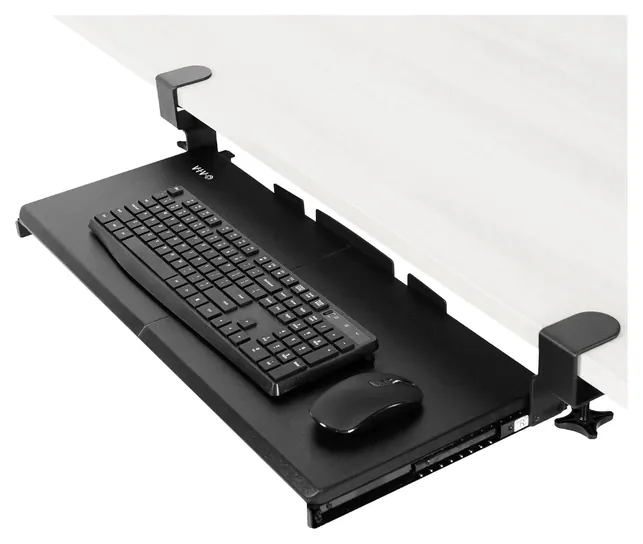
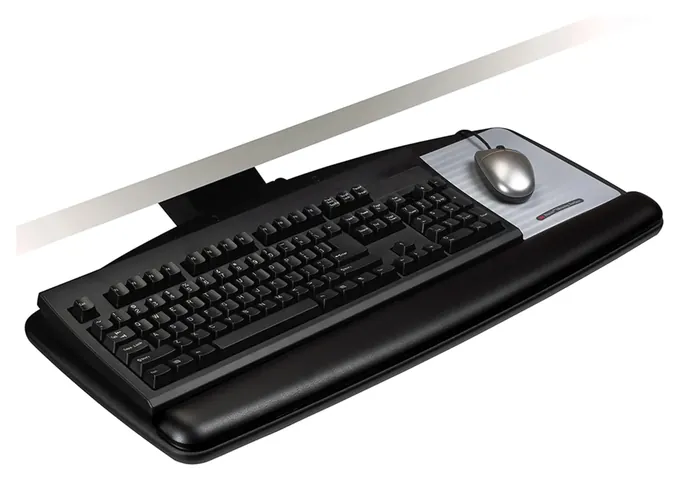
The VIVO Mount-KB05E now leads this list because it clamps onto most desks without a drill, and drilling is the biggest hurdle for anyone who rents or shares a desk. For people who type all day, the 3M AKT90LE and HUANUO HN-J add the downward slope that Cornell University's typing-posture research favors.
The old list had aged badly. The 3M Knob-Adjust 60LE and Fellowes Professional Series Compact are gone, the Mount-It MI-7139 can't be ordered from its usual listing, and the Cartmay Under Desk Platform has disappeared. We swapped the 3M Knob-Adjust 80LE for the 3M AKT90LE, which costs less and adjusts with a lift, and dropped the Vivo Mount-KB01 because the HUANUO HN-J fills the same role with more tilt. The Eureka Ergonomic ERK-AKB-02, Stand Up Desk Store Retractable, Mount-It MI-7136 and Fellowes Office Suites stay.
Most of the evidence here is fit charts and mounting instructions, which matter more than usual, since a tray that can't clear a crossbar or grip a thick desktop is useless. Independent reviews of these trays are scarce, so for what a good tray should do we went to Cornell's ergonomics pages and Canada's workplace safety agency.
September 18, 2020:
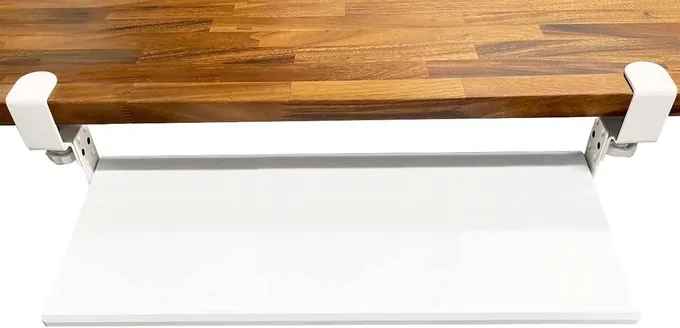
Because we know that keyboard trays are not one-size-fits-all, we've looked for a wide range of options that will pair with different desks and suit various needs. The Stand Up Desk Store Retractable was added thanks to its clamp-on construction, but this feature means that it doesn't feel quite as sturdy as those that mount permanently. For this reason, it can wobble some, especially when used by those who pound the keys. But for those with a relatively light touch, or someone who simply cannot screw a tray into his or her desk, it is one to consider.
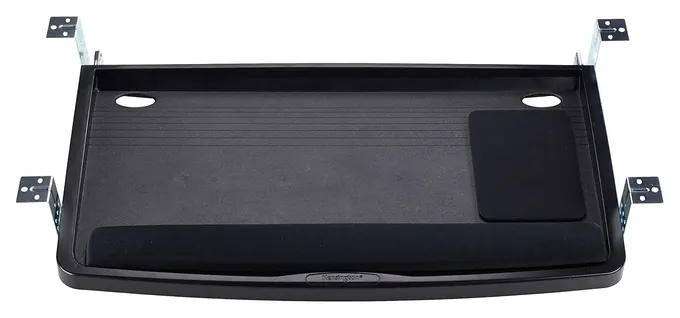
But when it comes to options that install permanently, the 3M Knob-Adjust 80LE is still a popular favorite. It's similar to the 3M Knob-Adjust 60LE, but the 80LE has an independently-adjustable mouse platform, whereas the 60LE does not, which helps to account for the discrepancy in price. Two models from Fellowes were included, as well: the Fellowes Professional Series Compact and the Fellowes Office Suites Drawer. Of the two, the former is more feature-heavy, with memory foam supports and the ability to tilt, options the latter does not have.
Finally, we kept the Mount-It! MI-7139 as a good option for those who may not be able to change to a standing desk, but who want the ability to stand up and work from time to time. Its track is on the large side, but it provides plenty of adjustability as well as plenty of room for many types of ergonomic mouse. It pairs well with some standing desk converters, for an instant upgrade to your WFH space.
June 15, 2019:
There is no doubt that sitting and working on a computer all day is not good for our health. While it is important to get up and move periodically throughout the day, it is just as important to set yourself up in an ergonomic working position that can help minimize the chances of experiencing a repetitive strain injury. The majority of the models on our list help with that in one way or another. For example, the 3M AKT80LE, Vivo Mount-KB01, Cartmay Under Desk Platform, and Eureka ERK-AKB-02, along with many others on our list, are both tilt and height adjustable. They also swivel left and right.
The Fellowes Professional 8018001 and Cartmay Under Desk Platform have some of the plushest wrist rests, while the Mount-It! MI-7139 can be raised a few inches above your desk to allow for sitting or standing work. Despite the benefit of tilt adjustments, some people may not want to deal with the hassle of drilling into their desk. For those people we have included the Jungle Stix Clamp-On 1003, which doesn't require any tools for installation, is crafted from beautiful bamboo, and has a full-length wrist rest. Of all the options on our list, the Mount-It! MI-7136 and Jungle Stix Clamp-On 1003 are the least ergonomically friendly, but they are still better than trying to use your keyboard on top of your desk all day. Plus, the Mount-It! MI-7136 is the most affordable and most compact, so those with small desks will still be able to install it.
Special Honors
Humanscale Keyboard Systems Humanscale says a decade of research backs keyboard trays that slope away from the typist, and its 5G and 6G keyboard systems won't tilt upward at all, by design. The 6G sets tilt with a dial and pairs it with a sturdy, height-adjustable arm made for office desks. humanscale.com
Workrite Ergonomics Keyboard Arms Workrite makes commercial keyboard arms, including the Leader with lift-and-lock height and Pinnacle models with separate height and angle controls. Most tilt from 10 degrees up to 15 down and swivel all the way around. workriteergo.com
Measure Your Desk Before Anything Else
Fit decides whether a keyboard tray works, and every maker on this list prints the same warnings.
Fit decides whether a keyboard tray works, and every maker on this list prints the same warnings. Check four things with a tape measure.
First, the desktop thickness. Clamp-on trays only grip a certain range: the VIVO Mount-KB05E takes desks from 0.5 to 1.25 inches thick, and clamps won't hold a rounded or beveled edge at all. Screw-in trays need solid wood or MDF thick enough to hold the screws, never glass or metal.
Second, crossbars. Standing desks and many office desks have a beam or frame under the front half. A screw-in track needs a clear run from the front edge back, and Mount-It says its arm trays won't work on crossbar desks (Mount-It). Long tracks are the worst offenders: Work While Walking marked down a 3M tray because its 23-inch rail wouldn't fit most height-adjustable desks (Work While Walking).
Third, the width with clamps or brackets, which is several inches more than the tray itself. The VIVO needs 32.5 inches of edge. Fourth, knee room: a tray lowers your hands, so make sure your legs still fit under it.
Tilt And Height: What Ergonomists Ask For
The point of a tray is to get the keyboard lower than a desk allows. Cornell University's ergonomics group describes the best typing posture as the keyboard below seated elbow height, with its base sloped gently away from you, so the wrists stay straight and the shoulders can relax (Cornell University). The same page warns that a tray holding the keyboard steeply angled toward you brings back the bent-wrist problem it was meant to fix.
Canada's workplace safety agency gives similar advice: pick a keyboard or a tray that tilts, so you can raise the front or the back, whichever keeps your wrists neutral (CCOHS).
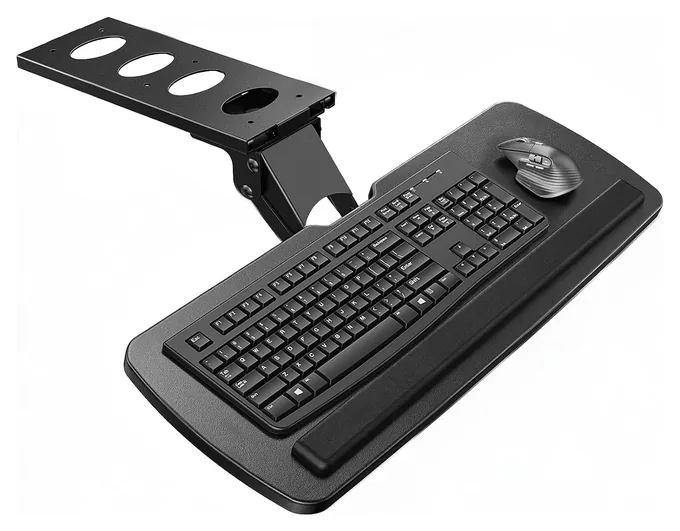
Only the arm trays here tilt. The 3M AKT90LE goes to 15 degrees of downward slope, and the HUANUO HN-J goes further. Clamp-on trays and simple drawers stay flat, which still beats typing on a desk that's too high but won't give you the sloped position. Gaming setups sometimes prefer an upward tilt, and most arm trays allow both.
Clamp-On, Arm Or Drawer
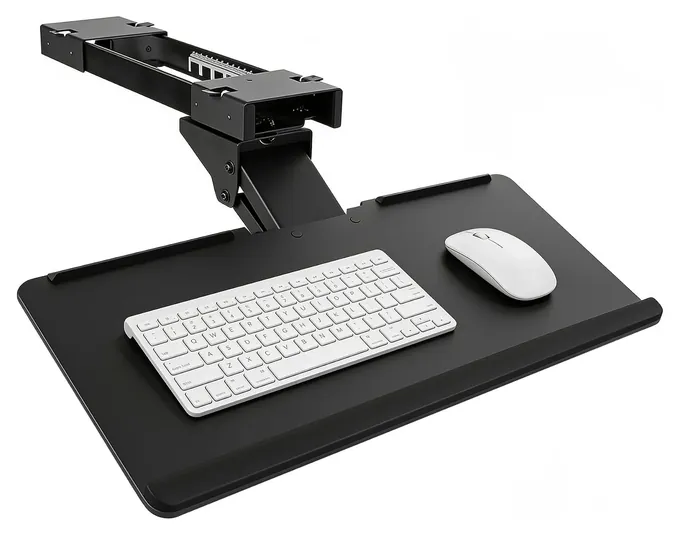
Clamp-on trays, like the VIVO Mount-KB05E, BONTEC KMT01 and Stand Up Desk Store Retractable, grip the front edge and come off without a mark. They suit renters, shared desks and anyone who doesn't want to drill. They hold a keyboard and mouse only, with ratings around 11 pounds at most, and they don't tilt.
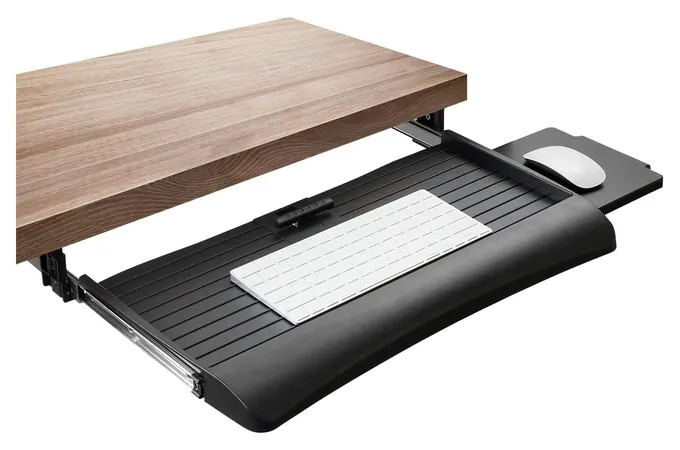
Articulating arm trays screw a steel track under the desk. They add height, tilt and swivel, and they tuck fully out of sight. They cost more and demand the most clear space. Office-grade arms from makers such as Workrite Ergonomics list tilt from 10 degrees up to 15 down, the range to look for.
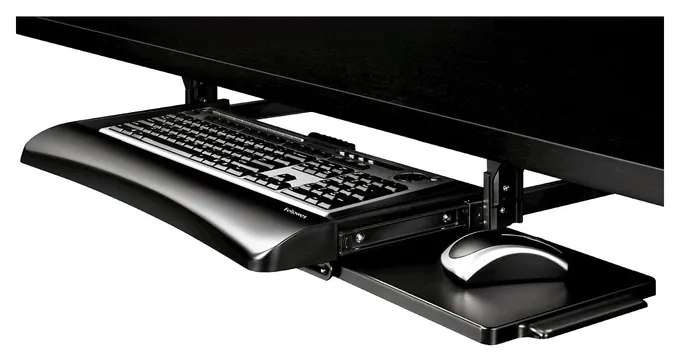
Screw-in drawers, such as the Fellowes Office Suites and Mount-It MI-7136, are the cheapest way to lower a keyboard. They offer two or three fixed heights and no tilt. A pull-out or side mouse platform is the main thing to compare, since a mouse that sits higher than the keys undoes much of the benefit.
How we researched this
We compared 23 keyboard trays from 11 brands, read the makers' fit charts, specs and mounting instructions for the 10 finalists, checked guidance from Cornell University and the Canadian Centre for Occupational Health and Safety, analyzed owner feedback, and checked every brand against U.S. Consumer Product Safety Commission recall records. Updated October 26, 2026 by Ezvid Wiki Admin.
Sources (8)
- Cornell University Ergonomics Web: ideal typing posture
- CCOHS: keyboard ergonomics
- VIVO: MOUNT-KB05E clamp-on keyboard tray
- Mount-It: keyboard trays
- Work While Walking: 3M AKT150LE review
- Humanscale: keyboard systems
- Workrite Ergonomics: keyboard arms
- U.S. Consumer Product Safety Commission: recalls
Frequently asked questions
Is a keyboard tray worth it?
Yes, if your desk is too high for comfortable typing and the tray fits. Lowering the keyboard below elbow height is the main gain. A tray that also slopes away from you helps more, so choose an arm tray if you type for hours.
Should I get a clamp-on or a screw-in keyboard tray?
Clamp-on trays need no drilling and suit renters and shared desks, but they don't tilt and need a flat, square edge. Screw-in arm trays tilt and adjust height, but they need a solid wood or MDF top and clear space underneath.
Do keyboard trays work on standing desks?
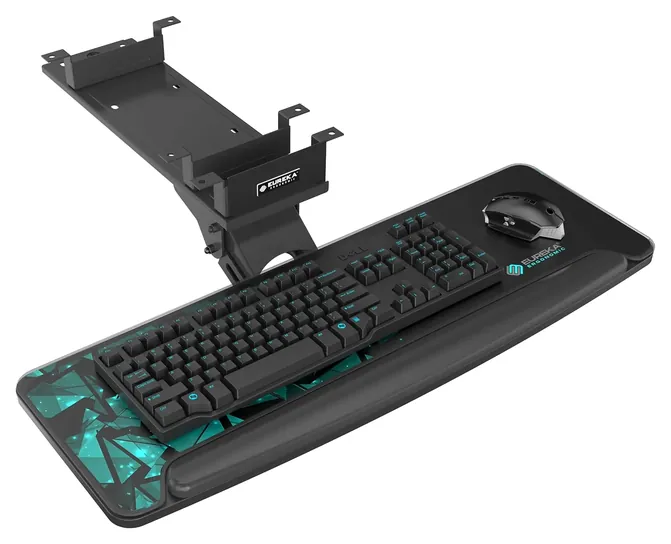
Often not. Most standing desks have a frame or crossbar under the front, which blocks screw-in tracks. Check the maker's clearance figure, or look for a tray like the Eureka Ergonomic ERK-AKB-02 that's designed around beams.
Can a keyboard tray hold a laptop?
Most are rated for a keyboard and mouse only, from about 4 to 11 pounds. A light laptop may fit on a large arm tray, but check the weight limit first, and don't put one on a clamp-on tray.
What is negative tilt?
Negative tilt means the back of the keyboard sits lower than the front, so it slopes away from you. It lets your wrists stay straight when the keyboard is below elbow height. Only arm trays offer it.
Can I still buy the Mount-It MI-7139?
Mount-It still lists the MI-7139 sit-stand tray on its own site, but its usual listing couldn't ship when we checked. The Mount-It MI-7135 is the brand's simpler tilting tray.