The 8 Best LCD Writing Tablets
Updated by · How we research

Eight LCD writing tablets compared on erase reliability, readability and battery-door safety. The Boogie Board Jot 8.5 leads for crisp notes at home or work. When users buy our independently chosen editorial choices, we may earn commissions to help fund the Wiki.
None of these boards saves what you write. The screen holds a line with no power at all, and a coin cell only fires the pulse that wipes it clean, so the erase button is the part most likely to fail. They suit grocery lists, quick sketches, spelling practice and quiet car rides, for kids and adults alike.


Editor's Notes
October 23, 2026, by Ezvid Wiki Admin:
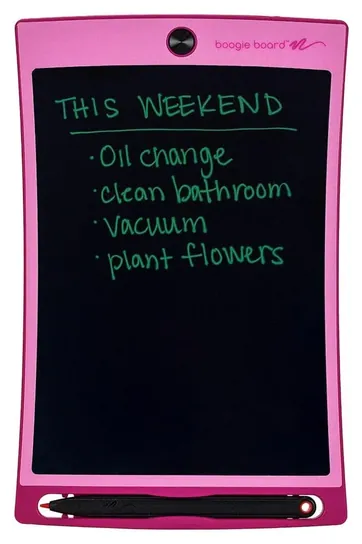
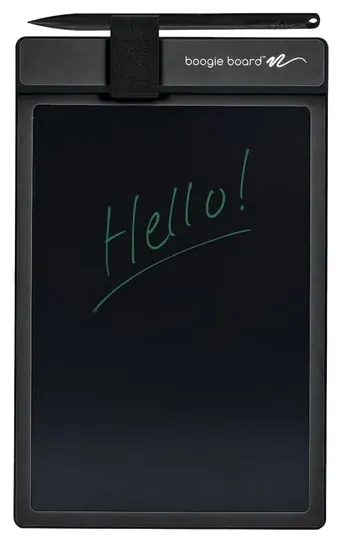
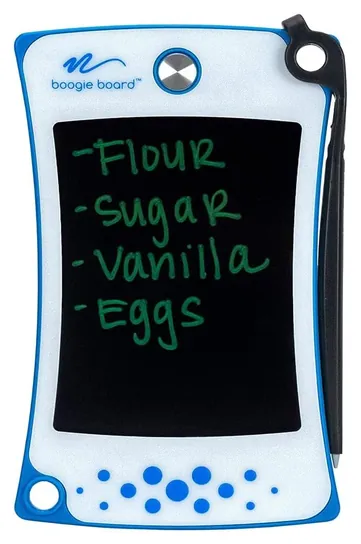
The Boogie Board Jot 8.5 now leads. It's the current version of the Jot we listed before, with magnets and a stylus that props it up, and its single-color line is easier to read than the rainbow film on kids' boards. The Boogie Board Basics, once the Original, and the Boogie Board Jot Pocket, once the Jot Mini, stay on.
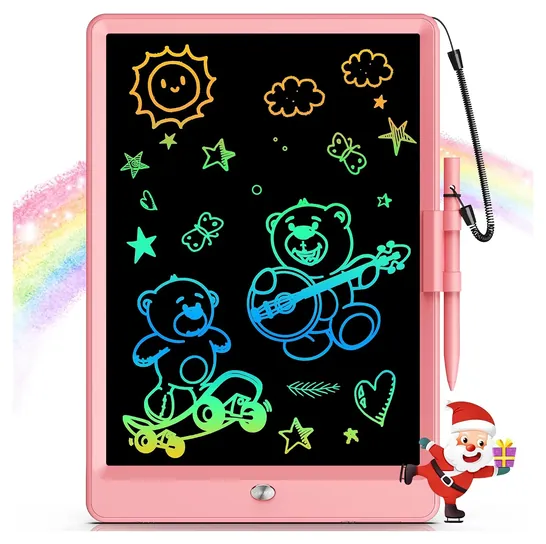
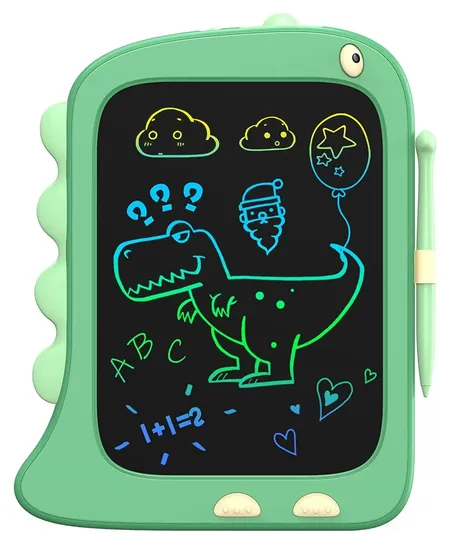
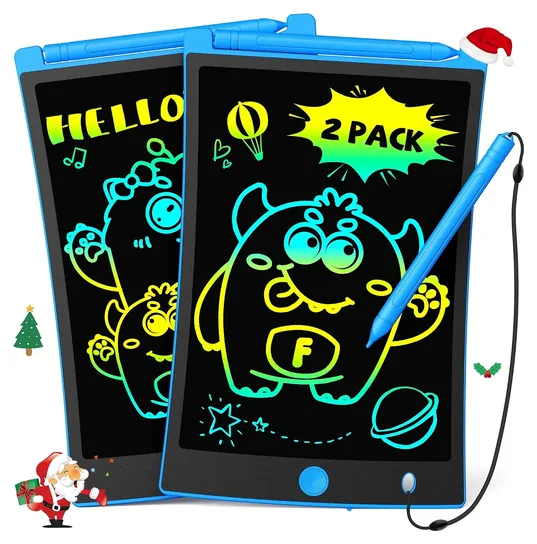
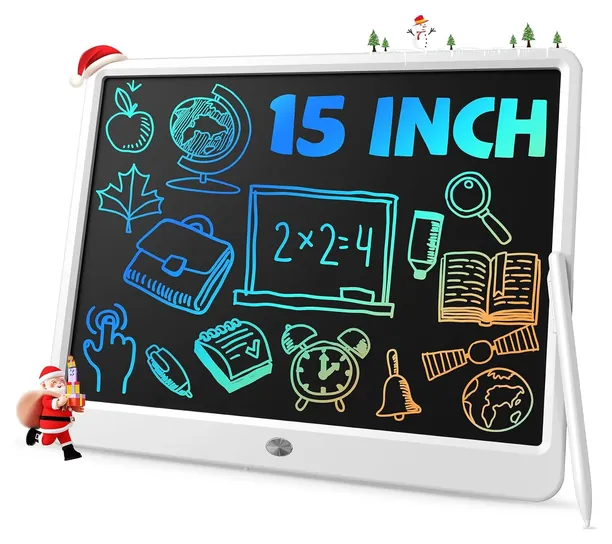
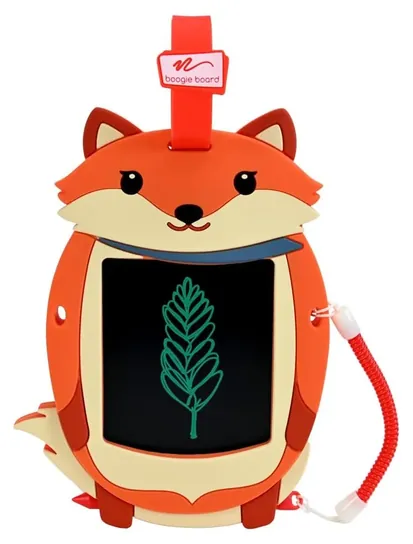
The Boogie Board Sync, which sent pages to a phone, has been discontinued, and we found nothing current that does the same job at this price. The Sunany Doodle Board, Sunany 8.5-Inch, NewYes Robot, Play and Trace, Scribble and Play and Magic Sketch are gone because of availability concerns. In their place are the bravokids 10-Inch, the ORSEN Dinosaur Board, the TEKFUN 2-Pack, the TEKFUN 15-Inch and the Boogie Board Sketch Pals Fox.
Nobody runs lab tests on these boards, so we weighed which kids' models keep the coin cell behind a screw, how often erase buttons quit, and a 2025 federal recall of writing tablet toys whose battery door screw came loose.
November 13, 2020:
Today another choice from Boogie Board joins the list, and unlike most others, the Boogie Board Play and Trace allows you to place the included templates or other pictures underneath it for tracing. This makes it great for kids who are learning to print letters or numbers, as well as draw shapes or other objects. It comes with six tracing templates that feature almost 30 illustrations in all, as well as two tracing background cling scenes. Its oval design mimics that of an artist’s paint palette, and it’s durable enough for kids to take along just about anywhere. The twin-tip stylus lets you switch between tracing and filling in shapes. You can also purchase five accessory packs separately for additional templates. It joins several other selections from Boogie Board, including the Boogie Board Original, which comes in black, cyan, or pink, and can be purchased either with or without the sleeve. Just like with a real pen, it lets you create lines of varying thickness depending on how hard you press down. It also accepts finger input if you’d rather draw or print that way.
The Boogie Board Sync is a bit of an investment, but it’s designed for the serious doodler, artist, or list-maker. Whatever you create with it can live on forever, since it can be transferred to your computer or smartphone via Bluetooth. For a selection that’s made to mimic the feel of putting a pen to paper, check out the Boogie Board Jot Original, which stands up to heavy use, features bright images, and has a battery that lasts for up to 50,000 erases. It’s also available in the Boogie Board Jot Mini, which can fit easily into a purse or a backpack and is great for writing down a grocery list or the day’s schedule. It’s equipped with an attachment hole for a lanyard, as well as a handy built-in kickstand. For a lightweight model that attaches easily to ferromagnetic surfaces, like that of many refrigerators, look to the Sunany Doodle Board. Unlike some others, it doesn’t need to be recharged, since it comes with a long-lasting replaceable watch battery. Leaving the list today, due to availability issues, is the Simicore Next-Gen Chalkboard. For safety’s sake, always abide by these products’ stated age guidelines for children, and be sure to supervise little ones during use.
December 30, 2018:
We realize that both kids and adults can find a use for an LCD writing tablet. For kids they are a great way to pass the time and let out some of their creativity in a mess-free manner. Adults will find them useful as reminder boards, for making grocery lists, and even just doodling. Because of this, we made sure to include models perfectly suited to each age group. We also did our best to ensure that every option on the list is sturdy enough to stand up to years of use.
Special Honors
reMarkable Paper Tablets If you want handwriting saved rather than wiped, reMarkable's e-paper tablets, including the Paper Pure, Paper Pro Move and Paper Pro, store notes, sync them across devices and can convert handwriting to typed text. They cost many times more than an LCD board and need regular charging, and some features sit behind a paid subscription. remarkable.com
What A Pressure Screen Can And Can't Do
For grocery lists, phone messages and math scratch work, the simple board is the better fit.
An LCD writing tablet is a thin sheet of liquid crystal that changes where you press. A stylus or fingernail leaves a line, harder pressure makes it thicker, and the image stays put with no power. A button sends a brief electrical pulse that wipes the whole page. Kent Displays, the Ohio company that created the Boogie Board, describes it as a reflective, low-power writing surface. Reflective means no backlight, so the screen is easy on the eyes but hard to read in a dim room.
The plain boards can't save anything. The lock switch on many kids' models only disables the erase button; it doesn't store the page. Boogie Board's Sync, which sent pages to a phone, is no longer sold. If saved notes matter, look at e-paper notebooks such as reMarkable's, which keep and sync handwriting but cost far more and need charging. For grocery lists, phone messages and math scratch work, the simple board is the better fit.
Coin Cells And Kids: Check The Battery Door
Most boards run their erase pulse from a coin cell, and that's the real hazard in a house with toddlers. A swallowed coin cell can burn through tissue in a couple of hours. Federal rules for toys and Reese's Law require coin cells to sit behind a door that takes a tool, or two hand movements at once, to open.
That rule has teeth. In December 2025 the U.S. Consumer Product Safety Commission recalled about 10,000 KTEBO writing tablet sets because the screw holding the battery door didn't stay attached. Before buying a kids' board, look for a screw on the battery cover, and check it again every few months. Keep spare cells in a closed drawer, and follow the maker's age range; most kids' boards are rated for ages three and up. We found no recalls for any brand on this list.
Screen Size, Line Color And Who It's For
Size sets the job. A board about four and a half inches across fits a pocket and holds a short list. The common 8.5-inch size works for notes, homework scratch work and doodles. Ten-inch kids' boards give more room to draw, and 15-inch boards work as a family message board on a stand.
Line color is the other split. Adult-style boards draw one color, usually green or white on black, which reads more clearly. Kids' boards show rainbow lines, but the colors come from a printed film under the screen, not from the pen, so you can't choose a color. A Mother.ly roundup found the bravokids screen dimmer in person than in photos and praised the Boogie Board Jot for crisp writing. TechAgeKids points to a tethered stylus as the feature that matters most for young kids, because loose pens vanish.
How we researched this
We compared about 20 LCD writing tablets, read makers' statements on age ranges, battery doors and warranties, studied a parenting site's hands-on roundup and a family tech blog, looked for patterns in long-term owner feedback, and checked every brand against U.S. Consumer Product Safety Commission recalls.
Frequently asked questions
Can an LCD writing tablet save what I write?
Not the plain boards on this list. The lock switch only blocks the erase button. Boogie Board's Sync, which sent pages to a phone, is discontinued. For saved notes you need an e-paper notebook, which costs much more and needs charging.
How do LCD writing tablets work?
Pressing on the screen shifts a layer of liquid crystal so a line appears, thicker where you press harder. The line stays with no power. The erase button sends a short electrical pulse that clears the whole page at once.
How long does the battery last?
Years, in most cases, because the battery only powers the erase pulse. Makers claim tens of thousands of erases. When the erase button gets weak, swap the coin cell before deciding the board is broken.
Are LCD writing tablets safe for toddlers?
They can be, if the coin cell sits behind a screwed battery door and the board matches the maker's age range, usually three and up. A 2025 recall of KTEBO tablets came from a battery screw that didn't stay put.
Why is the writing hard to see?
The screen has no backlight. It reflects room light like paper, so it reads well in daylight and poorly in a dim room. Single-color boards read more clearly than rainbow kids' boards.