The 7 Best Modem Router Combos For Comcast
Updated by · How we research

Seven Xfinity-approved modem router combos compared by plan speed, Wi-Fi, ports and firmware record. The Netgear Nighthawk CAX30 suits most Comcast homes. When users buy our independently chosen editorial selections, we may earn commissions to help fund the Wiki.
Xfinity activates only gateways on its approved list, and in April 2026 it dropped about 30 older DOCSIS 3.0 models, so plenty of combos still on store shelves won't connect. Owning one pays off if your bill carries a monthly equipment fee, usually within two years. On newer plans that include the gateway, buying your own is about control and privacy.


Editor's Notes
October 23, 2026, by Ezvid Wiki Editors:
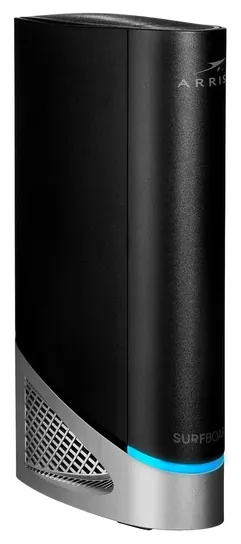
Most of the old list would no longer work on Comcast. Xfinity pulled the Arris Surfboard SBG10 and the Motorola MG7700 from its approved list in April 2026 along with other older-standard modems, a tracker reports the Netgear C7800 Nighthawk was dropped before that, and the Netgear Orbi All-In-One we linked turned out to be a mesh set with no modem inside at all.
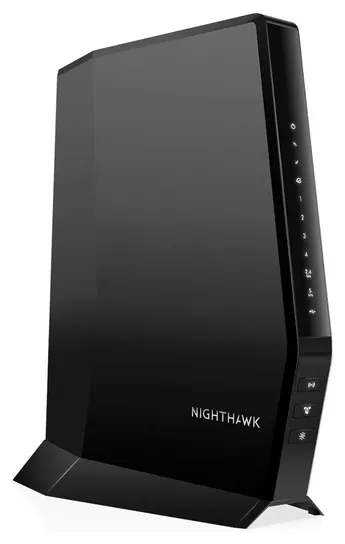
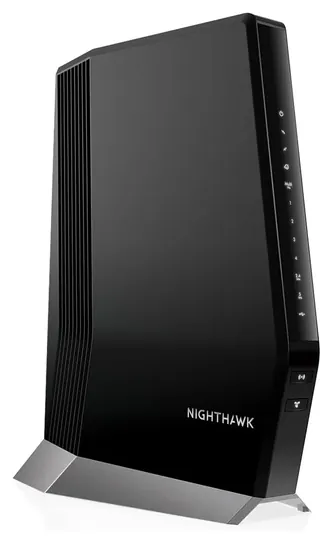
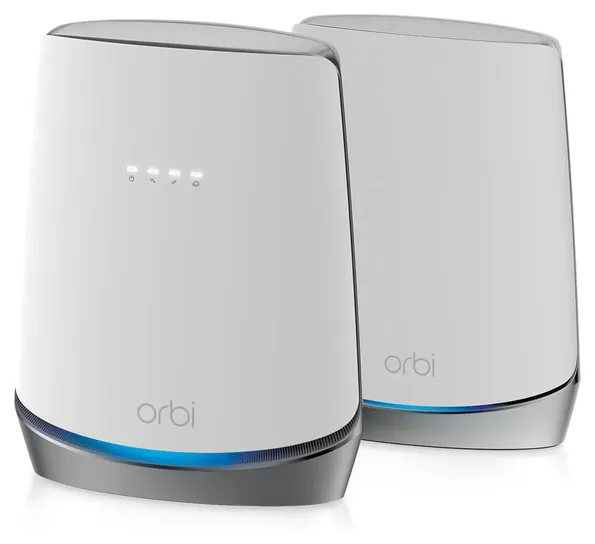
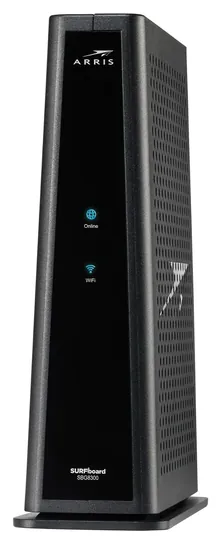
The Netgear Nighthawk CAX30 is the new top pick. It's approved, it has Wi-Fi 6, and it costs far less than the multi-gig gear most homes don't need. The Netgear Nighthawk CAX80 and the ARRIS Surfboard SBG8300 stay, one for fast plans and one for tight budgets. For a big house, the Netgear Orbi CBK752 puts the modem inside a mesh router, which is what the old Orbi entry should have been.
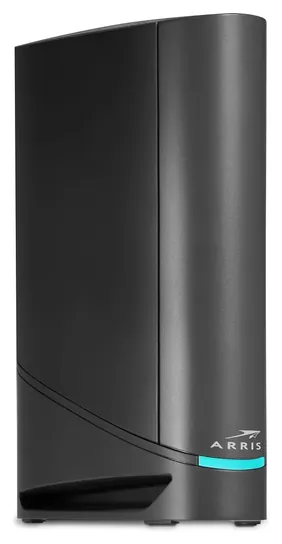
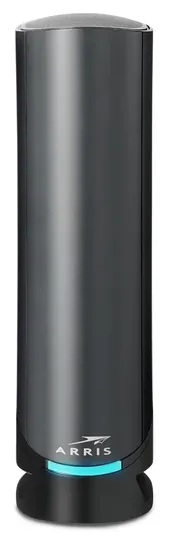
The ARRIS Surfboard G34 and ARRIS Surfboard G36 are good values with one caveat: a firmware release caused dropouts in some homes, and only the cable company can roll out a fix.
For this update we read Xfinity's support guidance on customer-owned modems, compared two independent trackers of Xfinity's approved-device list, and went through Xfinity and ARRIS community threads on dropouts and firmware.
Earlier notes
November 9, 2020, by Daniel Imperiale:
With a lot of companies focusing on their router-only mesh systems, we find the number of brand names here beginning to diminish. The upgraded Netgear Orbi All-In-One remains the only top-tier model that combines a mesh satellites with a base station that serves as both a modem and router, while most other systems require you to purchase a standalone modem.
Another relatively new development in the marketplace is the adoption of the new Wi-Fi 6 protocol, which is not only capable of reaching higher speeds than its predecessor, but that's able to do so with a greater number of devices sharing a single network. That makes models like the Netgear Nighthawk CAX80 AX6000 a good choice for large families or anyone with a particularly advanced home automation setup. It's true that not all appliances and smart devices are currently able to take full advantage of Wi-Fi 6, but it would be a smart buy if you're looking for something proofed against the near future.
February 26, 2019, by Daniel Imperiale:
The recent crop of products in this category includes some impressive options from a channel bonding standpoint, which is vital as the number of internet-connected devices continues to rise per person. The Arris SBG7600 is a great example of something fast and nible, with a great user interface. The Netgear Orbi, holds its spot, however, mainly due to the fact that it's the kind of system — a mesh network with an exceptionally designed base — that's really the wave of the future.
Check Xfinity's List And Match Your Plan Speed
For a 2 Gig plan, pick a combo with a 2.5 Gbps or 10 Gbps port.
A cable combo only works if Comcast agrees to activate it. Xfinity's support page says a customer-owned modem must be on its approved list and must support your plan's speed, and gigabit plans need a gigabit-capable device. That list changes. In April 2026 Xfinity dropped about 30 older DOCSIS 3.0 models, including combos that are still sold new, according to ModemGuides. Before you buy, sign in at xfinity.com and look up your plan, then confirm the exact model on Xfinity's device page.
Match the box to the plan. DOCSIS 3.1 is the cable standard you need for gigabit service. A combo with only gigabit Ethernet ports can't pass more than about 940 Mbps to one wired device, which is fine for plans up to a gigabit. For a 2 Gig plan, pick a combo with a 2.5 Gbps or 10 Gbps port. Some models are also tagged for Xfinity's Next Gen speed tier, which raises upload speeds; trackers such as ApprovedModem list which ones.
Phone service is the common trap. Most combos have no phone jack, and ARRIS says its G54 doesn't support digital voice. If you keep Xfinity Voice, you need a telephony model or Xfinity's own gateway.
Rent, Buy, Or Split The Modem And Router
On plans sold before mid-2025, Xfinity charges a monthly fee for its gateway, and a bit more with the xFi Complete add-on. An owned combo usually pays for itself in one to two years at those rates, according to ModemGuides. Newer Xfinity plans fold the gateway into the price, so there's nothing to save; buy your own then only if you want full control of the Wi-Fi and settings. Returning to customer-owned gear can also mean losing some xFi app features, so check what your plan includes.
A combo is one box, one power outlet and one app. The trade-off is that if either half fails, you lose both, and the router side can't be upgraded on its own. That's why some reviewers, including CableTV.com, suggest a separate modem and router for big homes or heavy use. A middle path is a mesh kit with the modem built into the main unit, like the Netgear Orbi CBK752, or a combo in bridge mode feeding a mesh system later.
Wi-Fi 6 is the sweet spot today. Wi-Fi 7 only helps when your phones and laptops support it and your plan runs faster than a gigabit. A single tower covers roughly 2,000 to 2,500 square feet by its maker's estimate; walls, floors and distance cut that.
Setup, Firmware And Care
Plug the combo into the coax wall jack and power, then activate it with the Xfinity app or at xfinity.com/activate. Keep the rented gateway until the new one is online, then return the old unit to an Xfinity store or a UPS drop-off and keep the receipt, so it isn't billed as unreturned. An Xfinity support agent confirmed in a community answer that the modem inside the Orbi CBK752 is approved; for any model, ask support to confirm if the app balks.
Modem firmware on a cable network isn't something you install. Updates reach your box on the cable company's schedule, which is why the G34 and G36 dropout reports on firmware 01.04 lingered for months on the SURFboard community and Xfinity's forums. If a combo keeps dropping, a reboot, a call to support or bridge mode with your own router are the usual fixes.
Change the default admin and Wi-Fi passwords on day one, since owned gear is yours to secure. Give the tower open air on all sides, because these boxes vent heat, and keep it away from water. We found no recalls for these models in the U.S. Consumer Product Safety Commission's SaferProducts database.
How we researched this
We compared 16 cable modem combos and related gear sold for Xfinity and screened eight in depth. We read the makers' published specs, Xfinity's support guidance on customer-owned modems and two independent trackers of its approved-device list, plus Xfinity, SURFboard and Reddit discussions and patterns in owner feedback, and we checked every brand for recalls with the U.S. Consumer Product Safety Commission. We found no independent lab tests of cable modem router combos.
Sources (10)
- Xfinity: approved cable modems and plan speed
- ModemGuides: Xfinity approved modems
- ModemGuides: best modem router combo for Xfinity
- ApprovedModem: Xfinity
- CableTV.com: best Xfinity-compatible modems
- Xfinity Community: Orbi CBK752 compatibility
- SURFboard Community
- Reddit r/HomeNetworking: modem and router combo for Xfinity
- RTINGS: best routers for Xfinity
- CPSC SaferProducts
Frequently asked questions
Is it cheaper to buy a modem router combo than rent from Xfinity?
On older Xfinity plans that charge a monthly equipment fee, yes: a combo usually pays for itself within one to two years. Many newer plans include the gateway in the price, so check your bill first.
Do I need DOCSIS 3.1 for Xfinity?
For gigabit plans, yes. Xfinity also removed about 30 older DOCSIS 3.0 models from its approved list in April 2026, so a 3.1 combo is the safe choice at any speed.
Will a modem router combo work with Xfinity Voice?
Usually not. Most retail combos, including the ones here, have no phone jack. Voice customers need a telephony modem from Xfinity's approved list or Xfinity's own gateway.
Is a combo better than a separate modem and router?
A combo saves space and setup. A separate modem and router, or a mesh system, gives better coverage in big homes and lets you upgrade the Wi-Fi without replacing the modem.
Does Xfinity update the firmware on my own modem?
Firmware for cable modems reaches your device on the cable company's schedule, and you can't install it yourself. That's why fixes for known bugs can take months to arrive.
Will these work with Comcast Business?
Comcast Business keeps its own list of approved equipment, separate from residential Xfinity. These combos are aimed at home plans, so check with Comcast Business before buying.