
Written by
The 9 Best 4k Monitors
4K monitors for office work, laptops, photo editing and tight budgets compared; the Dell S2725QC wins for its smooth 120Hz screen and one-cable laptop charging. When users buy our independently chosen editorial picks, we may earn commissions to help fund the Wiki.


1. Dell S2725QC
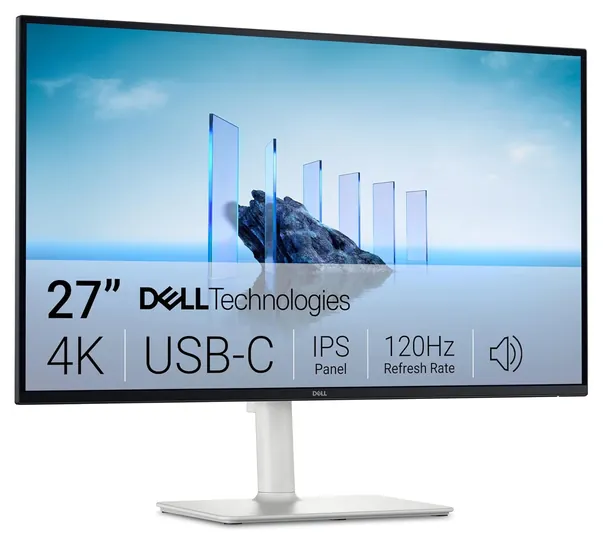
2. Dell P3225QE
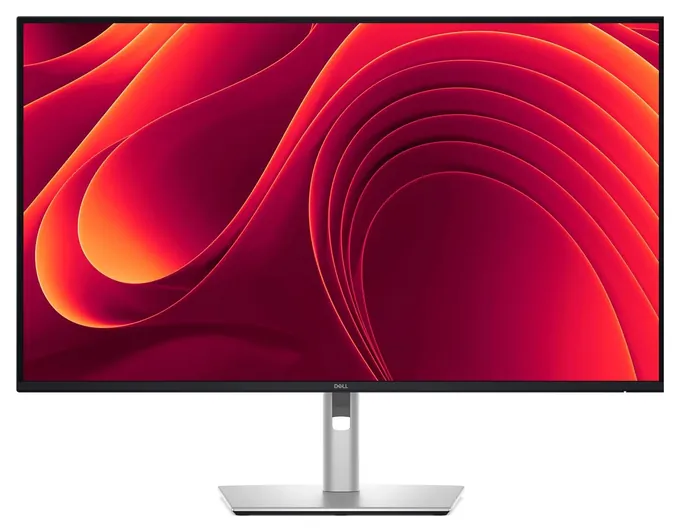
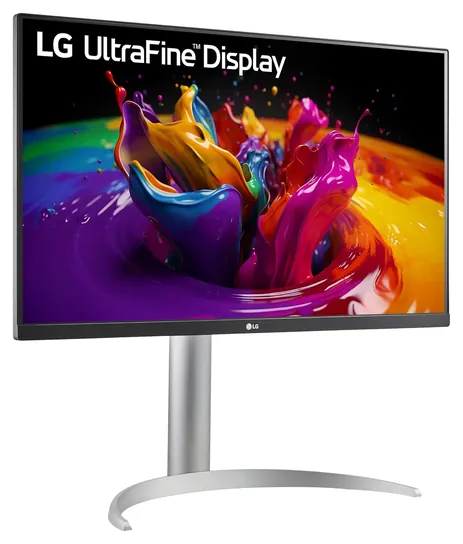
3. LG 27UP850K-W
Editor's Notes
October 23, 2026:
The Dell S2725QC takes the lead here because it pairs a smooth 120Hz 4K panel with one-cable laptop charging at a mid-range price. Nine of the ten earlier picks had aged out. The Philips 328E1CA, LG UL500 and Dell U2720Q are gone, the BenQ EW3280U is unavailable, and the Asus PA329C gave way to the ASUS ProArt PA329CRV. We also dropped the gaming Asus ROG Strix XG27UQ and XG438Q, the LG 27MD5KL, which is a 5K screen built for Macs, and the BenQ SW321C, a studio monitor priced far above the rest. The Dell U4320Q stays as the big-screen pick.
Lab reviews of the current Dell, LG and Samsung office models were scarce, so the ranking rests on makers' spec sheets, DisplayNinja's and PCWorld's advice on size, refresh rate and USB-C, and patterns in owner reports about early failures and laptop charging.
July 23, 2021:
The industry is taking its time with the new crop of HDMI 2.1 monitors, but in the meantime, there are plenty of great models from the last two years that are still at the front of the pack. That said, there was little movement this round and we're confident in most of our previous picks. One important change was the addition of the Asus ROG Strix XG27UQ, one of the finest gaming monitors on the planet. We were also forced to remove an Asus ProArt model partly because its local dimming function turned out to be more of a gimmick than a useful feature. Instead, we recommend photo and video editors consider the tried-and-true Asus PA329C.
July 21, 2020:
Home computers, and especially those meant for gaming, are finally reaching a point where 4K displays are a reasonable choice for many consumers. If you're looking for an all-around good-looking display, the Dell U2720Q is a great choice, and in some intangible ways, it looks better than almost any others. For considerably more space, consider the Dell U4320Q, which measures a whopping 43 inches diagonally. It's certainly no secret that Dell makes good displays with above-average production quality.
One of the benefits of the increased selection is much better deals on higher-quality monitors than were available in previous years. For everyday usage, it's hard to beat the LG UL500 in terms of price-to-performance ratio, while gamers on a moderate budget will appreciate the Acer CB282K. Our top pick, the Philips 328E1CA, is an especially capable choice that won't hurt your wallet too badly, either.
Moving up somewhat in price, there are some good mid-range options that various enthusiasts will be interested in. The Asus ROG Strix XG438Q is practically in a league of its own as far as gaming monitors go, as it measures 43 inches and offers a variable refresh rate up to 120 hertz. It's worth noting that this particular model generally gets better reviews than two similar options that succeeded it, and it also costs considerably less, making it an excellent choice for large-format gaming. Keep in mind, though, you will need a considerably powerful PC to take full advantage of it. The BenQ is another mid-level option that doesn't disappoint, just like most options from this popular enthusiast brand.
If you're willing to make a significant investment on something in the 32-inch size, It's hard to argue with the technologically advanced Asus PA32UC, one of the extremely rare PC displays with local dimming, a practically essentially feature for effective HDR viewing. Professional photo and video editors will also like the BenQ SW321C, which is one of the most accurate and advanced monitors available right now.
April 26, 2019:
We're impressed with the wide range of features and excellent build quality of some of the latest monitors. Models like the Philip E Series, Acer ET322QK, and low-end LG UL27 offer incredible bang for the buck in small sizes, while the ViewSonic and the Philips Momentum mid-range are excellent 43-inch units that don't cost an arm and a leg. Speaking of Philips, their Momentum display offers some of the best HDR performance around, and since it's as large as a TV, is a great complement to a mid-size home theater setup. If you're willing to spend a little more, the high-end LG 27UL and the Dell UltraSharp both offer an incredibly refined image.
For those who are okay with making a somewhat large investment, there are great options with a few different focuses. If you're a photo or video editor, you'd be hard-pressed to find a better option than the BenQ. Its exceptional color accuracy and high-quality panel make it among the best professional options available. The Asus PG27UQ is a simply amazing piece of hardware, compete with some of the most cutting-edge technology around, but it's also one of the most expensive monitors on the market. The Acer Predator is a bit more affordable, and boasts hardware almost exactly as advanced, though some users report inconsistent quality control. But if you're looking for the all-around best, the LG UltraFine is incredibly hard to top. It boasts a useful and attractive 21:9 aspect ratio and one of the best pictures around, and while it's pretty costly, many users find it worth the price.
Special Honors
Dell UltraSharp U2725QE Dell's UltraSharp U2725QE is the office upgrade from the S2725QC: a 27-inch 4K screen with a panel built for deeper blacks than standard IPS, a built-in hub with a wired network port, and higher laptop charging. Wirecutter names it its top 4K pick for office work. Dell sells it directly, and it costs about twice as much as the picks on this list. dell.com
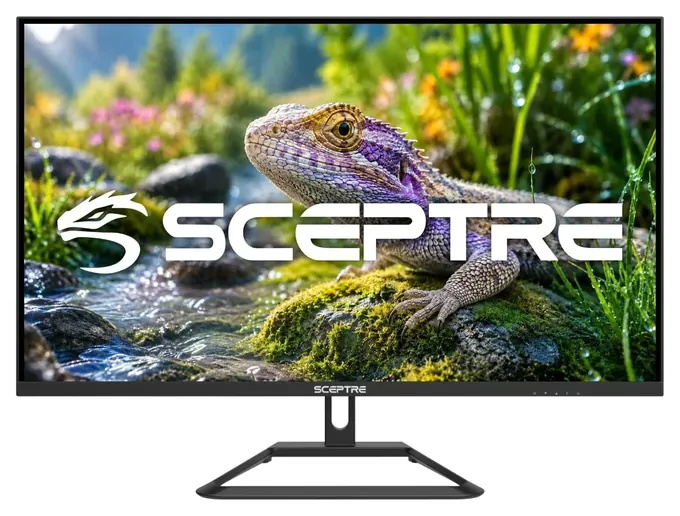
4. Sceptre U325W-UPT
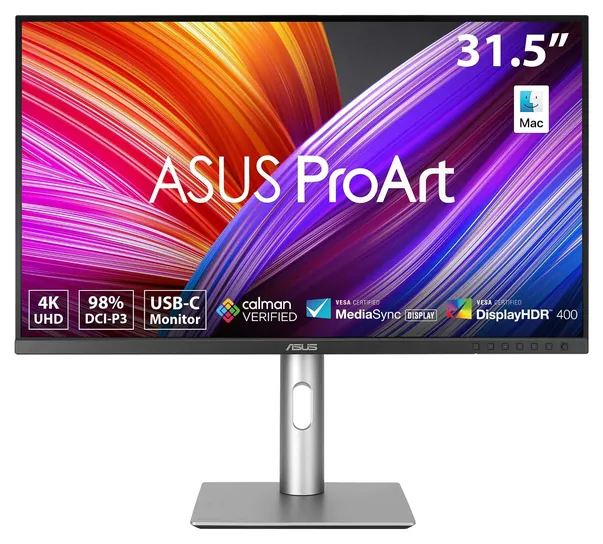
5. ASUS ProArt PA329CRV
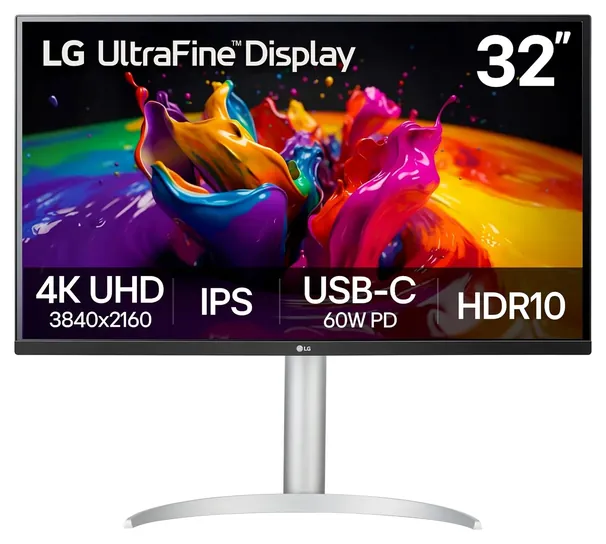
6. LG 32UP83AK-W
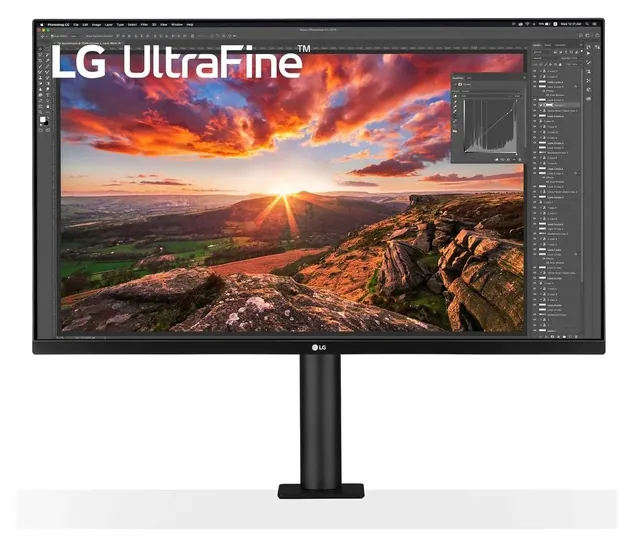
7. LG 32UN880-B
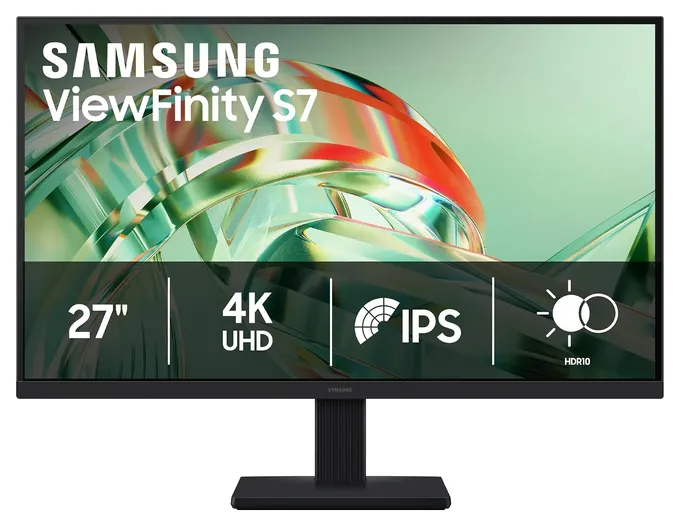
8. Samsung ViewFinity S7 S71H
9. Dell U4320Q
Screen Size And Text Scaling
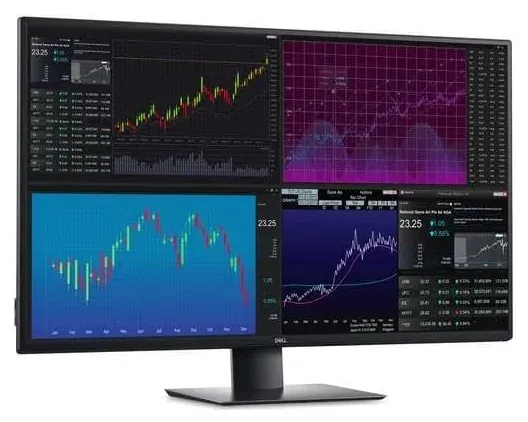
A 31.5- or 32-inch model drops to about 140 pixels per inch, so text needs less enlarging and you keep more room for side-by-side windows.
Every 4K monitor has the same 3840 by 2160 pixels, so the screen size decides how sharp and how small everything looks. On a 27-inch screen that works out to about 163 pixels per inch, and DisplayNinja notes you'll need to scale up the interface for text to be readable. Most people set Windows or macOS to 125 to 150 percent, which gives roughly the workspace of a 1440p screen with much crisper letters.
A 31.5- or 32-inch model drops to about 140 pixels per inch, so text needs less enlarging and you keep more room for side-by-side windows. Around 43 inches, density falls near 103 pixels per inch, and DisplayNinja says screens from about 37 inches up need no scaling at all. The trade is desk space: a 43-inch panel like the Dell U4320Q is deep and heavy, and you sit back from it as you would from a small TV. For a typical desk with the screen an arm's length away, 27 or 32 inches is the sweet spot.
Refresh Rate, Ports And Cables
Most 4K monitors refresh 60 times a second, which is fine for documents, spreadsheets and video. A 100Hz or 120Hz screen makes scrolling and mouse movement look smoother, and that upgrade has become cheap on 27-inch office models. Playing games at 4K and 120 frames a second still takes a strong graphics card.
The cable matters as much as the screen. HDMI 2.0 tops out at 4K and 60Hz, so a 120Hz monitor needs DisplayPort 1.4 or HDMI 2.1 to reach full speed. PCWorld calls USB-C the best input for most people because one cable carries video, data and laptop charging. Check the watts: a monitor that supplies 60 or 65 watts suits thin laptops, while larger laptops may want 90 watts or more. Look at the wattage printed on your laptop's own charger and pick a monitor that matches or beats it.
HDR Labels And Color
HDR on a budget 4K monitor is mostly a label. PCWorld finds that most 4K monitors deliver lackluster HDR, and real HDR needs far brighter, locally dimmed screens. The VESA DisplayHDR program grades screens by tier; DisplayHDR 400, the level on several picks here, is the entry tier, and plain HDR10 only means the screen accepts an HDR signal.
Color range is a more useful number. Coverage of 99 to 100 percent of sRGB is enough for office work, web browsing and most video. Photo and video editors should look for wide DCI-P3 coverage plus a factory calibration report, such as the ProArt line's rating of under 2 Delta E, a measure of color error that most eyes can't spot (ASUS). Panel type matters too: IPS screens keep color steady from the side, while VA panels have deeper blacks but can smear in dark scenes.
Related Wikis



Building PCs, remodeling, and cooking since he was young, quasi-renowned trumpeter Christopher Thomas traveled the USA performing at and organizing shows from an early age. His work experiences led him to open a catering company, eventually becoming a sous chef in several fine LA restaurants. He enjoys all sorts of barely necessary gadgets, specialty computing, cutting-edge video games, and modern social policy. He has given talks on debunking pseudoscience, the Dunning-Kruger effect, culinary technique, and traveling. After two decades of product and market research, Chris has a keen sense of what people want to know and how to explain it clearly. He delights in parsing complex subjects for anyone who will listen -- because teaching is the best way to ensure that you understand things yourself.