The 8 Best 10 Gigabit Network Cards
Updated by · How we research

Copper, fiber and dual-port 10GbE cards compared by chip, slot, heat and warranty. The TP-Link TX401 is the easy choice for most desktops and NAS builds. When users buy our independently chosen editorial picks, we may earn commissions to help fund the Wiki.
A 10-gigabit card only pays off when the device at the other end runs that fast too: a NAS, a multi-gig switch, a second PC or a fast fiber router. Without one, a cheaper 2.5-gigabit card does the same job. These picks suit desktops, home labs and NAS boxes with a free PCI Express slot and room for some airflow.


Editor's Notes
November 1, 2026, by Ezvid Wiki Editors:
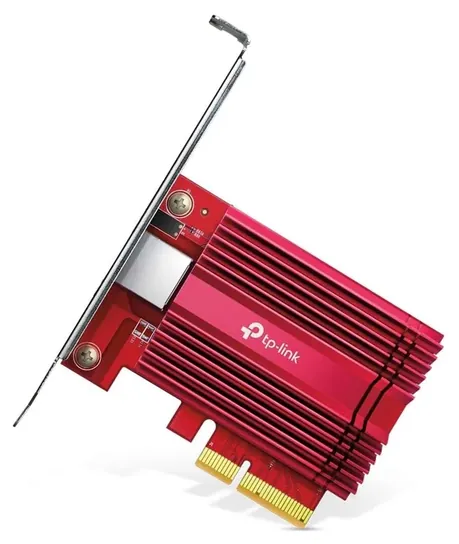
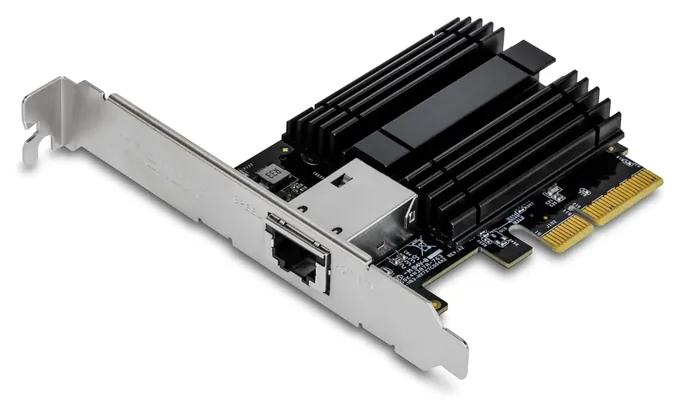
The TP-Link TX401 leads because it is the card most likely to just work: it slows down gracefully for older gear, comes with a cable and both brackets, and the newer chip in recent batches runs cooler than the one in early units.
This page covers PCI Express cards with a 10-gigabit Ethernet port, sold new. We left out USB and Thunderbolt adapters, slower 2.5 and 5-gigabit cards, and used server pulls, which are cheap but come with no warranty.
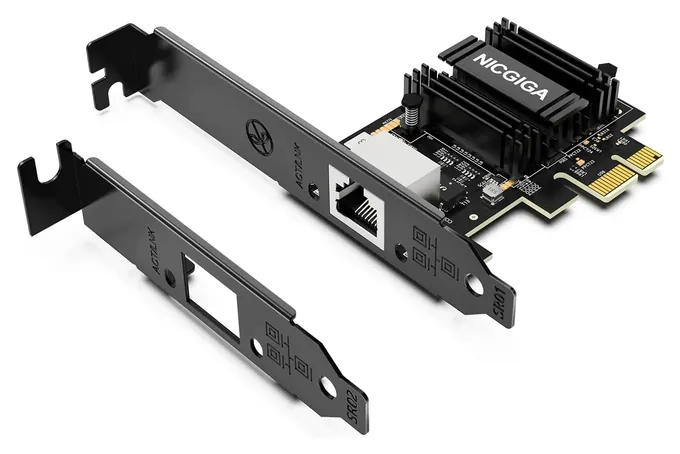
We built the list from chip makers' power and driver notes, ServeTheHome's bench runs on the Marvell and Realtek chips, a power comparison of Intel's X540 and X550, and recurring owner complaints about heat and Windows 11 drivers. The Trendnet TEG-10GECTX is the value pick for its three-year warranty. The Nicgiga RTL8127 is the odd one out: it fits a single-lane slot, but it only reaches full speed in a newer board.
Several cheap cards with the same chips as our picks didn't make it, since they add nothing new.
Special Honors
Intel Ethernet Drivers Intel publishes driver packs and a tool to identify which Ethernet controller a card uses. That is useful for the many third-party cards built on Intel's X540, X550 and 82599 chips. intel.com
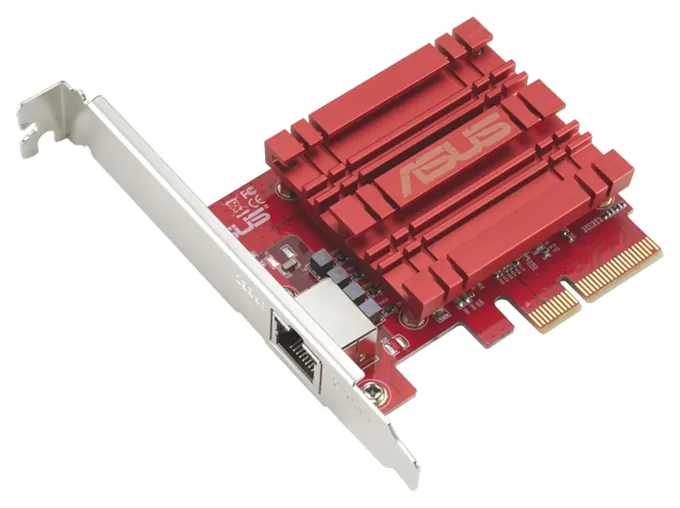
Marvell Aquantia Drivers Marvell makes the Aquantia chips inside many copper 10-gigabit cards and posts its own Windows drivers, which Asus recommends for the XG-C100C on Windows 11. marvell.com
Copper Or SFP+: Pick The Port First
Passive direct-attach cables reach about 7 meters and active ones about 15, while fiber goes much farther.
Most people want a copper card with a regular RJ45 jack, the kind every PC already has. It works with ordinary twisted-pair cable, and most current copper cards also run at 5, 2.5 and 1 gigabit, so they still talk to older switches. For the full 10 gigabits over a long run, use Cat6a: the standard calls for it up to 100 meters, while plain Cat6 reaches about 55 meters depending on the install (Wikipedia). Cat5e is fine for short runs, and at 2.5 or 5 gigabits.
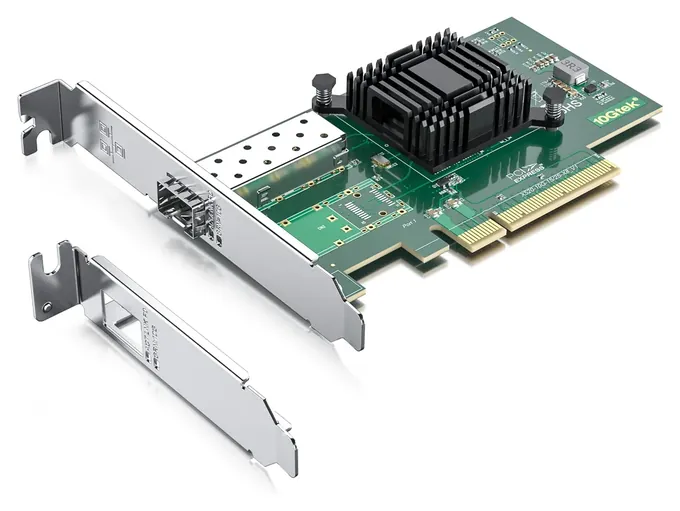
An SFP+ card has an empty cage instead of a jack. You add a fiber module, or a direct-attach copper cable that has the plugs built on. Passive direct-attach cables reach about 7 meters and active ones about 15, while fiber goes much farther. SFP+ runs cooler and with less delay than copper 10GBASE-T, but many cheap SFP+ cards run only at 10 gigabits. Intel-branded cards can also refuse non-Intel modules unless you change a driver setting (SumGuy), so buy modules that match the card or its maker's list.
Slot Lanes And Heat
Check the slot before the card. Most single-port copper cards, including the TP-Link TX401, use four lanes of PCIe 3.0, so they need a slot at least that long. The Intel X540 and 82599 cards use an eight-lane connector and fit only an x8 or x16 slot. The Realtek RTL8127 cards are different: they use one lane of PCIe 4.0. ServeTheHome found the chip draws under 2 watts, but in an older PCIe 3.0 x1 slot owners see roughly 7 to 8 gigabits rather than 10 (ServeTheHome).
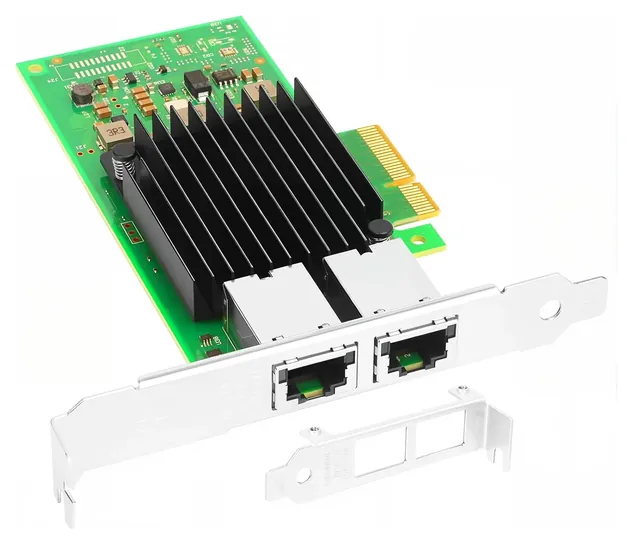
Copper 10-gigabit chips run warm. Intel's X540 is the hottest common one, at about 9 watts while idle, and the X550 that replaced it sits nearer 6 (SumGuy). A dual-port X550 card drew up to 13 watts with both ports at full speed in one review, against about 17 for an X540 card (MightyGadget). Marvell's newer AQC113 chip, used in recent TP-Link TX401 batches, is a 3 to 5 watt part that still wants some airflow (ServeTheHome). A card that drops its link under heavy load is often a card that's too hot: leave the slot beside it empty, or point a case fan at it.
Drivers, Windows 11 And Third-Party Intel Cards
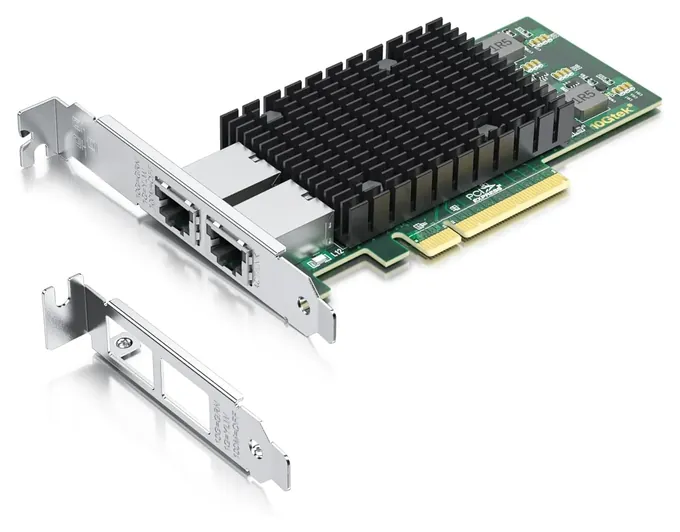
Linux has built-in drivers for Intel's 10-gigabit chips and for Marvell's Aquantia chips. The Realtek RTL8127 is supported from Linux 6.16 on; older kernels need Realtek's own driver. Windows is the usual snag. 10Gtek tells buyers of its X540 and 82599 cards to install the Windows 10 driver by hand on Windows 11, and Asus pointed XG-C100C owners to Marvell's driver rather than its own. One long-term owner of an AQC107 card found Marvell's current Windows driver worked best (Archimago).
Many low-cost cards with Intel chips come from third-party brands such as 10Gtek and Vogzone. They use Intel's driver, but the board, the warranty and the claim that the chip is genuine come from the seller. After installing one, check the controller in Device Manager on Windows or with the lspci command on Linux, and buy where returns are simple. We found no network card recalls with the U.S. Consumer Product Safety Commission for any brand on this list.
How we researched this
We compared 16 network cards and screened 8 finalists against makers' spec pages, ServeTheHome's bench reviews of the Marvell and Realtek chips, a published power comparison of Intel's X540 and X550 cards, and patterns in owner feedback about heat and drivers. We checked every brand for recalls with the U.S. Consumer Product Safety Commission. Updated November 1, 2026 by Ezvid Wiki Editors.
Sources (12)
- TP-Link: TX401 product page
- Trendnet: TEG-10GECTX
- Synology: E10G30-T2
- ServeTheHome: TP-Link 10GbE adapter mini-review
- ServeTheHome: Realtek RTL8127 NIC review
- ServeTheHome: Nicgiga AQC113 mini-review
- MightyGadget: StarTech Intel X550-T2 review
- SumGuy: 10GbE NIC cheat sheet
- Archimago: AQC107 on Windows 11
- TweakTown: Asus XG-C100C review
- Wikipedia: 10 Gigabit Ethernet
- CPSC SaferProducts.gov
Frequently asked questions
Is 10-gigabit Ethernet overkill?
For many homes, yes. It only helps when the device at the other end runs at 10 gigabits too, such as a NAS, a multi-gig switch or a second PC. Otherwise a 2.5-gigabit card costs less and runs on the cable you already have.
Is 2.5GbE or 10GbE better?
10GbE is four times faster, but the cards cost more, run warmer and need Cat6a for long runs. 2.5GbE runs on Cat5e or Cat6 and is plenty for most internet plans.
Do I need Cat6a cable?
For new runs, yes. Cat6a carries 10 gigabits up to 100 meters. Plain Cat6 reaches about 55 meters, and Cat5e is best kept to short runs or slower speeds.
Should I pick a copper or SFP+ card?
Copper uses ordinary network cable and works with most switches. SFP+ needs a fiber module or a direct-attach cable, but it runs cooler and is common on small business switches.
Will a 10-gigabit card speed up my internet?
Only if your plan is faster than 1 gigabit and your router has a multi-gig port. For most plans it speeds up local transfers, such as copying files to a NAS.
Will a 10-gigabit card work in an x1 slot?
Only the Realtek RTL8127 type is built for one. It reaches full speed in a PCIe 4.0 slot; an older x1 slot holds it to about 7 to 8 gigabits.