The 9 Best 65 Inch TVs
Updated by · How we research

OLED, mini-LED and budget 65-inch TVs compared on brightness, glare, gaming inputs and sound. The LG C6 OLED leads for dark-room movies and gaming. When users buy our independently chosen editorial selections, we may earn commissions to help fund the Wiki.
A good OLED set at this size now sells for about what a premium LCD costs, so the old choice has changed. The catch is light: glossy OLED screens mirror sunny windows, where a matte coating or a bright mini-LED set does better. This guide is for dark-room movie fans, daytime sports watchers, console gamers and anyone who mostly streams.


Editor's Notes
October 23, 2026, by Ezvid Wiki Editors:
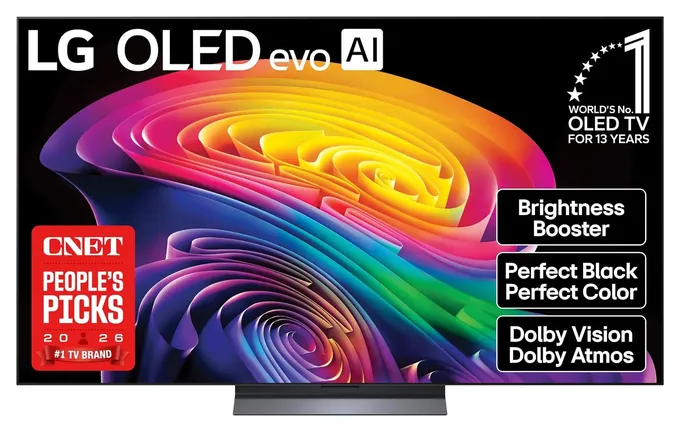
The LG C6 now leads this list. OLED prices have dropped far enough that its deep blacks and console-ready inputs cost about what a premium LCD set does, and lab reviewers rate its picture among the best they have measured. Every TV on the previous version, from the LG CX to the Samsung TU8000, was a 2020 or 2021 model that's no longer made, so all of them are gone, along with the LG WX honor.
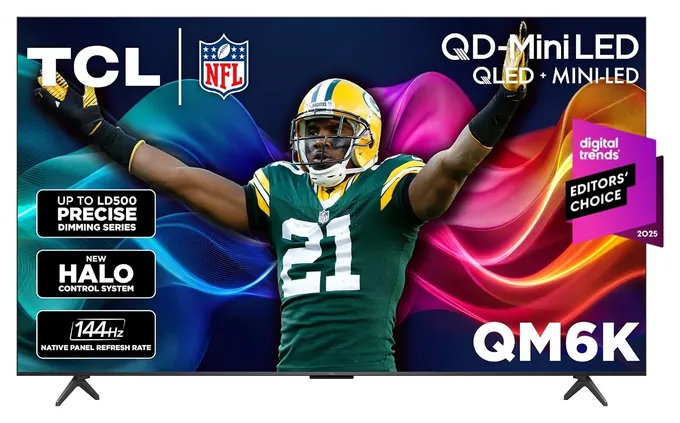
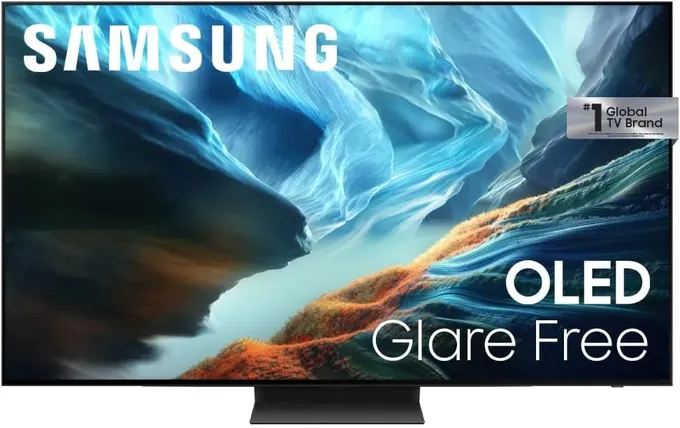
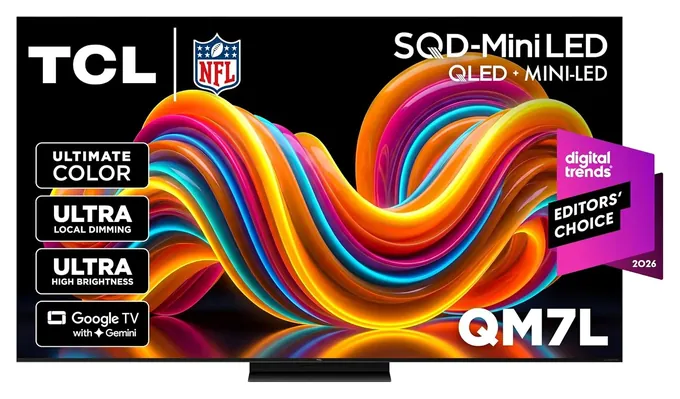
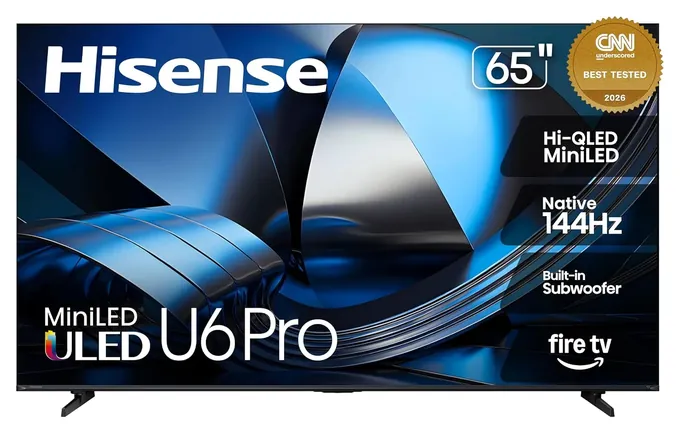
Room light shaped the rest. The Samsung S90H and the Hisense U6SF Pro both use matte, anti-reflective screens for sunny rooms, while the TCL QM7L brings very bright HDR at a mid price. The TCL QM6K stays the value pick because TCL carried it into its new lineup. We weighed lab measurements from RTINGS, Tom's Guide and TechRadar against each maker's port layout and HDR format support, and searched the CPSC recall database for every brand. We passed on the Hisense U7SG for now, since it's listed at full price, the same as the Samsung OLED, and on Samsung's budget M80H, which lacks local dimming.
Earlier notes
March 26, 2021, by Christopher Thomas:
Like every year, lots of new TVs have been rolled out, and many make only marginal improvements over their predecessors. Some of our selections, like the LG CX, Samsung Q80A, and Vizio P-Series Quantum X, are upgrades to the high-end sets that came before them. In particular, the CX is the one to go for if you want to take advantage of the stellar technology that is OLED. The Sony X900H is another recently updated favorite, and one of the best choices for owners of next-generation consoles. Others, like the TCL 5-Series, Samsung TU8000, and to a point the TCL R635 are god examples of quality TVs that can be had without breaking the bank.
There is one very interesting model that we had to include, and that's the Samsung QN85A. This is one of the first Mini LED TVs on the market, and apparently, it just about bridges the gap in image quality between LCD and OLED panels. Surely, this technology will continue to expand, but for being the first of its kind, the QN85A is an awfully convincing step.
March 10, 2020, by Christopher Thomas:
There are more 65-inch TVs available than ever before and some of them are actually getting pretty affordable. The TCL 5-Series is commonly regarded as one of the best inexpensive models while the Hisense H8F looks surprisingly good from the up-and-coming, but still less well known manufacturer. If you want to spend just a bit more, you can get a very good quantum dot model in the TCL R625, which is an all-around great option although it does have some very minor issues with artifacting and dirty screen effect. Speaking of quantum dot technology, it's becoming widespread throughout the industry at a relatively quick pace. The Vizio P-Series Quantum is one example of this, and it's a great TV as long as you're not planning on using its built-in software. If you're using a home theater PC or separate streaming box, though, it's an excellent choice.
The LG SM9000 uses their proprietary NanoCell technology, which isn't exactly like quantum dots but is pretty similar and has a similar effect. The SM9000, it should be noted, is one of the few non-OLED TVs to offer full-spec HDMI 2.1 compatibility, so if you plan on getting a next-generation Sony or Microsoft console or are waiting for HDMI 2.1 graphics cards to come out, you should strongly consider that one. Of course, no discussion would be complete without mention of Sony, and the Sony X900F is a high-performing option in nearly every aspect despite its lack of advanced color filtration. In fact, it has very few faults aside from its subpar viewing angle.
Then there are the two most popular OLED televisions. These beautiful displays work on an entirely different principle than LCDs, and if you can afford one, you'll almost certainly be satisfied. Unlike LCDs, they can create essentially perfect blacks, and LG has gone out of their way to future-proof these so you won't have to turn around and buy another set in a year or two.
Special Honors
Samsung S95H OLED Samsung's flagship OLED is the set several lab reviewers rank first among 2026 models, with a glare-reducing screen and more brightness than the S90H. It sells for well above the price range on this list, so it sits here for buyers with a bigger budget. samsung.com
OLED, Mini-LED Or Plain LED
It's fine for streaming in daylight, but dark scenes turn gray, and its HDR is mostly a label.
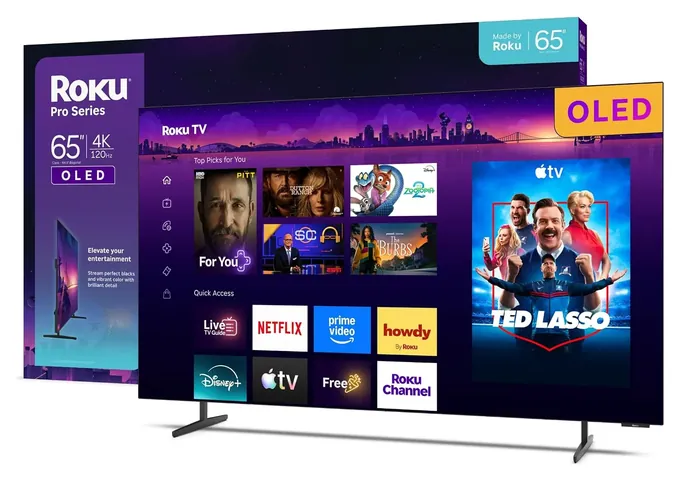
Three kinds of panels share this size. An OLED screen lights every pixel on its own, so a black pixel is simply off. That gives the deepest blacks and the widest viewing angles, which is why the LG C6 and the Roku Pro Series OLED look so good in a dark room. OLEDs are less bright overall than the best LCDs, and most have glossy glass.
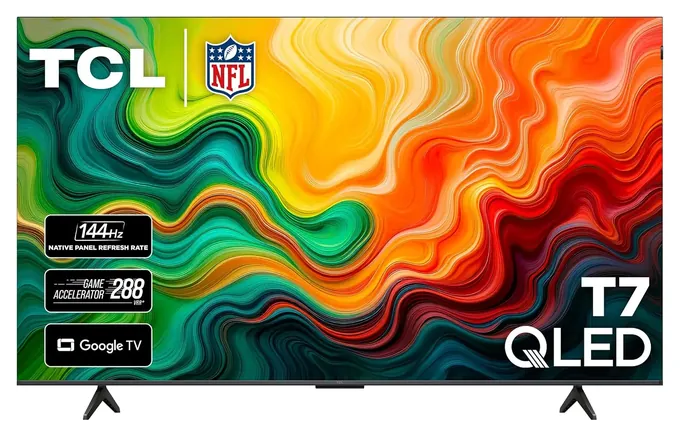
A mini-LED set is an LCD lit from behind by thousands of tiny LEDs, grouped into zones that dim and brighten with the picture. More zones mean smaller halos around bright objects on black. The TCL QM6K has about 500 zones and the QM7L more than 2,100, and both reach HDR highlights an OLED can't match. TechRadar's QM6K review measured roughly 560 to 700 nits in HDR, and RTINGS calls the QM7L's HDR brightness excellent.
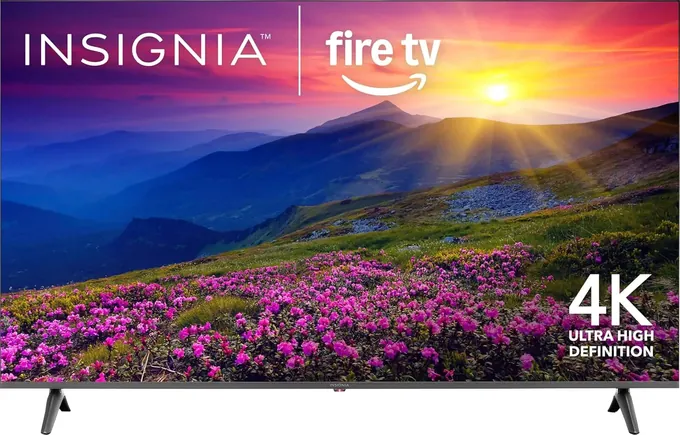
A plain LED set, like the Insignia F50, has no zones at all. It's fine for streaming in daylight, but dark scenes turn gray, and its HDR is mostly a label. Ignore marketing figures such as a 'motion rate' of 480 or claims of 3,000 nits; the lab numbers are far lower and are the ones that matter.
Glare, Brightness And Where It Will Sit
Look at the room before the spec sheet. A west-facing window across from the screen will mirror off glossy glass, and no amount of contrast fixes that. RTINGS found the Samsung S90H's matte coating handles reflections well, and it rates the Hisense U6SF Pro a strong bright-room choice for the same reason. In a room you darken for movies, a glossy OLED wins.
A 65-inch screen is about 57 inches wide, so measure the cabinet. Many of these sets use feet near the outer edges, which need nearly the full width; the LG and Samsung OLEDs sit on a center pedestal instead. From the couch, about 7 to 9 feet is a comfortable distance for 4K at this size.
These sets weigh roughly 30 to 45 pounds, enough to crush a small child if one tips. The CPSC's Anchor It campaign asks owners to strap a TV to the wall or mount it, and to use the screw size the manual names for the VESA mount.
Gaming Inputs, HDR Formats And Sound
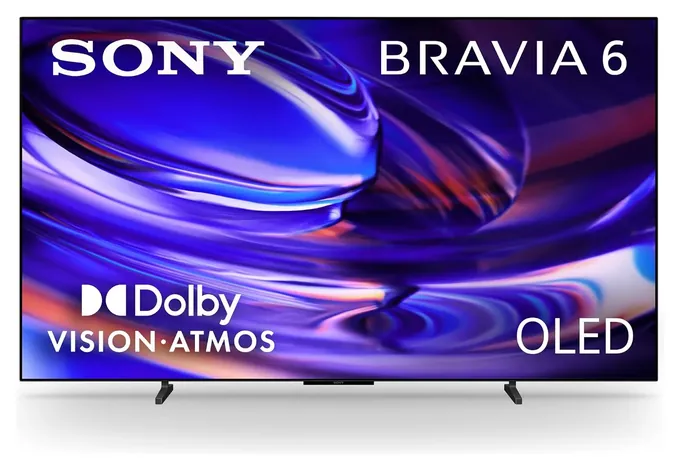
A PlayStation 5, Xbox Series X or gaming PC needs an HDMI 2.1 input to run 4K at 120 frames a second with variable refresh. The LG C6, Samsung S90H and Sony Bravia 6 have four such inputs. The Roku Pro Series OLED has two, per Tom's Guide, and on the TCL QM7L only inputs 1 and 2 run at 144 Hz, as TCL's spec table shows. Plug a console into the wrong one and it's capped at 60.
HDR comes in competing formats. Dolby Vision is the one most streaming services use; HDR10+ is Samsung's alternative. Every set here plays basic HDR10, but the Samsung S90H skips Dolby Vision and the Insignia F50 supports neither dynamic format.
Sound is the weak spot on nearly all of them. Thin cabinets leave little room for speakers, and reviewers called the audio on the TCL QM6K and the Roku Pro Series OLED weak or muffled. A basic soundbar on the HDMI eARC input is the cheapest upgrade to any of these TVs.
How we researched this
We compared 17 current 65-inch TVs, read lab reviews from RTINGS, Tom's Guide and TechRadar for the finalists that have them, checked each maker's specs, port layouts and HDR format support, analyzed owner feedback patterns, and searched the CPSC recall database for every brand. Updated October 23, 2026 by Ezvid Wiki Editors.
Sources (16)
- RTINGS: LG C6 OLED review
- Tom's Guide: LG C6 OLED review
- RTINGS: Samsung S90H OLED review
- TechRadar: TCL QM6K review
- TechRadar: TCL adds models to its 2026 TV lineup
- RTINGS: TCL QM7L review
- Tom's Guide: TCL QM7L review
- Digital Citizen: TCL QM7L HDMI ports
- Tom's Guide: Roku Pro Series OLED review
- RTINGS: Hisense U6SF Pro review
- Tom's Guide: Hisense U6SF Pro review
- tvreviews.net: Sony Bravia 6 specs
- BGR: best cheap 65-inch TVs
- Robb Sutton: Insignia 65-inch review
- CPSC: Anchor It
- CPSC: Recalls
Frequently asked questions
Will an OLED TV get burn-in?
It's possible but unlikely with normal viewing. Modern OLEDs shift pixels and refresh the panel to even out wear. The risk comes from the same static image, such as a news ticker or game HUD, left on for many hours a day, every day.
Is 65 inches too big for my room?
Usually not. At about 7 to 9 feet from the couch, a 65-inch 4K screen fills your view without showing pixels. Check the width, about 57 inches, against your cabinet, and note where the feet sit.
Should I buy a 4K or an 8K TV?
4K. Almost nothing is filmed or streamed in 8K, and at this size you can't see the difference from a normal seat. The money is better spent on a better 4K panel or a soundbar.
Does refresh rate matter if I don't play games?
A little. A 120 Hz or faster panel makes sports and fast pans look smoother, but for shows and movies a good 60 Hz set is fine. Gamers with a current console should look for 120 Hz or more on an HDMI 2.1 input.
Do I need a soundbar?
For most of these sets, yes. Reviewers found the built-in speakers thin or muffled on several of them. Even a basic soundbar connected to the HDMI eARC input makes dialogue clearer.
Do I have to anchor a TV?
If it stands on furniture and children are in the home, yes. The CPSC recommends strapping the TV to the wall or mounting it, because a falling set can kill a child.