The 7 Best DD-WRT Routers
Updated by · How we research

Seven routers with current DD-WRT builds compared, from Wi-Fi 6 to classic Wi-Fi 5. The GL.iNet GL-AX1800 leads for new stock and open firmware. When users buy our independently chosen editorial choices, we may earn commissions to help fund the Wiki.
DD-WRT support follows the hardware revision printed on a router's label, not the model name, and flashing the wrong file can leave a router dead. Most routers that run this free firmware well are older Wi-Fi 5 designs, with a few Wi-Fi 6 models joining them. It's for tinkerers who want a VPN, ad blocking and more control.


Editor's Notes
October 23, 2026, by Ezvid Wiki Admin:
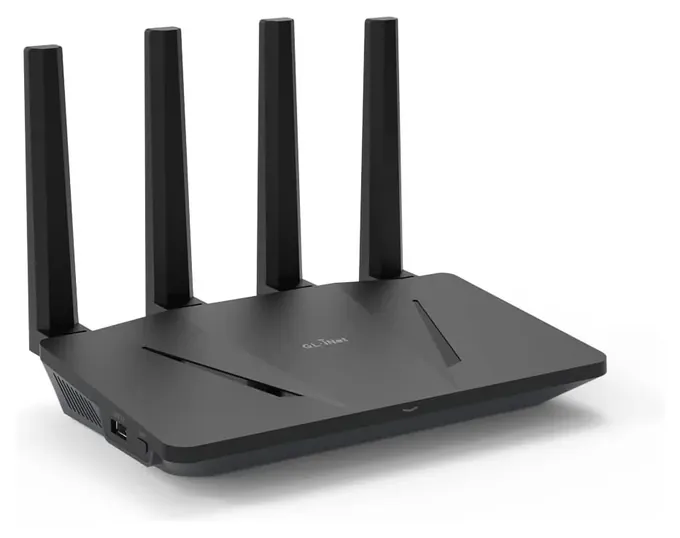
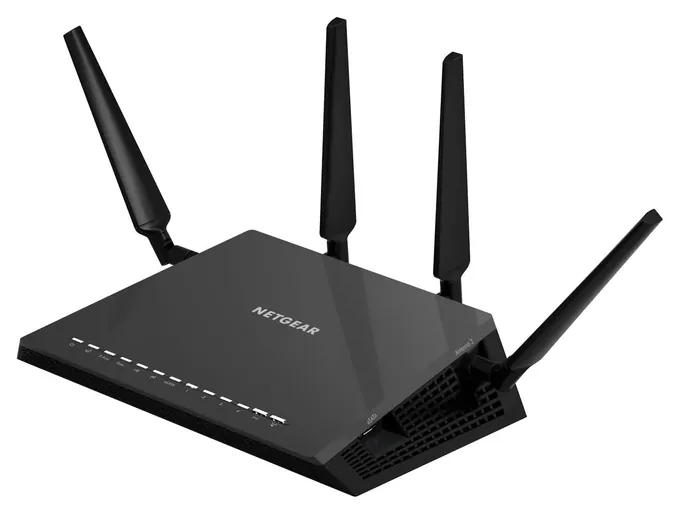
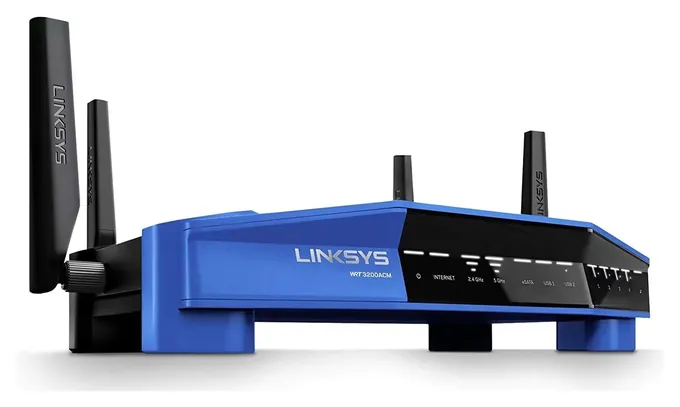
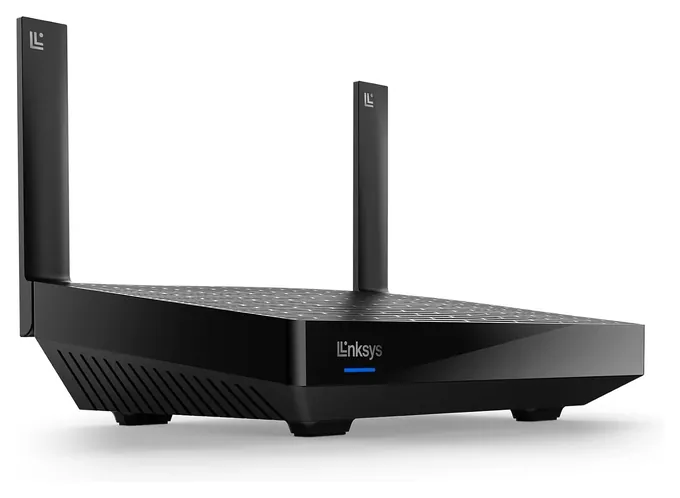
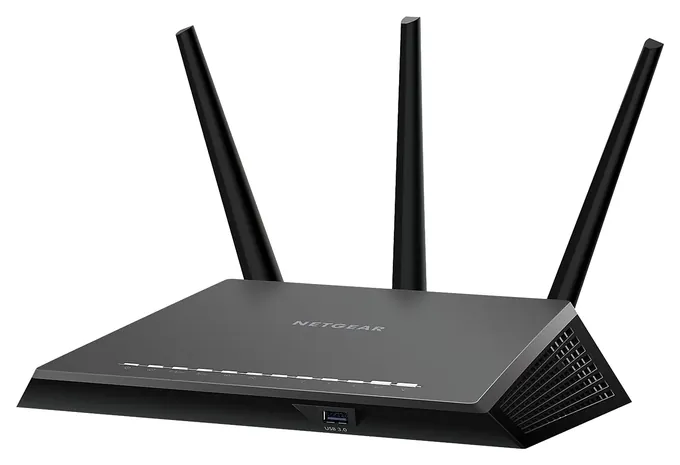
The GL.iNet GL-AX1800 now leads, because it is one of the few routers still sold new that appears in DD-WRT's current build list, and its own open-source firmware means flashing is optional. The last note said no Wi-Fi 6 router ran DD-WRT. That has changed, and the Linksys MR7350 joins as a cheap Wi-Fi 6 option, alongside the Linksys WRT3200ACM. We matched every pick to its model folder in DD-WRT's October 22 beta build index, read the makers' specs and OpenWrt's hardware notes, and checked CPSC recall records. The Asus RT-AC68U and GL.iNet GL-AR150 left because of availability concerns, the Motorola MR2600 because DD-WRT has no build for it, and the TP-Link Archer C7v4 and Netgear R6700 because they now cost more than newer options. The Netgear R7800 is still the most proven hardware here, but its stock is thin.
January 29, 2021:
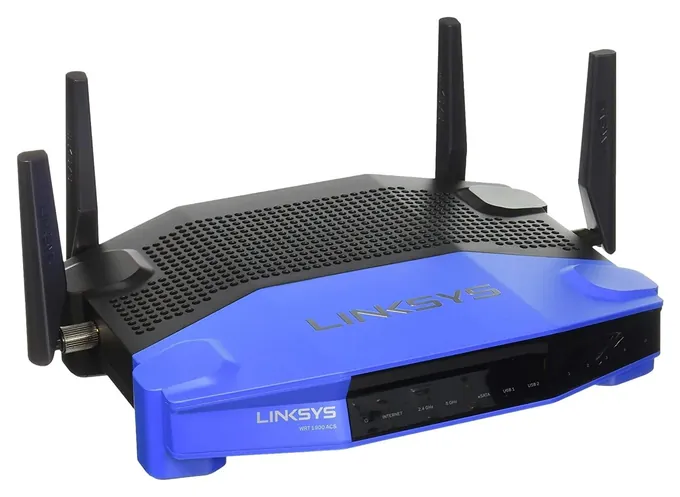
At the moment, we're not aware of any Wi-Fi 6 routers that have been cracked as far as custom DD-WRT firmware goes. That, plus the relatively slow adoption of DD-WRT in general, means that our recommendations have stayed largely the same this time around, although we did move some models up or down based on value for the money. The Linksys WRT1900ACS remains one of the top choices, and the Asus RT-AC68U comes in a close second, although in terms of general price to performance, it might just be the best. The Netgear R7800 is an especially high-performing option, and its 4 by 4 MU-MIMO technology allows it to maintain high bandwidth and low latency, even when a large number of users are connected.
October 29, 2019:
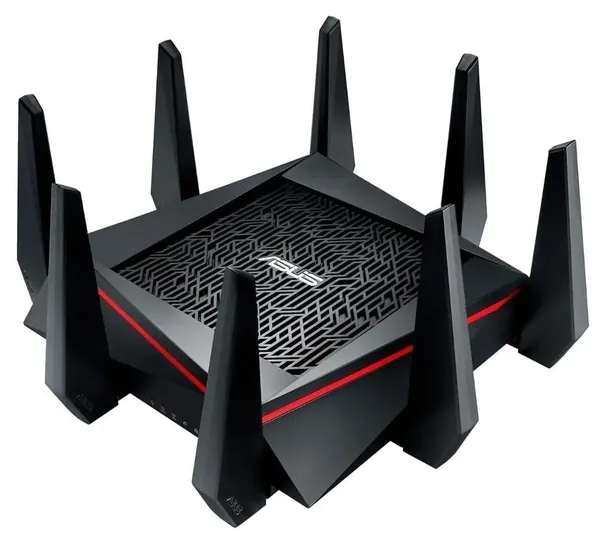
If you're looking at DD-WRT routers you probably know your way around complex software, and if you're looking for the most powerful, look straight to the Asus RT-AC5300, though the Netgear R7800 and Netgear R7000P offer competitive performance levels as well. The Netgear R6700 is one of the most reliable affordable options, while the TP-Link Archer C7v4 is by far one of the most popular -- just make sure you have the right firmware for your particular hardware revision (though this is always true of open-source firmware flashing).
The Linksys WRT1900ACS is one of the few developed directly for use with custom firmware, and as such is one of the most reliable and versatile. The GL.iNet GL-AR750 and GL.iNet GL-AR150 are similarly power-user-focused, and in fact they both come with customizable firmware pre-installed, though be aware that if you want to flash to classic DD-WRT, the AR750 is not the right choice for you. For that matter, neither is intended for use with gigabit-class networks. They're actually designed for personal networks or even attaining control over your public connections when you're not at home. The Asus RT-AC66U and Motorola MR2600 are two more mid- to low-end models that hold up well despite not having the absolute fastest hardware components.
Now, if you're not looking for wireless connectivity, please check out our list of layer 3 switches, which will offer you, at a minimum, a partially-managed setup for your hardwired network. And if you change your mind and would rather not undergo the hassle of flashing custom firmware, we can point you towards some of the newest and most reliable end-user routers as well.
Special Honors
DD-WRT Router Database Before buying or flashing anything, search this official database for your router's exact model and hardware revision. It shows whether DD-WRT supports the device, any known limits, and links to the matching files. dd-wrt.com
FlashRouters If you'd rather skip the flashing step, this company sells popular routers with DD-WRT already installed and set up for VPN use, with support included. They cost more than stock units, but they remove the risk of choosing the wrong file or revision. flashrouters.com
Check The Label, Then The Build List
The same entry explains why most people run the dated beta builds instead of the old v24 SP1 release from 2008: the betas are newer and generally considered more stable.
DD-WRT support belongs to a hardware revision, not a model name. Netgear sold the R6700 in three versions, and DD-WRT's build index keeps a separate folder for each one: netgear-r6700, r6700v2 and r6700v3. The same goes for the Linksys WRT1900ACS and its v2, and for the Netgear R7000 and R7000P. Find the version on the sticker under the router, then look it up in the DD-WRT router database and confirm a matching folder exists in a recent build.
Memory matters too. Wikipedia's DD-WRT entry notes that older routers with 2 or 4 MB of flash can only run trimmed builds, and that WireGuard needs 8 MB or more. Every router on this list has far more than that. The same entry explains why most people run the dated beta builds instead of the old v24 SP1 release from 2008: the betas are newer and generally considered more stable. The project is active, with a new beta posted on October 22, 2026.
Flashing Without Bricking
Each model folder in the build index holds two kinds of files. The one named factory-to-ddwrt is for the first install over the maker's firmware. The webflash or webupgrade file is for later updates from inside DD-WRT. Using the wrong one, or a file for another revision, is the most common way to brick a router. Flash over a wired connection, never over Wi-Fi, keep the power steady, and reset to defaults after the first boot.
Before you start, download the maker's own firmware for your exact revision so you can go back if you need to. If a flash fails, recovery usually means TFTP or a serial cable, which takes some comfort with the command line. Makers generally won't help with problems caused by third-party firmware, so treat warranty support as gone once you flash. If that sounds like too much, FlashRouters sells routers with DD-WRT already installed and supports them.
DD-WRT, OpenWrt Or The Maker's Firmware
OpenWrt is the other big open-source router project. It has a package manager and wider support on newer chips, and its Netgear R7800 page documents that router's hardware in detail. OpenWrt's notes for the Linksys WRT3200ACM also flag its Wi-Fi driver limits, including no WPA3. DD-WRT's web interface is simpler for classic jobs: a VPN client or server, static leases, QoS and repeater modes.
If you don't need DD-WRT itself, a router that ships with OpenWrt-based firmware skips the flashing risk. GL.iNet builds its whole lineup that way, including the Flint 2 (GL-MT6000), which has no DD-WRT build but runs OpenWrt out of the box. Whatever you choose, keep the firmware updated, set a strong admin password and never expose the admin page to the internet. These older routers no longer get security fixes from their makers, so updates come only from the open-source builds.
How we researched this
We screened 18 routers, matched each one to its model folder in DD-WRT's October 22, 2026 beta build index, read the makers' specs and OpenWrt's hardware pages for the finalists, compared current prices and stock, and checked CPSC recall records for every brand. We found no independent test of these routers running DD-WRT, so the ranking rests on documented support, hardware and value.
Frequently asked questions
What is DD-WRT?
DD-WRT is free, Linux-based replacement firmware for home routers. It began in 2005 and adds features many stock firmwares lack, such as VPN servers, detailed traffic controls and repeater modes.
How do I know if my router supports DD-WRT?
Read the model and hardware version on the router's label, then search the DD-WRT router database and check that a folder for that exact version exists in a recent beta build.
Is DD-WRT or OpenWrt better?
DD-WRT has a simpler web interface for common jobs. OpenWrt has a package manager and broader support on newer chips. Many routers here run both.
Does flashing DD-WRT void the warranty?
It can. Makers generally won't support problems caused by third-party firmware, so plan as if the warranty is gone once you flash.
Can I go back to the stock firmware?
Usually, yes, by flashing the maker's firmware file for your exact revision. Some routers need a special file or TFTP recovery, so check the router database first.
Do Wi-Fi 6 routers run DD-WRT?
A few do, including some GL.iNet and Linksys models, but most current Wi-Fi 6 and Wi-Fi 7 routers have no DD-WRT build.