The 9 Best Wireless Routers
Updated by · How we research

Single routers and mesh kits compared on Wi-Fi 7 bands, wired port speed, real coverage and paid extras. The TP-Link Deco 7 Pro BE63 leads for whole-home speed. When users buy our independently chosen editorial picks, we may earn commissions to help fund the Wiki.
Most homes under about 2,000 square feet need one good router, not a mesh kit, and box coverage claims run high: one budget Wi-Fi 7 model rated for 2,000 square feet reached about 1,600 in an independent test. This list covers single routers for apartments and smaller houses, mesh sets for big or multi-story homes, and picks for fiber and VPN users.


Editor's Notes
October 26, 2026, by Ezvid Wiki Editors:
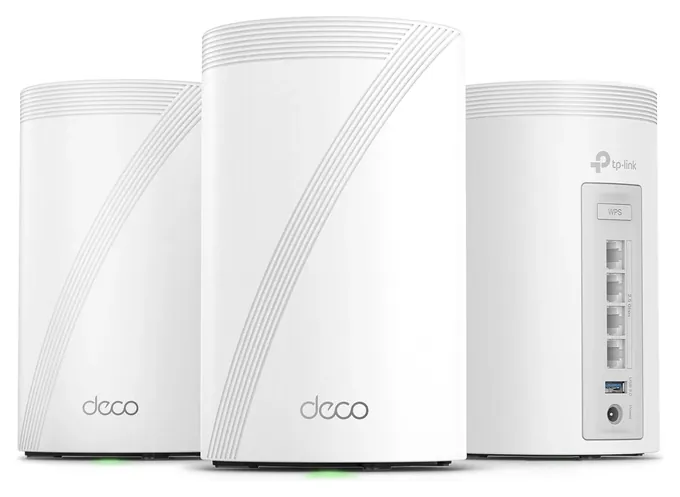
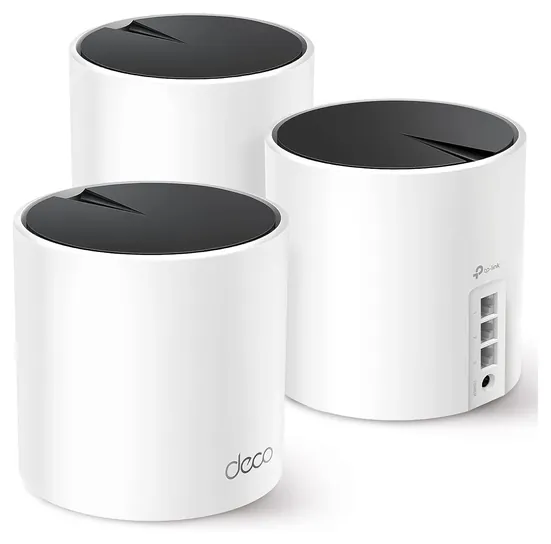
The TP-Link Deco 7 Pro BE63 now leads because it puts tri-band Wi-Fi 7, including the fast short-range band, into a three-unit kit for well under what similar systems cost. Nothing from the old list survived. Those were Wi-Fi 5 and early Wi-Fi 6 models from 2019 and 2020, most have been replaced by their makers, and the original Google Nest WiFi was discontinued.
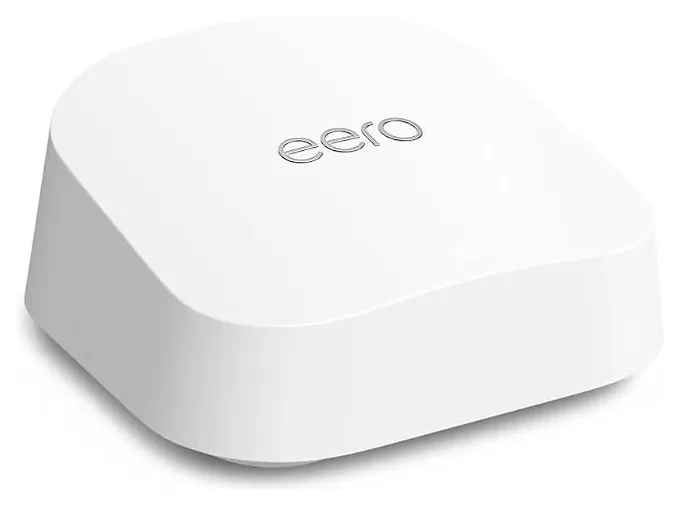
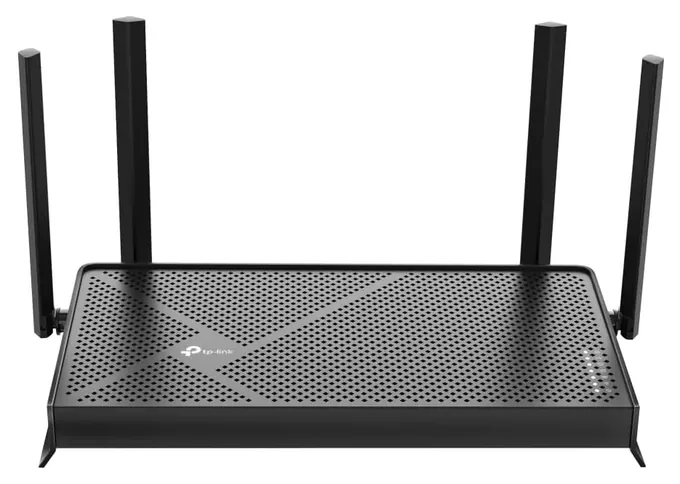
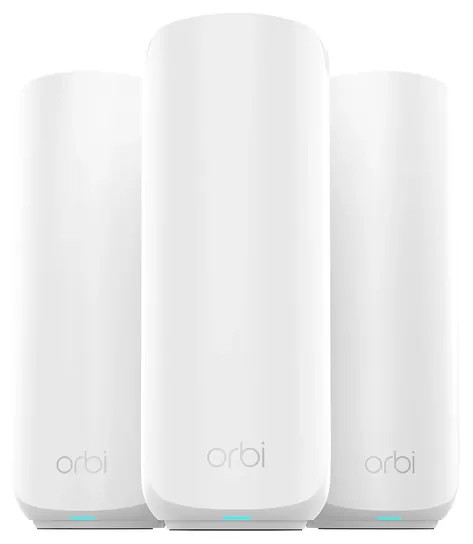
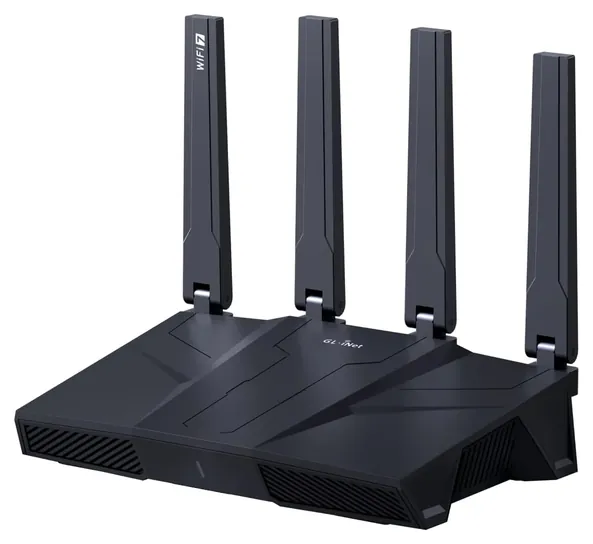
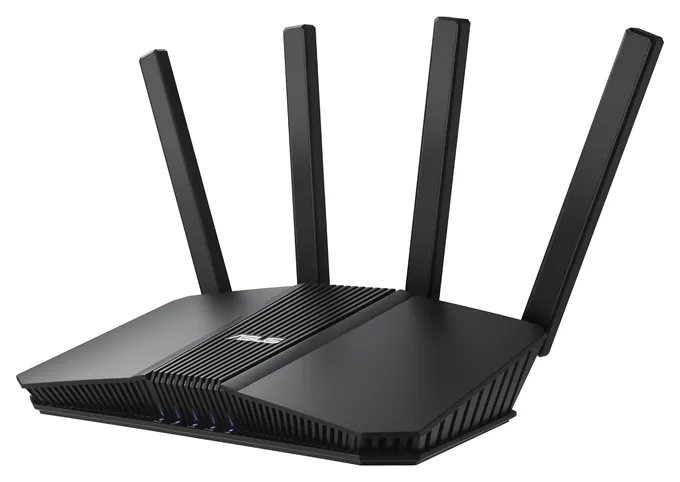
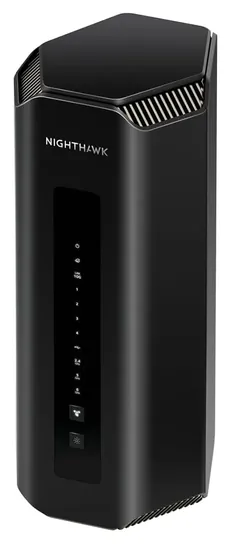
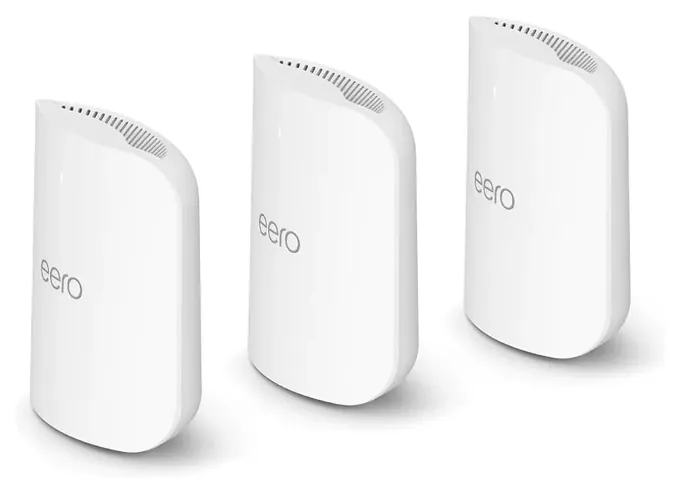
The new list splits by home size. The TP-Link Archer BE230 and Asus RT-BE82U suit apartments and smaller houses, the eero 7 is the low-fuss pick, and mesh kits from TP-Link, Netgear and eero handle bigger homes. The Netgear Nighthawk RS700S is here for multi-gig fiber, and the GL.iNet Flint 3 for VPN users.
We leaned on measured range and speed from Dong Knows Tech, RTINGS and Tom's Guide, because makers' coverage figures kept running ahead of what testers saw. We also read the FCC's March 2026 rule on foreign-made routers and the reports of a possible federal move against TP-Link. Every pick here was authorized before that rule, and we found no final action against TP-Link when we checked.
Earlier notes
August 20, 2020, by Christopher Thomas:
It takes about 25 megabits per second worth of bandwidth to stream a 4K movie on Netflix, so it's likely that your Internet connection will be more of a bottleneck than your router. Nonetheless, it's important to make good selection, and the newest models, as well as those that get frequent firmware updates, will make the best choices. The TP-Link Archer AX50 is a great option in terms of performance as well as modernity, thanks to its reasonable cost and Wi-Fi 6 support. The Netgear RAX15 is very similar in terms of price-to-performance ratio. The Asus RT-AX56AU and Amazon Eero are two others with 802.11ax compatibility. It should be noted that Wi-Fi 6 support is a worthwhile technology moving forward because it essentially takes MU-MIMO to the next step and greatly increases efficiency when multiple Wi-Fi 6 devices are connected.
That said, many users won't really be able to take advantage of Wi-Fi 6 for a year or two, so advanced 802.11ac models like the TP-Link Archer A8 will work just fine. The Synology RT2600ac is another at a similar price point, while the Asus RT-AX56AU is a high-bandwidth option that costs considerably more but offers impressive levels of throughput.
If you're looking for ease of setup, there are some mesh-oriented options that are both high-performing and extremely convenient. The Google Nest WiFi is at the top of the list as far as ease of use, while the Gryphon Guardian offers in-depth parental and security controls. If you're aiming for peak performance, though, it's tough to beat the Netgear Orbi, although it requires significant investment for the bandwidth it offers.
January 7, 2019, by Christopher Thomas:
Now that ultra HD streaming is commonplace, and everybody from Grandma to the baby enjoys getting down with some Fortnite, routers have made a serious focus on multi-device connectivity. So much so, in fact, that the latest devices can pump out 4K bandwidth to as many as four or more devices simultaneously. Options like the Eero and Orbi are recently upgraded versions of wildly popular, "old" standards, and they do quite well in multi-PC households. The Gryphon is one of our favorite modern routers, as it's practically a business-class device masquerading as a simple home appliance. It's even been lauded by industry security professionals for its in-depth control and monitoring functions.
Google rolled out a highly effective mesh system last year, as did TP-Link, one of the most ubiquitous access point manufacturers. Zyxel's isn't quite as well known, but some claim it works even better than the aforementioned sets. You can't forget Netgear, and their Nighthawk line truly embodies high performance, as well as ultra-high cost. Their R6120, on the other hand, is awfully hard to beat if you want to spend less than a hundred bucks. And the Razer is a good option if there's a full-time gamer in your house, because it uses advanced band-switching technology to find the least-trafficked spectrum, and operate on that one.
Special Honors
Ubiquiti UniFi Dream Router 7 For a home office or small business that wants pro-grade network management without a separate controller, Ubiquiti's UniFi Dream Router 7 combines a tri-band Wi-Fi 7 router, a security gateway and the UniFi app. Dong Knows Tech ranks it at the top of its Wi-Fi 7 list. It's sold mainly through Ubiquiti's own store, and the setup suits people comfortable with network settings. ui.com
One Router Or A Mesh Kit?
Each extra unit relays the signal, and the link between units matters most.
Start with the floor plan, not the speed rating. A single good router placed in the middle of the home covers roughly 1,500 to 2,000 square feet in practice. Dong Knows Tech measured about 1,600 square feet for the TP-Link Archer BE230, which TP-Link rates for 2,000, and about 1,500 for the Asus RT-BE82U. Box claims assume open space; walls, floors, mirrors and appliances cut into them.
A mesh kit makes sense for homes larger than that, for two or more floors, or when the modem sits in a corner. Each extra unit relays the signal, and the link between units matters most. Tri-band kits such as the Deco BE63 can reserve a band for that link. Dual-band kits share it with your devices. If you can run Ethernet between units, wired backhaul beats any wireless link.
Placement still matters with any setup. Put the router or main unit high, central and in the open, away from metal shelves and the microwave.
What Wi-Fi 7 Adds, And What It Doesn't
Wi-Fi 7's big gains, wider channels and less interference, mostly happen on the 6 GHz band. Tri-band models include it; dual-band Wi-Fi 7 models such as the eero 7, Archer BE230 and Orbi 370 do not. RTINGS calls the missing band the eero 7's main drawback, and Dong Knows found the BE230's real Wi-Fi speed closer to a strong Wi-Fi 6 router. Dual-band Wi-Fi 7 is still a sensible upgrade from an old router, just not a leap.
The 6 GHz band also has shorter range and passes through walls less well, so it helps most in the same room or the next one. Your phone and laptop need Wi-Fi 7 or 6E support to use it.
Match the ports to your plan. A router can't make internet faster than you pay for. On plans above 1 Gbps, look for a 2.5 Gbps or faster internet port, and multi-gig LAN ports for wired computers. The Netgear Nighthawk RS700S has 10 Gbps ports for multi-gig fiber; most homes on plans of 1 Gbps or less won't use them.
Paid Plans, Firmware And The 2026 FCC Rule
Every router here works without a subscription, but several makers sell extras. eero Plus covers ad blocking, advanced security and parental controls; TP-Link's HomeShield has a free basic tier and a paid Pro tier; Netgear Armor is paid after a trial. Asus and GL.iNet include VPN, parental controls and threat blocking at no cost.
Firmware support matters as much as speed. On March 23, 2026, the FCC added foreign-produced consumer routers to its Covered List. New models can't get FCC authorization without a conditional approval, but models authorized earlier, including every pick here, stay legal to sell and use, and security updates are allowed (Fenwick summary). Separately, a proposal to bar TP-Link router sales was reported in late 2025; we found no final action.
Whatever you buy, change the default admin password, use WPA3 or WPA2 with AES encryption, turn off WPS and remote administration, and leave automatic updates on. Plan to replace a router when its maker stops issuing firmware.
How we researched this
We compared 15 current routers and mesh kits, read makers' spec sheets and support pages for the 9 finalists, weighed independent speed and range measurements from Dong Knows Tech, RTINGS, Tom's Guide, ServeTheHome and HighSpeedInternet.com against makers' coverage claims, looked for patterns in owner feedback, checked every brand against CPSC recall records, and read the FCC's 2026 router rule. Prices were checked October 26, 2026.
Sources (18)
- TP-Link: Archer BE230 product page
- Asus: RT-BE82U tech specs
- Dong Knows Tech: TP-Link Archer BE230 review
- Dong Knows Tech: Asus RT-BE82U review
- Dong Knows Tech: best Wi-Fi 7 routers
- RTINGS: eero 7 review
- RTINGS: GL.iNet Flint 3 review
- ServeTheHome: GL.iNet Flint 3 review
- Tom's Guide: TP-Link Deco BE63 review
- TechRadar: TP-Link Deco BE63 review
- Tom's Guide: Netgear Orbi 370 review
- 3DTested: Netgear Orbi 370 review
- Tom's Guide: eero Pro 7 review
- HighSpeedInternet.com: best long-range routers
- FCC: foreign-produced routers Covered List fact sheet
- Fenwick: FCC bans new consumer-grade routers made outside the U.S.
- CPSC SaferProducts.gov
- RedRecs: best Wi-Fi routers (Reddit analysis)
Frequently asked questions
Do I need a mesh system or just a router?
One central router usually covers about 1,500 to 2,000 square feet. Choose mesh for larger homes, several floors or a modem stuck in a corner.
Is Wi-Fi 7 worth buying now?
Yes if you're replacing an old router anyway; dual-band Wi-Fi 7 models cost little more than Wi-Fi 6. The biggest gains need the 6 GHz band and devices that support it.
Does Wi-Fi 7 go through walls better?
No. The 6 GHz band that gives Wi-Fi 7 its speed has shorter range than 5 GHz and 2.4 GHz. Range depends more on placement and, in big homes, mesh units.
Can I still buy and use a TP-Link router?
Yes. The FCC's March 2026 rule blocks new foreign-made models from authorization but leaves existing models, including TP-Link's, legal to sell and use. A separate reported proposal to bar TP-Link sales had no final action when we checked.
How often should I replace my router?
About every five years, or sooner if the maker stops releasing firmware updates for it or your internet plan outgrows its ports.
What's a good router for a small business?
For a few employees, a router with free VPN and no account requirement, such as the Asus RT-BE82U or GL.iNet Flint 3, works. Larger offices should look at managed gear such as Ubiquiti UniFi.