The 10 Best Gaming Laptops
Updated by · How we research

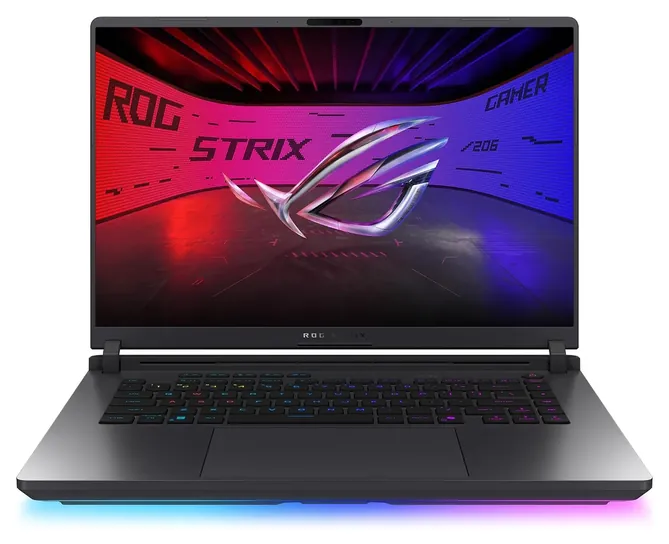
Ten current RTX 50-series gaming laptops compared on graphics power, screen, memory and cooling. The Asus Strix G16 RTX 5060 is the best all-rounder. When users buy our independently chosen editorial recommendations, we may earn commissions to help fund the Wiki.
The graphics chip decides how a gaming laptop plays, and it can't be swapped later the way memory and storage often can. Even its name isn't the whole story: makers set the chip's power limit, so two machines sold with the same chip can run games well apart. This guide is for buyers who want one machine to last several years.


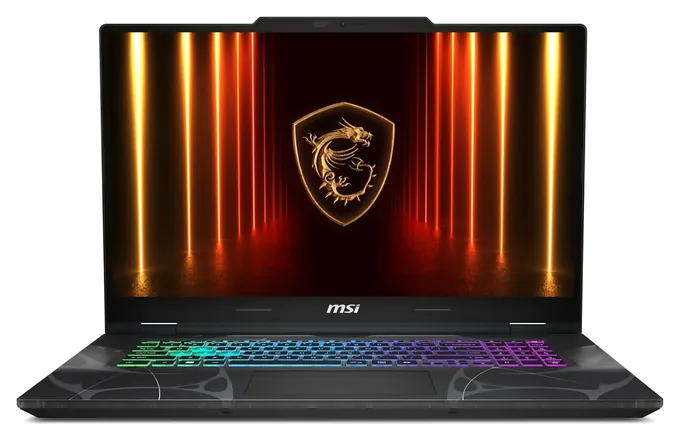
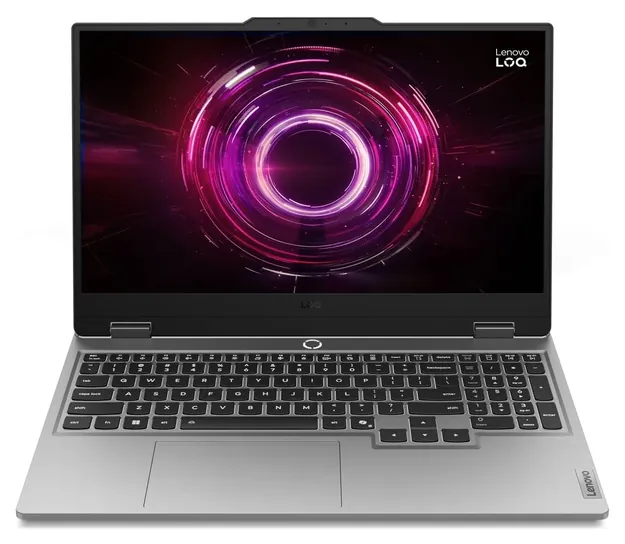
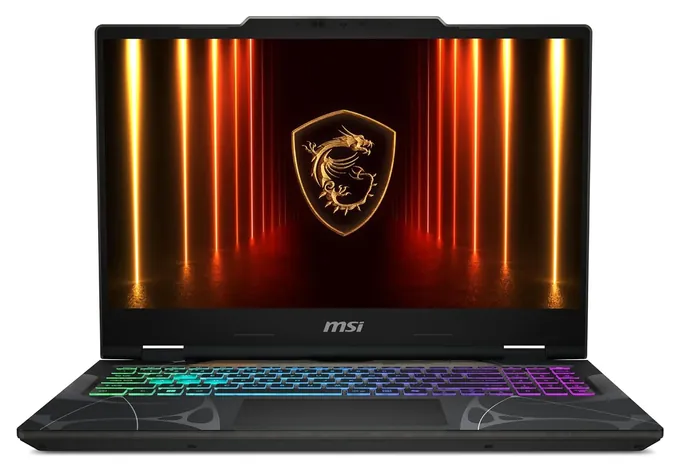
Editor's Notes
October 23, 2026, by Ezvid Wiki Admin:
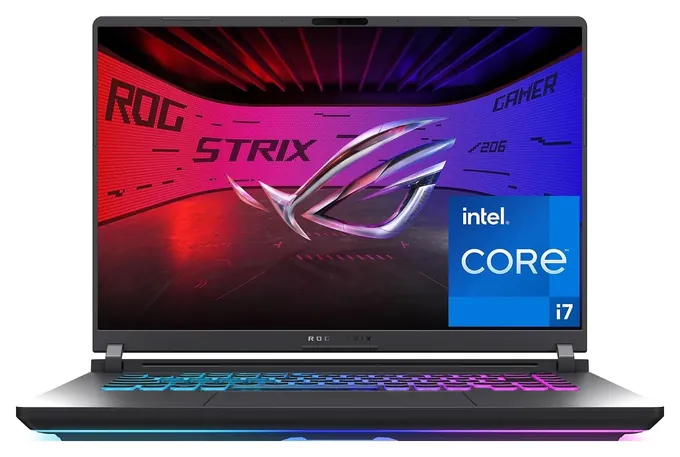
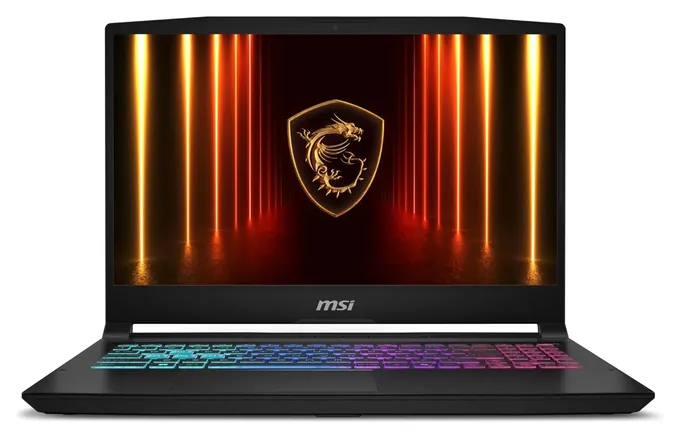
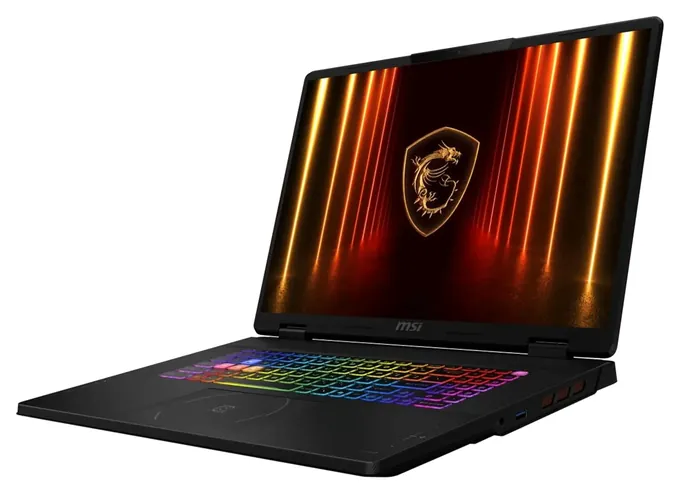
The Asus Strix G16 RTX 5060 now heads the list because it pairs a strong processor and serious cooling with a current graphics chip, without the price of the flagship tier. Every model on the old list, from the MSI GP66 Leopard to the Razer Blade Pro and Dell G7, ran graphics chips two or three generations old and has been discontinued, so all of them are gone.
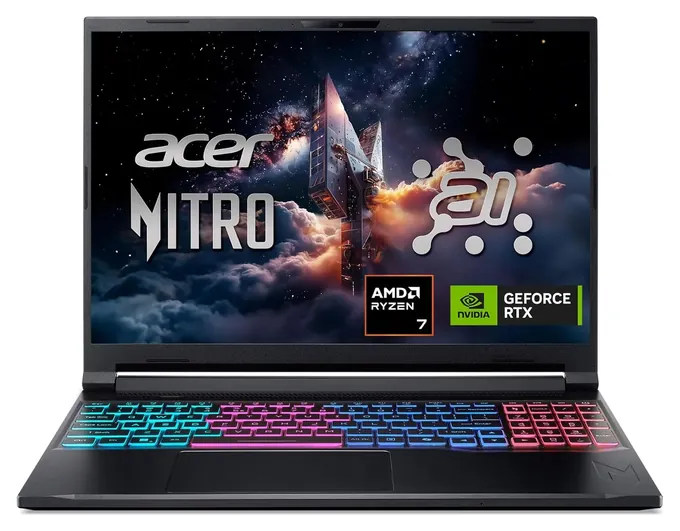
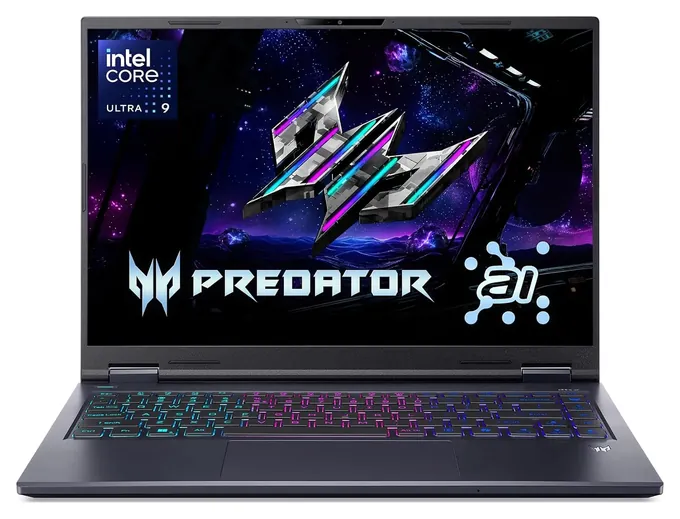
The Acer Nitro V 16S AI is the one pick with a full independent review of the exact model. Tom's Hardware lab results for it, and for the Strix G16, Katana 15 HX and Predator Helios Neo 14 families, carried most of the weight, along with makers' spec sheets and the Consumer Product Safety Commission's recall records. Several of these sell above the maker's own list price, so check the exact configuration before you pay. The old boutique-builder shout-outs are out; Razer's Blade 18 and the Framework Laptop 16, whose graphics module can be swapped, are in.
March 18, 2021:
Some six months after the release of the Nvidia RTX 3000 series, a gaming laptop is, surprisingly, just about the only place most people will be able to find one of the new GPUs. So, if you're looking for something high-end, there are a few 3000-series notebooks to choose from, but you'll want to pay close attention to the exact specifications of the GPU.
One seemingly small but actually significant difference in the latest crop of gaming laptops is how the GPUs are designated. Previously, Nvidia mobile GPUs came in two configurations. The Max-Q variant was highly efficient but performed poorly, and the full-power "Max-P" worked very well, but got hot and was particularly hard to find in a laptop. The major change here is that Nvidia is no longer binning a portion of the GPUs, but rather leaving it up to the laptop manufacturers to determine clock and memory bus speeds. This isn't entirely unexpected due to consumer frustration over subpar Max-Q output. Thankfully, Nvidia is also now requiring manufacturers to list their GPU's actual specifications, and that kind of disclosure is a must-have for consumers.
With that in mind, we left off a handful of otherwise promising options that, after investigation, throttled down GPU performance by as much as 30 percent. For example, the CUK Asus ROG Strix G17 is one of the few Asus models with a TGP of over 105, as its TGP rating of 130 is nearly on a par with the best. The MSI GP66 Leopard 10UG is another such model.
At the other end of the spectrum, the entry-level 3000-series cards have not yet been released, although they should come out soon. In fact, a laptop known so far as just the Samsung 760XDA was recently discovered on GeekBench, and it will apparently come with an optional 3050 or 3050 Ti. At the moment, though, the RTX 2000 series notebooks remain viable options if you don't want to spend a fortune. The Acer Nitro 5 is one such example. Alternatively, for just a few hundred more, you can pick up the MSI GF65, although you'll almost certainly want to add an extra 8 gigabytes of RAM right away.
March 05, 2020:
There are a few main considerations when buying a gaming laptop. Gaming is highly visual, so we stuck to the 15"-17" range; that's where the overwhelming majority of gaming laptops are because anything smaller is just not very immersive. Of course, that range really only consists of two sizes -- 17.3" and 15.6" -- but there aren't any modern laptops bigger, and if you're going smaller you may not even need a dedicated gaming rig, because many of today's integrated graphics chipsets can play games at 720p. So if you need something smaller, for example, for travel purposes, and you don't play the newest AAA titles, a regular laptop should do the trick.
On the small end of the range, the Asus ROG Zephyrus S GX502 is an extremely high-powered unit that, while expensive, should leave all but the most demanding users satisfied. On the other end of the price spectrum is the Asus Tuf, which is a good choice for those who like high frame rates but don't need the absolute most advanced technology. The Lenovo Ideapad L340 is another affordable option, although we prefer the general build quality and rugged construction of most of the stuff from Asus. The Acer Predator Helios is another medium-budget offering that measures 15.6".
But in some cases, bigger is better, and gaming is one of those cases. We won't waste any time before we mention the Razer Blade Pro; a 17.3-inch screen with a 4K resolution and 120-hertz refresh rate are basically unheard of. In fact, it's almost impossible to find anything else like it in early 2020. So if you have a few grand sitting around and want to play Halo on the bus, it's worth a shot.
Let's talk about some more interesting tech. We saw a few laptops last year tease us with these displays, but the Gigabyte Aero 15 X is one of the few readily available laptops with a high-end OLED panel, and if you're ever used this type of panel technology before, you know how nice it looks. The Dell Alienware M17 offers premium build quality and some really nice touches, including but not limited to dual 512-gigabyte NVMe SSDs in a RAID0 configuration that makes for nearly instantaneous load times. The only major drawback to most Razer, Gigabyte, and Alienware products is that they are, in many cases, insanely expensive.
Occupying the sweet spot for many dedicated gamers are an interesting pair. The HP Omen is a high-quality, brand-name option that you can trust to work well and perform even better. And while you haven't likely heard of the folks behind the Eluktronics Mech G1R, they're actually quite popular with the types of people who hang out in seedy online forums asking for laptop purchasing tips. In particular, this model is noteworthy due to its full-speed mobile GeForce RTX 2070 graphics card. A lot of laptops -- many of them good ones -- utilize a trimmed-down version of the GeForce GPU called a "Max-Q" design, and while it doesn't get quite as hot or use as much battery, it simply doesn't perform as well as the full-speed variant (known internally as "Max-P," although you won't find that name on any public marketing).
Special Honors
Razer Blade 18 Razer sells its Blade 18 direct at a flagship price, with graphics up to an RTX 5090 and an 18-inch screen that switches between a sharp 4K-class mode and a very fast 1200p mode. It is for buyers who want the most power in a laptop and will pay for it. razer.com
Framework Laptop 16 Framework's 16-inch machine takes a swappable graphics module, including an RTX 5070 option, that slides out of a rear bay in a few minutes with the included tool. It is the rare laptop whose graphics can be replaced later, along with its ports, memory and storage. frame.work
Pick The Graphics Chip First, Then Check Its Power
A modest chip such as the Core 5 210H is fine for shooters and racing games, while big strategy and simulation titles lean harder on the processor.
The graphics chip sets how well a machine plays, and in a laptop it is soldered to the board, so the one you buy is the one you keep. In the current Nvidia lineup, an RTX 5050 handles 1080p games at medium to high settings, an RTX 5060 handles 1080p and 1200p at high settings, and an RTX 5070 or above is the step up for sharper 2560x1600 screens (Tom's Hardware).
The name on the box isn't the whole story. Makers choose how much power the chip may draw, and a thin machine usually gets less. Tom's Hardware found the Acer Nitro V 16S AI ran well with its 85-watt RTX 5060 but trailed machines that feed the same chip 115 watts, a gap of roughly 10 to 15 percent. Look for the wattage on the maker's spec page before comparing two machines with the same chip.
The processor matters less for most games. A modest chip such as the Core 5 210H is fine for shooters and racing games, while big strategy and simulation titles lean harder on the processor.
Screen Size, Sharpness And Refresh Rate
A 14-inch machine is the easiest to carry, while 17- and 18-inch models have room for bigger fans and run cooler. Most buyers land on 16 inches. With an RTX 5060, a 1920x1200 screen keeps frame rates high; with an RTX 5070 or better, 2560x1600 is the sweet spot (Tom's Hardware).
Refresh rates of 144 to 180 Hz suit most players. 240 Hz and above mainly helps in fast online shooters, and only when the chip can deliver that many frames. A matte screen cuts reflections from windows and lamps; Tom's Hardware found the earlier Predator Helios Neo 14 sharp but not very bright, so brightness, given in nits, is worth a look.
If you edit photos or video too, look for a screen that covers the full DCI-P3 color range, such as the one on the MSI Katana 15 HX line.
Battery, Upgrades, Travel And Safety
Battery life is the weak spot. Expect a few hours of light use and far less while gaming; even large premium machines run out in about four hours of mixed use. Models that switch to the processor's own graphics when idle last longer, and the setting that controls it is worth learning.
Memory and storage are often upgradable later, so 16GB and 512GB are fine starting points if the maker lists free slots. Check before buying: some thin models solder their memory.
Gaming batteries hold about 76 to 99 watt-hours. The FAA allows lithium-ion packs up to 100 watt-hours in carry-on bags without airline approval, and laptops belong in the cabin, not checked luggage. Use the supplied charger, keep the vents clear of bedding and couch cushions, and stop using any machine whose base starts to bulge. We checked every brand on this page against the Consumer Product Safety Commission recall list and found no recalls for these models.
How we researched this
We screened about 40 current gaming laptops sold in the U.S. and compared 16 of them in detail on graphics chip and power limit, processor, screen, memory, storage and price, using makers' spec sheets and seller specifications for the 10 picks. Updated October 23, 2026 by Ezvid Wiki Admin.
Sources (10)
- Tom's Hardware: The best gaming laptops
- Tom's Hardware: The best budget gaming laptops
- Tom's Hardware: Acer Nitro V 16S AI review
- Tom's Hardware: MSI Katana 15 HX review
- Tom's Hardware: Asus ROG Strix G16 (2025) review
- Tom's Hardware: Acer Predator Helios Neo 14 review
- FAA PackSafe
- U.S. Consumer Product Safety Commission: Recalls
- Razer: Blade 18
- Framework: Laptop 16
Frequently asked questions
Which graphics chip do I need for a gaming laptop?
An RTX 5060 runs most current games well at 1080p or 1200p on high settings. Choose an RTX 5070 or higher for a 2560x1600 screen or for heavier effects. Check the chip's power limit too, since the same chip can perform differently in a thin machine.
Can I upgrade a gaming laptop later?
Usually the memory and storage, yes, when the maker lists free slots. The graphics chip and processor are soldered and can't be changed. The Framework Laptop 16 is an exception, with a swappable graphics module.
How long does a gaming laptop battery last?
Plan on a few hours of light use and much less while gaming. Gaming laptops are built to run plugged in; models that switch to the processor's own graphics when idle last longer away from an outlet.
Can I take a gaming laptop on a plane?
Yes, in your carry-on. The FAA allows lithium-ion batteries up to 100 watt-hours without airline approval, and gaming laptop batteries are below that. Spare batteries must also go in the cabin.
Is a gaming laptop good for art, photo or video work?
Yes. The same graphics chip speeds up editing and rendering apps. For color work, choose a screen that covers the full DCI-P3 color range and get 32GB of memory.
What is the best gaming laptop of all time?
There isn't one for all time, because a laptop's graphics chip can't be upgraded and each generation moves ahead. The best choice is a current model with the graphics tier you need at a price that fits.