The 10 Best Printing Calculators
Updated by · How we research

Ten printing calculators compared by print speed, ribbon or thermal tape, error checks and duty level. The Sharp EL-1197PIII leads for fast daily bookkeeping. When users buy our independently chosen editorial recommendations, we may earn commissions to help fund the Wiki.
A printing calculator puts every entry on a paper tape, so you can tick the run against your receipts and find the one typo that threw off a total. Speed matters more than it sounds: two lines a second is plenty at tax season, while a daily ledger wants about twice that. These picks suit home budgets, small shops and full-time bookkeepers.


Editor's Notes
October 27, 2026, by Ezvid Wiki Editors:
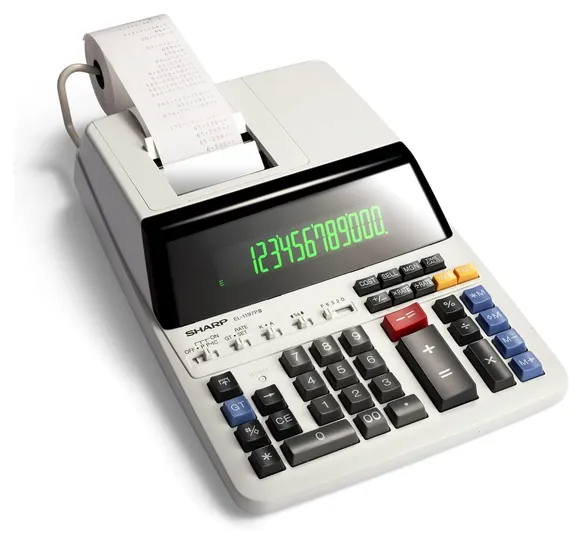
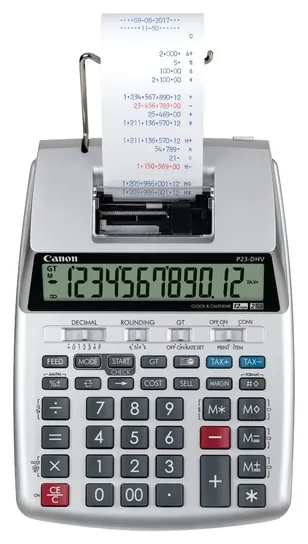
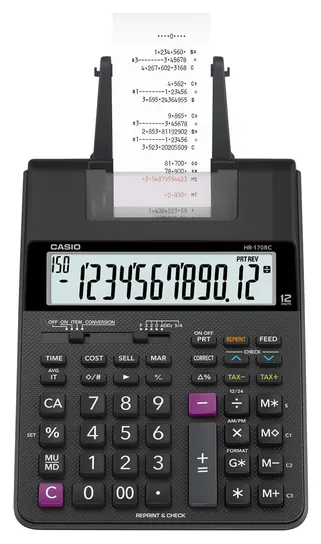
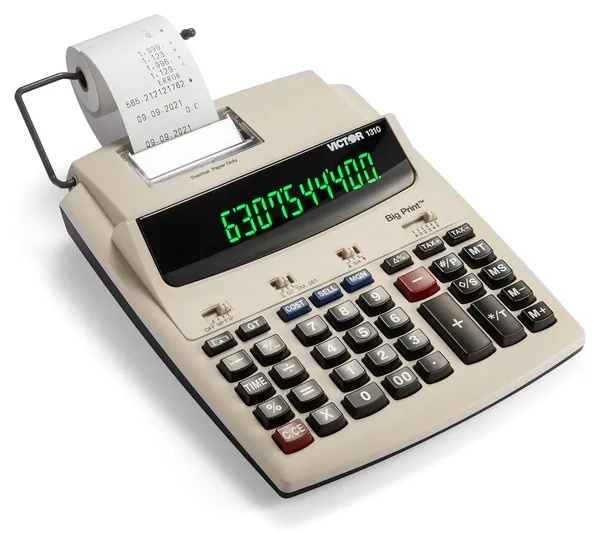
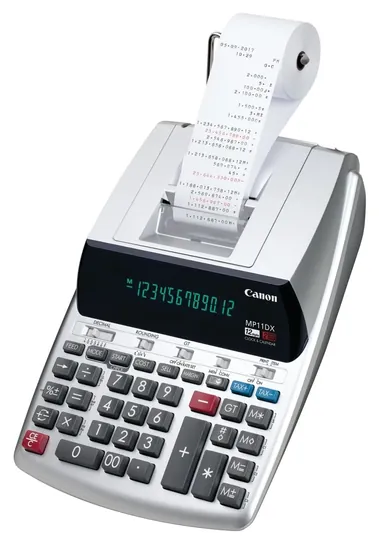
The Sharp EL-1197PIII moves to the top. It prints about four and a half lines a second in two colors, which puts it among the quickest ribbon machines at a sensible price, and owners describe years of daily use. The Canon P23-DHV-3 remains the value pick for home offices, and the Victor 1310, Canon MP11DX-2, Casio HR-10RC and Sharp EL-1901 stay as well.
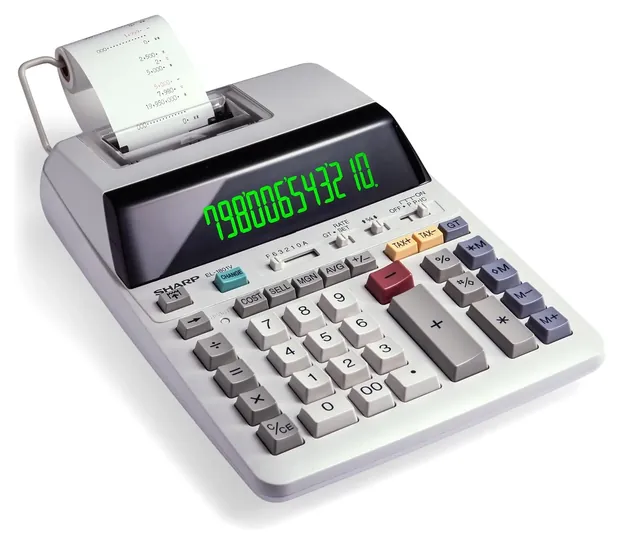
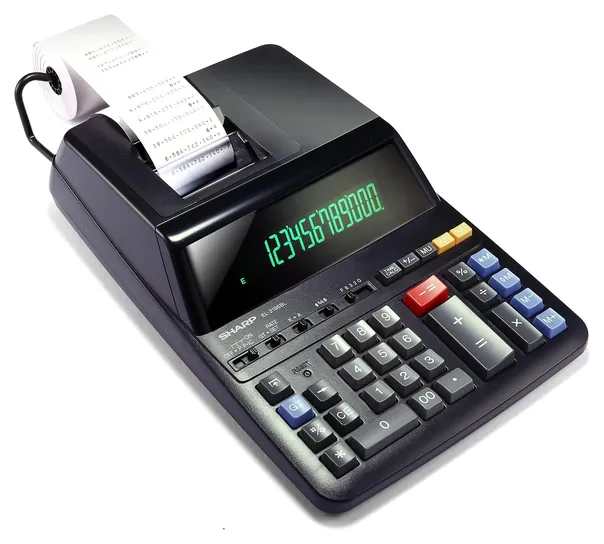
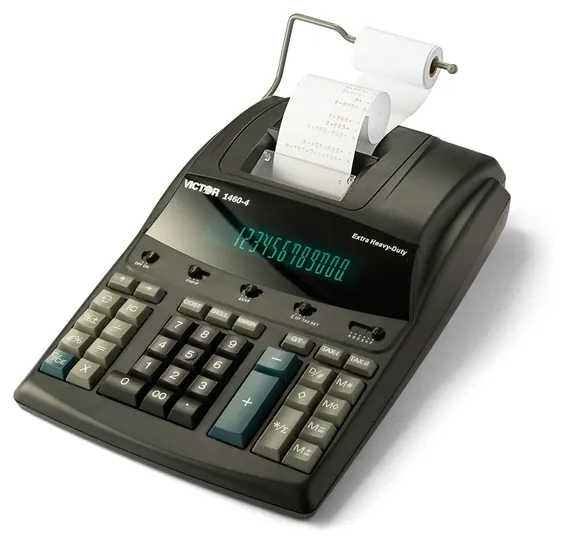
We dropped the Casio HR-100TM, now sold only at a steep markup and replaced by the Casio HR-170RC Plus, along with the Casio DR-210R and the Catiga Commercial because of availability concerns. The Casio HR-200RC went too, since it overlaps the HR-170RC Plus. New to the list are the Sharp EL-1801V, the Sharp EL-2196BL and the Victor 1460-4 for all-day printing.
Nobody publishes lab tests of these machines, so the ranking rests on the makers' print speeds and feature lists, years of owner reports about sticking keys and dead printers, and paper-industry guidance on how long thermal tape stays readable.
Earlier notes
December 8, 2020:
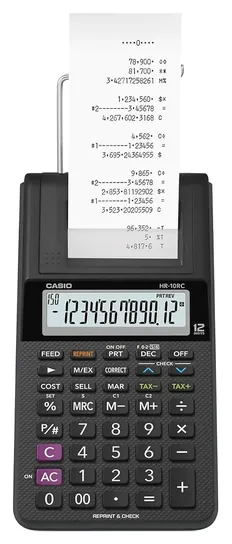
If you frequently travel to different job sites or take your work home each evening, you may want something compact and portable that you can toss in a bag fairly easily. The lightest options on our list are the Casio HR-100TM and the Casio HR-10RC, each of which weighs just one pound. The latter is the smaller of the two, at eight by four inches, however, it also has one of the slowest printing speeds, generating just one line per 1.6 seconds, along with the Catiga Commercial, which has a similar speed. Because of this, these models wouldn’t work for an experienced person, but may be just right for casual use.
On that note, if you are an experienced typists and need something that will keep up, we have included a couple suitable options. The Sharp EL-1197 features a medium printing speed of 4.3 lines per second. It also has a superior four-key independent memory. However, it’s worth noting that it’s the largest and heaviest of those on our list, so if portability is a necessity, it may not work for you. Our fastest-printing model is the heavy-duty Victor 1310, which prints at a rate of six lines per second. If you work fast, this is a smart choice for you. It also uses high-quality thermal paper, which makes for a super quiet print experience. Although it is more expensive than regular paper, the extra cost may be preferable to disturbing the entire household.
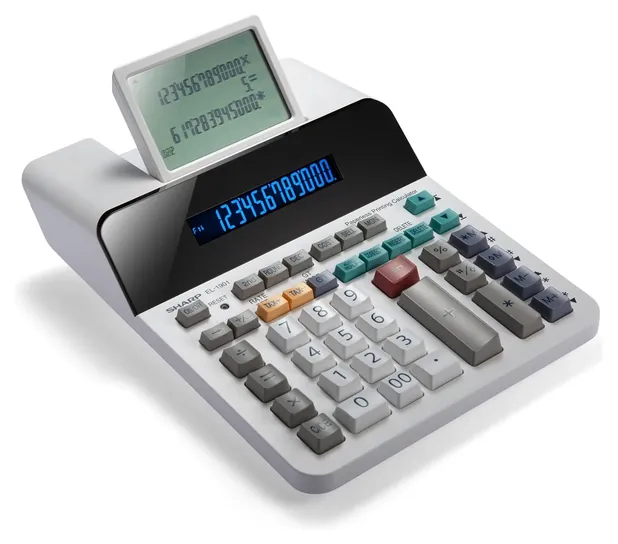
Several of our listed calculators include special features that may make your life easier, depending on your needs. For example, if you want to collect more than one copy of each input, look for an option with a desirable “reprint” feature, like the Casio HR-200RC and the previously mentioned Casio HR-10RC. These models allow you to print multiple copies of the same transaction, saving you from the tedious task of reentering information. Alternatively, if you're embracing the digital age and don't care about having a tangible print-out, you may like the Sharp EL-1901. It's a paperless calculator that saves hundreds of entries, which are accessible via the easy-to-read display screen.
May 13, 2019, by Melissa Harr:
Because it's currently tough to find the Casio FR-2650TM, we decided to remove it, but we still think that the Monroe UltimateX, Sharp EL-1197, and Victor 1460-4 are all fine choices. The UltimateX is a strong option for professional use, with all the features accountants and payroll managers could desire, but it does have the outsized price tag to match. The latter two are not as expensive but still relatively feature-heavy, both printing at a speed of around four lines per second to save you some time. As for more budget-friendly models, we decided to add the Casio HR-100TM. Although it's quite similar to the Casio HR-170RC, it tends to be less expensive and has slightly fewer features, which makes it a good option for non-professionals who don't need all the bells and whistles. Finally, after deliberation, we have elected to add the Sharp EL-1901. It does not actually print onto paper; instead, it features a screen that displays information so you can visually keep track of your calculations. This will save you from having to buy ink and supplies, but you also won't have a physical record, which may or may not be a deal breaker.
Special Honors
Monroe Systems for Business Monroe sells heavy-duty printing calculators such as the UltimateX and the 14-digit 8145X directly and through office-equipment dealers, aimed at accounting offices that print all day. They're a step above the desk machines on this list in duty level and price, and the company offers phone support from its base in Tullytown, Pennsylvania. monroe-systems.com
Speed And Duty: How Much Will You Print?
Heavy-duty machines stay put on the desk and have full-size keys, but they're hard to carry between home and office.
Printing calculators are rated in lines per second, and that one number says a lot about who a model is for. Compact machines from Casio and Canon print about 2 to 2.5 lines a second. That's fine for a household budget or a few evenings of tax prep, where you'll spend more time reading receipts than waiting on the tape.
Desk machines built for accounting work print 3.7 to 4.6 lines a second, and they usually run from a wall outlet only, which keeps the printer speed steady. Victor, which now sells Sharp's printing calculators too, groups its lineup by duty level on its printing calculators page, from compact to commercial. Thermal models print faster still, at about 6 lines a second, because there's no ribbon to advance.
Weight and footprint go up with duty level. Heavy-duty machines stay put on the desk and have full-size keys, but they're hard to carry between home and office. If you bookkeep for a living, buy for speed and a solid base. If you balance a checkbook once a month, a battery-capable compact model is enough, and it costs about half as much.
Ink Ribbon, Ink Roller Or Thermal Paper
Most printing calculators print in two colors, black for positive figures and red for negatives, using an ink ribbon or a small felt ink roller. Both dry out over time. Rollers are cheap and quick to swap, and common types such as the IR-40T fit many brands. Ribbons last longer on heavy-duty machines. Keep a spare on hand, because a dry roller is the most common reason a tape prints faint or blank.
Thermal models need no ink at all. They print by heating special paper, so they're quiet and cheap to run, but they print in one color and the tape doesn't last. Heat, sunlight and contact with plastic sleeves speed up fading, and paper suppliers' estimates of how long a stored receipt stays readable vary widely (POSPaper, Formers Paper). If a tape is a record you need to keep, scan or photocopy it.
Most thermal paper is coated with BPA or a related chemical, BPS, according to the Environmental Working Group. The European Union restricted BPA in thermal paper in 2020, and the U.S. has no federal ban. Anyone who handles tape all day may simply prefer a ribbon model. Every printer on this list takes standard 2.25-inch rolls, plain paper for ink models and thermal paper for the Victor 1310.
Check And Correct, Tax Keys And Keeping Records
The feature that most justifies a printing calculator over a cheap desk model is a way to catch your own mistakes. Casio's check-and-correct memory holds 150 steps that you can scroll back through and fix before printing. Canon's double-check mode has you enter a column twice and flags a mismatch. Sharp's paperless EL-1901 keeps 300 entries on a digital tape you can edit.
Nearly every model here has tax keys and cost, sell and margin keys. Set the tax rate once and the calculator adds or removes it with one key. Check the manual for how the rate is stored: on some compact Casio models it resets when the power goes off. Most use ordinary calculator logic, but a few budget machines use adding-machine logic, where you press plus after each number and a subtotal key to see the result.
A tape is only a working record. The IRS says to keep records that support an item of income or a deduction until the period of limitations for that return runs out, usually three years (IRS). Staple tapes to the documents they total, and scan anything printed on thermal paper.
How we researched this
We compared 17 printing calculators from Sharp, Canon, Casio, Victor and Catiga, read the makers' and sellers' spec sheets, checked the current Victor and Monroe lineups, analyzed several years of owner feedback on print speed, sticking keys and printer failures, read paper suppliers' guidance on thermal tape fading, and checked every brand against U.S. Consumer Product Safety Commission recalls. We found no independent lab tests of printing calculators.
Sources (8)
- Victor Technology: printing calculators
- Monroe Systems for Business
- SSL Shopper: best printing calculators
- POSPaper: Does thermal paper fade?
- Formers Paper: How long thermal receipts last
- Environmental Working Group: BPA replacements in receipts
- IRS: How long should I keep records?
- U.S. Consumer Product Safety Commission recalls
Frequently asked questions
What is a printing calculator used for?
It prints every number and total on a paper tape, so you can check a long run of figures against receipts or invoices and staple the tape to the paperwork. Bookkeepers, small shops and people doing taxes use them.
How fast should a printing calculator print?
About 2 lines per second is enough for home budgets and tax season. For daily accounting work, look for 3.7 lines per second or more, such as the Sharp EL-1197PIII at 4.5.
Is a ribbon or a thermal printing calculator better?
Ribbon and ink-roller models print in black and red on plain paper that lasts, but they need ink refills. Thermal models need no ink and are quiet, but the tape fades, so scan anything you need to keep.
Why is my calculator tape printing faint or blank?
On an ink model, the ink roller or ribbon has usually dried out and needs replacing. On a thermal model, the roll may be loaded the wrong way round or may not be thermal paper.
What size paper does a printing calculator use?
Nearly all desk printing calculators take 2.25-inch (57 mm) paper rolls. Ink models use plain paper; thermal models need thermal rolls.