The 10 Best Soundbars
Updated by · How we research

Ten soundbars compared by bass, dialogue clarity, overhead sound and setup, from small TV speakers to subwoofer systems. The Sonos Arc Ultra leads the list. When users buy our independently chosen editorial recommendations, we may earn commissions to help fund the Wiki.
The most useful thing to know before buying a soundbar is which port your TV has: an HDMI jack marked ARC or eARC carries sound from every app and lets the TV remote set the volume. Optical works with older sets but can't carry overhead movie sound. This list runs from small dialogue bars to full systems with subwoofers.





Editor's Notes
November 16, 2026, by Ezvid Wiki Editors:
The Sonos Arc Ultra now tops this list. It fills a room with convincing overhead sound from a single bar, and What Hi-Fi and TechRadar both put it at or near the top of one-box designs, though its lone HDMI port is a real limit for gamers. Every pick from the 2020 version is gone: most of those bars are no longer made, and the rest have newer replacements.
The new list covers the setups people actually choose between: a big one-box bar, compact bars for smaller TVs, bar-and-subwoofer systems for bass, and low-cost bars that still beat built-in TV speakers. We weighed listening and lab reviews from RTINGS, What Hi-Fi, Tom's Guide, Wired and Crutchfield against each maker's driver layout and connection specs, and checked every brand against the federal recall database.
Earlier notes
October 1, 2020, by Daniel Imperiale:
As with our last visit to this ranking, every company we previously included has come out with a new and improved version of their previous bars. We're seeing more of the top companies include 4K passthrough over HDMI ARC connections like you see on the Sony HT-G700, as well as Bluetooth 5.0 support that often allows for multiple devices to be connected at once, and for you to switch among them seamlessly.
Users interested in creating a surround sound environment should ask themselves if they want a model that can pair with additional satellites, like you see with the LG GX 3.1, or one that uses directional audio to create a virtual surround sound environment like you see with the JBL 5.1 Home Theater. Just be advised that these virtual setups rely somewhat on the configuration of the rooms they live in and the walls off which they might be able to bounce their right, left, and rear channels.
April 3, 2019, by Daniel Imperiale:
There's been a fair amount of turnover in this category lately, with many of the top brands bringing out new models over the past year. Some offer slight upgrades, like the new Bose system that has Alexa built in and comes with a much less embarrassingly large remote control. Of course, that bar was already an excellent performer, so not much needed to change, and it finds itself firmly at the top of our list. Others have seen more substantial improvements, like the new Sonos bar, the Playbase, which has been completely redesigned to act as a platform for your television in addition to pumping out very high quality sound. Some companies haven't offered anything new, unfortunately, like the Paradigm Shift Soundscape, which appears to be several years removed from any kind of upgrade.
HDMI eARC, ARC Or Optical: Check Your TV First
Look for the label next to one HDMI jack on the back of the TV.
The port on your TV decides what a soundbar can do. HDMI ARC, the audio return channel, sends the TV's sound out to the bar over the same HDMI cable, so apps, streaming sticks and antenna channels all play through it, and the TV remote usually controls the volume. eARC, the enhanced version, has enough bandwidth for uncompressed surround and lossless Dolby Atmos, according to the HDMI Licensing Administrator. Look for the label next to one HDMI jack on the back of the TV.
Optical cables still work with older sets, but they can't carry Dolby Atmos, so an Atmos bar on optical plays a flattened mix (MakeUseOf). Sonos notes that the Arc Ultra needs eARC for some Atmos formats.
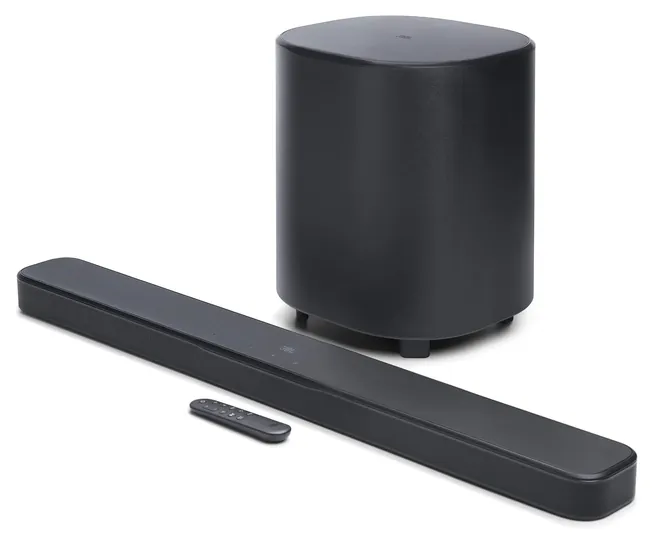
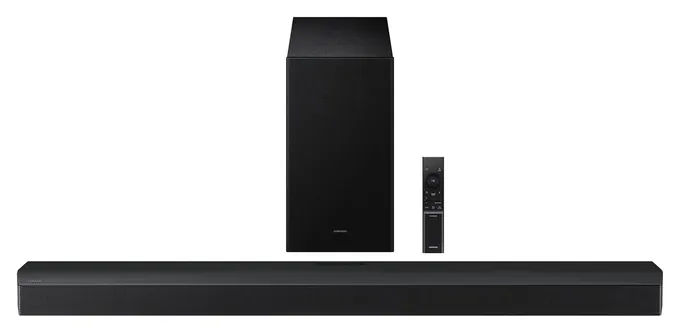
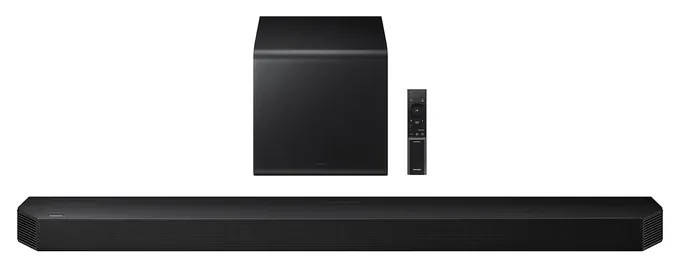
Also count your HDMI inputs. Sonos bars have one HDMI port and no passthrough, so a game console must plug into the TV. Bars with an HDMI input, such as the JBL Bar 500MK2 and Samsung HW-Q800H, let a console or streaming box run through the bar instead.
Bass, Voices And Whether You Need A Subwoofer
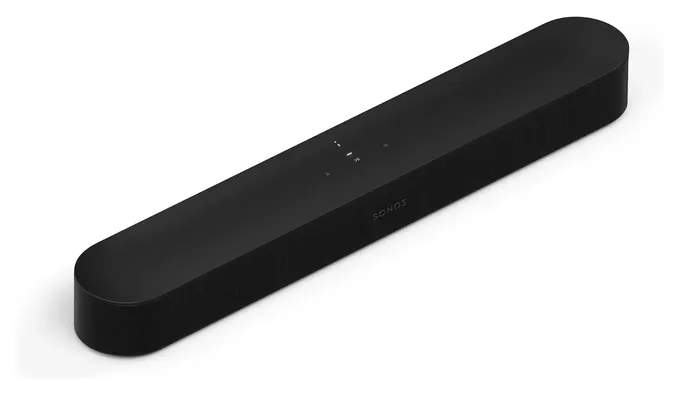
A slim bar can't move much air, so deep bass needs either a big bar or a separate subwoofer. A wireless sub still needs a wall outlet, so plan where it'll sit. Wired's review of the JBL Bar 500MK2 credits its large subwoofer with fixing the thin low end many bars have. RTINGS, which has measured more than 250 soundbars, notes that the compact Sonos Beam lacks deep bass on its own.
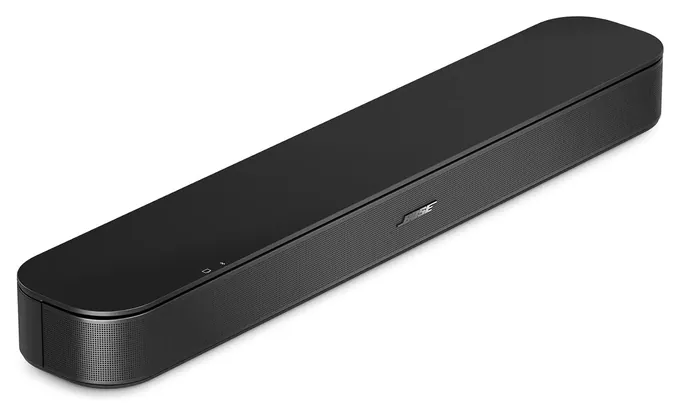
For TV, clear dialogue matters more than watts. A center tweeter or a true center channel keeps voices in front of you. The Bose TV Speaker (2nd Gen) aims a tweeter straight out for speech, and Tom's Guide found its dialogue clearer than some pricier bars. The wattage on a box is usually a peak figure and says little about real loudness.
If you want separate speakers rather than a bar, see our guides to home theater systems and bookshelf speakers.
What Dolby Atmos On A Soundbar Can And Can't Do
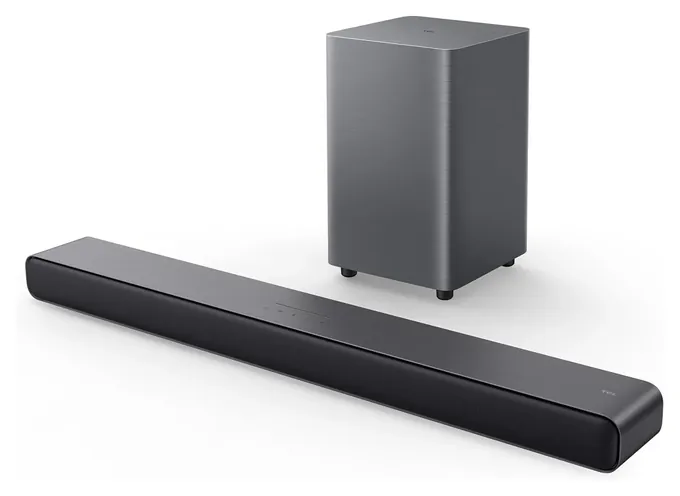
Dolby Atmos adds height to movie sound, so a helicopter seems to pass overhead. Soundbars fake that in two ways. Up-firing drivers, used in the Sonos Arc Ultra, Samsung HW-Q800H and Samsung HW-S60D, bounce sound off the ceiling, and they work best under a flat ceiling of normal height. Processing alone, as in the Sonos Beam and TCL S55H, gives a subtler sense of space.
No single bar matches real speakers behind you. Side-firing drivers widen the sound, and some systems let you add rear speakers later, which brings it closer to a true surround setup.
Size the bar to the TV: a bar about as wide as the screen looks right and spreads sound evenly. The Sonos Beam suits TVs of about 55 inches and smaller, while wide bars like the Arc Ultra and Q800H fit larger sets. Mount the bar and any subwoofer with the maker's bracket and into studs.
How we researched this
We compared 21 soundbars from Sonos, JBL, Samsung, Bose, TCL, Sony, Ultimea, LG and Amazon. We read makers' spec pages and setup guides, listening and lab reviews from RTINGS, What Hi-Fi, TechRadar, Tom's Guide, Wired and Crutchfield, and patterns in owner feedback, and we checked every brand for recalls with the U.S. Consumer Product Safety Commission. Prices were checked on the date above and change often.
Sources (11)
- Sonos: Arc Ultra
- Sonos: Beam (Gen 2)
- Bose: TV Speaker (2nd Gen)
- Wired: JBL Bar 500MK2 review
- Crutchfield: Samsung HW-Q800H review
- Tom's Guide: Bose TV Speaker (2nd Gen) review
- RTINGS: soundbar reviews
- HDMI Licensing Administrator: eARC
- MakeUseOf: optical vs HDMI for Atmos
- Dolby: Dolby Atmos
- U.S. Consumer Product Safety Commission: recalls
Frequently asked questions
Do I need Dolby Atmos in a soundbar?
Not for everyday TV. Atmos adds height effects to movies and some streaming shows, and it needs an HDMI eARC or ARC connection to work. If you mostly watch news, sports and sitcoms, a bar with a clear center channel matters more.
Is a subwoofer worth it?
Yes, if you watch action movies or listen to music through the TV. A subwoofer adds the deep bass a slim bar can't make. It needs floor space and an outlet, and a wired one must sit near the bar.
Should I connect a soundbar with HDMI or optical?
Use HDMI ARC or eARC when your TV has it. It carries more audio formats, including Dolby Atmos, and lets the TV remote control the bar. Optical works with older TVs but can't carry Atmos.
What size soundbar should I get for my TV?
Pick a bar close to the width of the TV. Compact bars suit TVs of about 55 inches and under, and wide bars look and sound better under 65-inch and larger sets.
Can I add rear speakers later?
Some systems allow it. Sonos bars pair with Sonos speakers as rears, and Samsung and JBL sell matching rear kits for some models. Budget bars usually can't add rears, so buy a full system up front if you want them.