The 10 Best USB Audio Interfaces
Updated by · How we research

Ten USB audio interfaces for recording, podcasts and streaming, compared on inputs, preamps, software and warranty. The Focusrite Scarlett 2i2 4th Gen leads. When users buy our independently chosen editorial picks, we may earn commissions to help fund the Wiki.
Most home recordings need one or two inputs: a microphone and maybe a guitar. Four or more earn their keep with drums or a full band. A USB audio interface sits between those sources and a computer, adding quiet mic preamps, a proper headphone output and very little delay. It suits singers, guitarists, podcasters and streamers working from a desk.


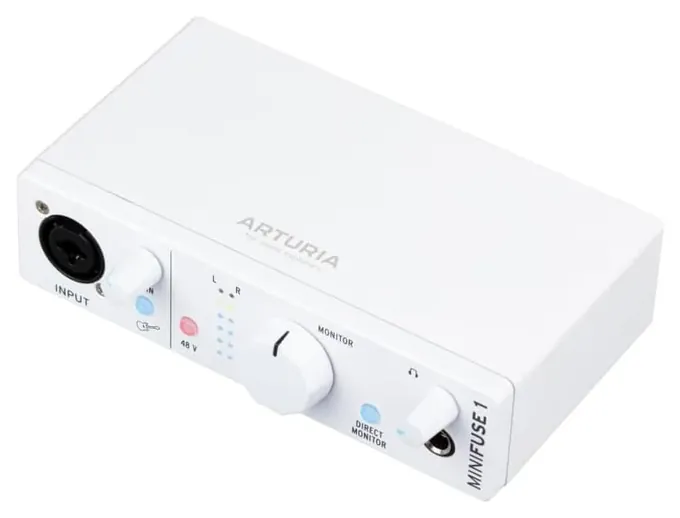
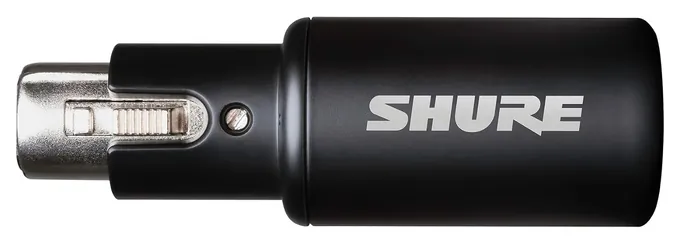
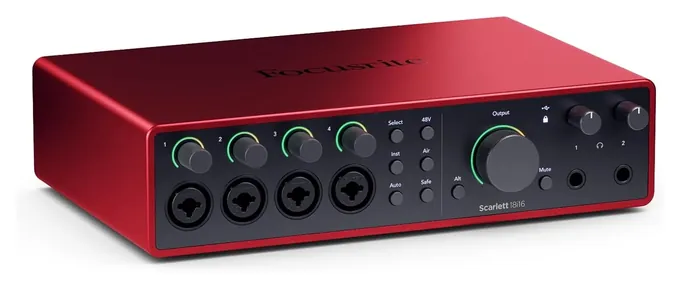
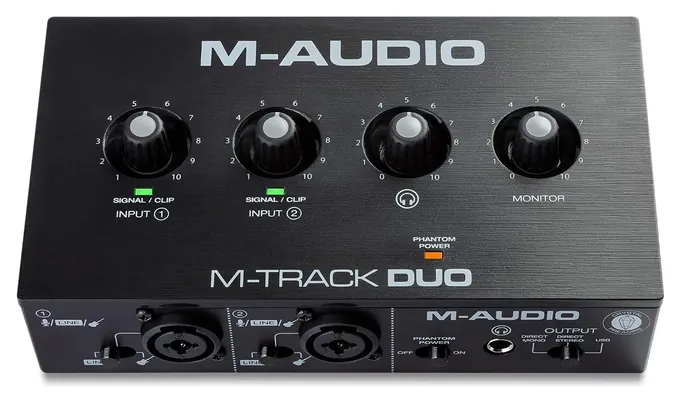
Editor's Notes
November 1, 2026, by Ezvid Wiki Admin:
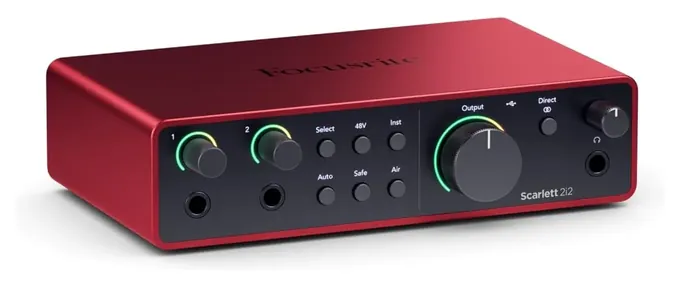
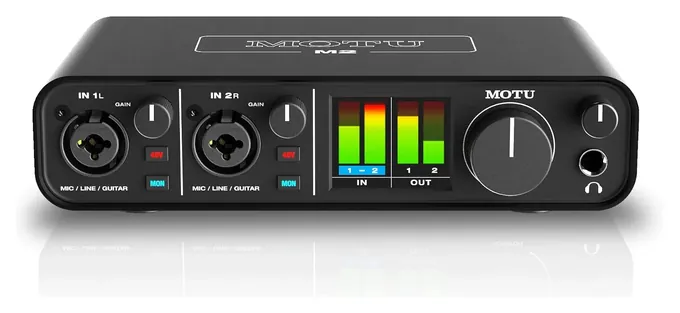
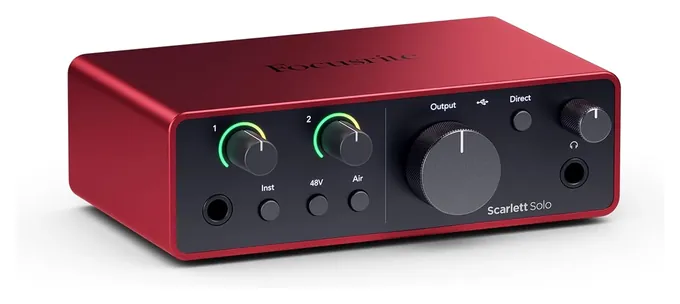
The Focusrite Scarlett 2i2 4th Gen now leads, because it sets mic levels on its own and pulls them back before they distort, which saves more beginners' takes than any spec. The MOTU M2 is the one survivor from the old list. Most of the rest were discontinued or out of production, and the Rodecaster Pro is really a podcast mixer, so it's gone.
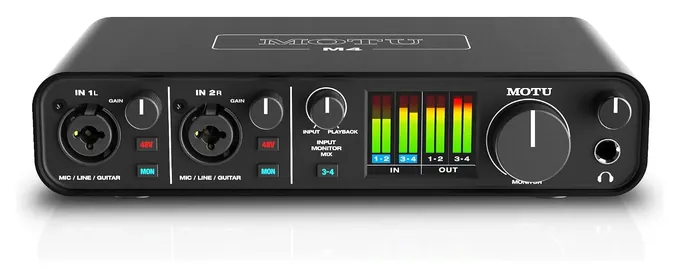
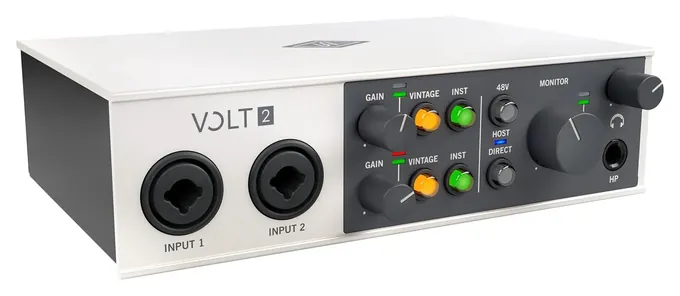
The page now covers the whole range people shop: two-input desktop boxes, the MOTU M4 for streaming, a pocket adapter for a single mic and the Focusrite Scarlett 18i16 4th Gen for bands. We built it from Focusrite, MOTU and Universal Audio spec sheets, the buying guides at MusicTech and HigherHz, and patterns in long-run owner feedback. Universal Audio has started selling a second version of the Volt 2, so we'll look at it again once it has a track record.
July 21, 2020:
Depending on whether you're using an interface for podcasts, music, or something else entirely, you're going to find different models will be more suitable to your needs than others. For example, a newcomer to our ranking, the Rode Rodecaster Pro, might be the best USB mixer for podcasting, as it has a set of programmable effects pads that you can load up with things like intros, outros, and advertisements. It's also ideal for taking phone calls and not losing any quality, as it has a direct phone input. That model is the only offering on our list with actual faders, though, as we have another list dedicated to USB mixers.
The Focusrite Scarlett 18i20 remains one of the most reliable offerings out there, especially for producers looking to integrate with software and plug-ins simultaneously. Its 24-bit audio is certainly high-quality, but it's bested by the 32-bit offering coming from Steinberg Audio UR816C 16x16, which would have risen higher in our ranks if it had segmented LED metering that could show you where your levels were at as you get ready to record.
There are also portable options for use in the field, so users can tape interviews or record performances in small spaces like coffee houses. The best of these take their power over the same USB connections they use to send their audio to your computer, so you won't need to hunt for an outlet or be tethered to a certain spot for your setup.
May 09, 2019:
From basement producers to touring bands, all sorts of musicians and sound techs have different requirements when they go out in search of an audio interface. A singer/songwriter on a budget will likely find the Steinberg UR12, with its one mic input and another Hi-Z guitar input, to be a great option that'll suit their needs. The Mackie Onyx Producer falls in this boat, as well.
However, for a live performance setting where multiple inputs and outputs are needed, the aforementioned options fall short. The same goes for serious producers who are looking to equip their studio with a unit capable of tracking multiple inputs at once. Our top 4 options handle these requirements well, whereas our lower-ranked options tend to suit the more minimal needs of hobbyists and amateur producers.
Special Honors
RME Babyface Pro FS RME's Babyface Pro FS is a compact USB interface that recording engineers carry between studios, with metal construction and RME's own drivers. It costs several times as much as anything on the main list, so it suits people who already know they need a step up. rme-audio.de
How Many Inputs You Actually Need
If you only ever talk into one mic, a pocket adapter that plugs onto the mic is smaller and simpler than any desktop box.
Count what you'll record at the same moment, not everything you own. A singer-songwriter needs two inputs: one for a microphone and one for a guitar plugged straight in. MusicTech's buying guide makes the same point: one or two channels cover most home recording, and four or more only pay off for drums, a band or several podcast guests.
Look for inputs labeled for instruments (often marked Hi-Z) if you'll plug in a guitar or bass without an amp. Combo jacks take either an XLR mic cable or a quarter-inch guitar cable. The Scarlett 2i2 has two of them, and both switch between mic, line and instrument.
Bigger boxes add line inputs for keyboards and a digital port called ADAT, which accepts eight more mic channels from a separate preamp unit. If you only ever talk into one mic, a pocket adapter that plugs onto the mic is smaller and simpler than any desktop box.
Drivers, Delay And Using A Phone Or Tablet
The point of an interface is hearing yourself without a lag while you record. On Windows, that usually means installing the maker's driver, which uses a standard called ASIO for low delay (Wikipedia: Sound card). MOTU, for example, lists a Windows driver for the M2. Macs generally need no driver.
Interfaces described as class compliant work with the computer's built-in audio support, which is also what lets some of them run on an iPad or iPhone. Universal Audio says the Volt 2 works with an iPad and, with Apple's camera adapter and an external power supply, an iPhone. Check the maker's page before you count on phone recording.
Most two-input boxes draw power from the USB port, so a laptop alone is enough. Larger units with more channels often need wall power.
Setting Levels, Phantom Power And Loopback
Set the input level so your loudest notes stay below the point where the signal clips. Newer interfaces can do it for you: Focusrite's fourth-generation Scarletts listen for a few seconds, set the level and then guard against clipping (Focusrite). Audient and Shure offer similar automatic settings.
Condenser microphones need 48-volt phantom power from the interface. Switch it off before you plug in or unplug a mic, and leave it off for older ribbon mics unless the maker says otherwise. Turn the headphone knob down before you put headphones on; these outputs can be loud.
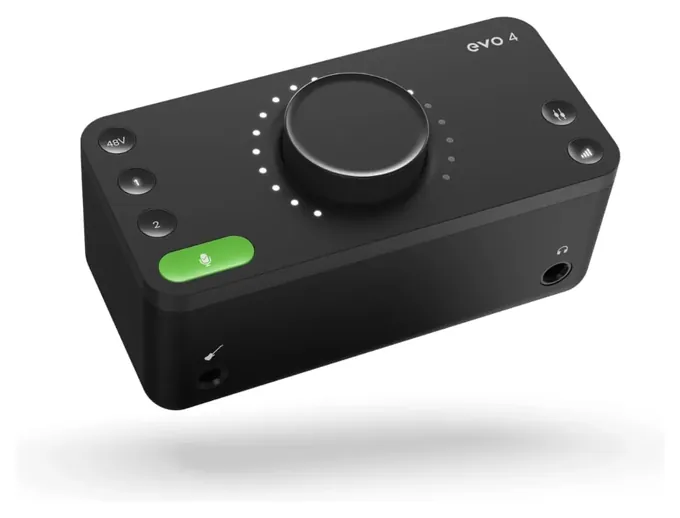
Streamers and podcasters should look for loopback, which feeds computer sound such as game audio or a remote guest back into the recording alongside the mic. The MOTU M4 offers it through its driver, and so do the MOTU M2 and Audient EVO 4.
How we researched this
We compared 13 USB audio interfaces and several older models from the previous list. We read spec sheets from Focusrite, MOTU and Universal Audio, the buying guides at MusicTech and HigherHz, and long-run owner feedback, and we checked every brand for recalls with the U.S. Consumer Product Safety Commission. No lab has published side-by-side measurements of these interfaces, so the ranking weighs published specs, how well each fits a real use and how owners fare over time.
Frequently asked questions
Do I need an audio interface for a USB microphone?
No. A USB microphone has its own converter built in and plugs straight into the computer. You need an interface for XLR microphones and for plugging in a guitar or keyboard.
How many inputs should a first audio interface have?
Two is the safe choice. It records a voice and a guitar at once, or two people talking. One input is enough if you'll only ever use one mic or one instrument at a time.
Can I plug a guitar straight into an audio interface?
Yes, into an input marked for instruments, often labeled Hi-Z. A regular line input will sound thin and quiet with a guitar.
Does a 192 kHz sample rate sound better than 48 kHz?
For most home recording, not in a way most listeners notice. Standard rates such as 44.1 or 48 kHz suit music, podcasts and video. Higher rates mostly matter for specialized editing and look better on paper.
What is loopback on an audio interface?
Loopback sends the computer's own sound, such as game audio or a caller, into the same recording or stream as your microphone. It's the feature to look for if you stream or record remote guests.