The 9 Best USB Borescopes & Endoscopes
Updated by · How we research

Nine plug-in inspection cameras for phones and PCs, compared by lens count, cable reach, steering and phone fit. The Depstech NTC55 leads for its side camera. When users buy our independently chosen editorial choices, we may earn commissions to help fund the Wiki.
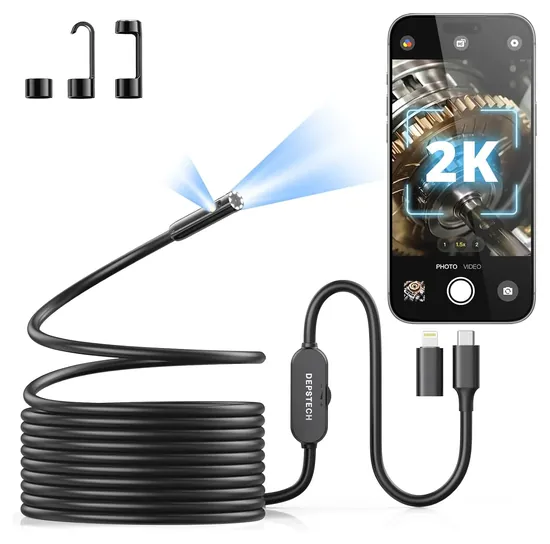
Only an iPhone 15 or newer takes a USB-C borescope straight from the box. Older iPhones need a Lightning adapter many kits leave out, and Android phones need a setting called OTG. Borescope and endoscope name the same tool here: a tiny lighted camera on a cable that feeds your phone or computer, for plumbing, car and wall work.


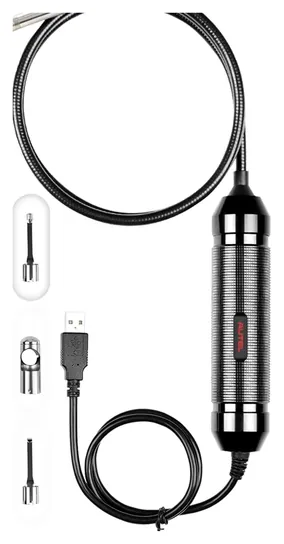
Editor's Notes
November 1, 2026, by Ezvid Wiki Admin:
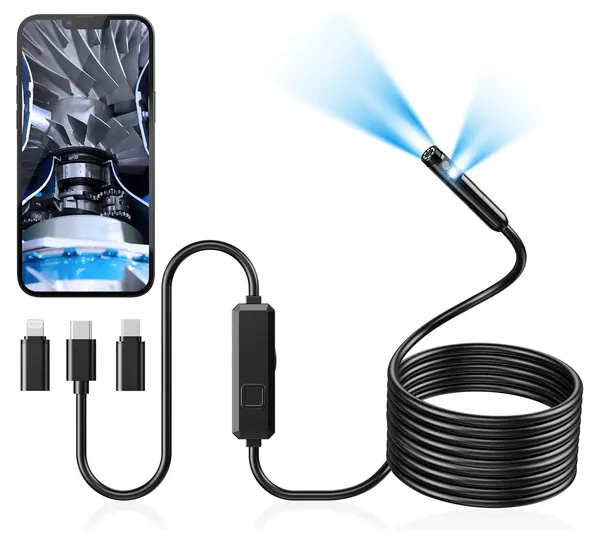
We put the Depstech NTC55 first. Its side-facing second camera and the Lightning adapter in the box fix the two complaints that come up most with these scopes: a view that only looks straight ahead, and a phone it won't plug into.
Eight of the ten old picks are gone. The Depstech Upgrade, Depstech Ultra-Thin and Fantronics 2.0 can't be bought new, and the OSLooker Lizard Cam, Bluefire 7mm Snake, IPS IP Wireless and Ihong Wire have vanished from sale. The Teslong NTG100 left because it's a rifle bore camera. Two picks stay. The old Teslong 3rd Generation is now sold as the Teslong 5MP Autofocus, and the T Takmly Snake's maker now sells a steerable scope under the same name, listed here as the Takmly Two-Way Articulating.
This page covers scopes with no screen of their own, which plug into a phone, tablet, computer or scan tool. Models with a built-in screen are on our inspection camera list. For the cheap plug-in scopes, the deciding evidence was each maker's list of phones it supports, the focus distance in its spec sheet, and owner reports of phones that never showed a picture.
November 19, 2020:
Several audiologists and physicians warn that it's unsafe for non-professionals to insert endoscopes or other invasive tools into bodily cavities. With this in mind, we've removed the Cakler Otoscope, the Depstech HD, and the Soonhua Removal Tool from our list, since these devices are designed to be used inside the ear. We've replaced these with an assortment of USB borescopes and endoscopes that are still very useful in the external environment.
One new addition to our list, the Teslong 3rd Generation, is a particularly good tool for professional engineers and repairmen. It offers a high definition camera and comes with detachable accessories to help fix or remove parts as necessary.
In this update, we replaced nearly all of our previous recommendations, since many are currently unavailable or have been updated. One of these new and improved models is the IPS IP Wireless, a wifi-based endoscope that's three times longer than its predecessor, the IPS IP Smart. While the older version had to be plugged into an external power source, the upgraded version is wirelessly powered by a rechargeable battery with a 2-hour life.
The Depstech Wireless has also been replaced since our last update. The updated Depstech Upgrade not only sports a unique yellow finish, it also has a much higher quality camera, is better suited for illuminating pitch-black spaces, and has a greater range of focus than before.
January 30, 2019:
Added multiple models to the list, as there are more options on the market than in years past. For borescopes, we focused on an ability to easily navigate cramped quarters and usefulness of attachments, while comfort was a key concern in our analysis of endoscopes. Clear picture quality and bright lights were of paramount importance in both categories.
Will It Work With Your Phone?
A few scopes, such as Teslong's autofocus model, work with Windows PCs and Macs through a USB-A plug; most phone scopes don't.
A USB borescope has no screen or battery. Your phone, tablet or computer powers it and shows the picture through an app, so the plug and the phone's software decide everything.
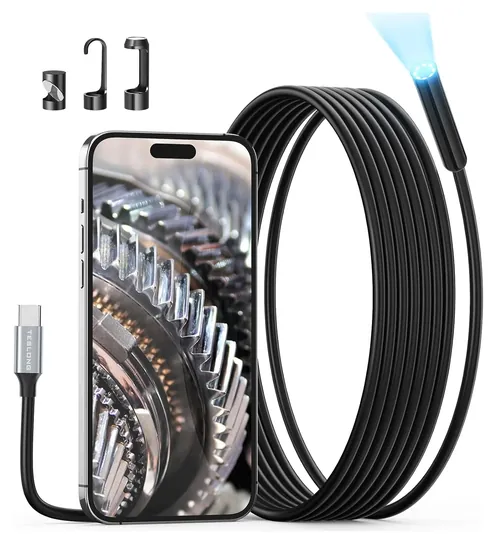
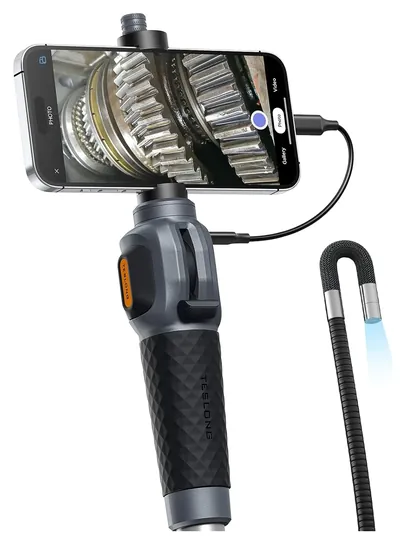
An iPhone 15 or newer has a USB-C port and takes a USB-C scope directly. Older iPhones need a Lightning adapter, and only some kits include one. The Depstech NTC55 ships with both plugs and lists iOS 11 or later. Teslong's USB-C scopes say plainly that they won't work with Lightning iPhones.
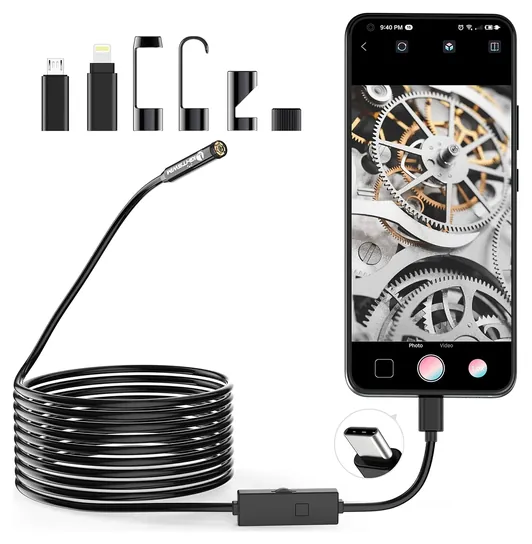
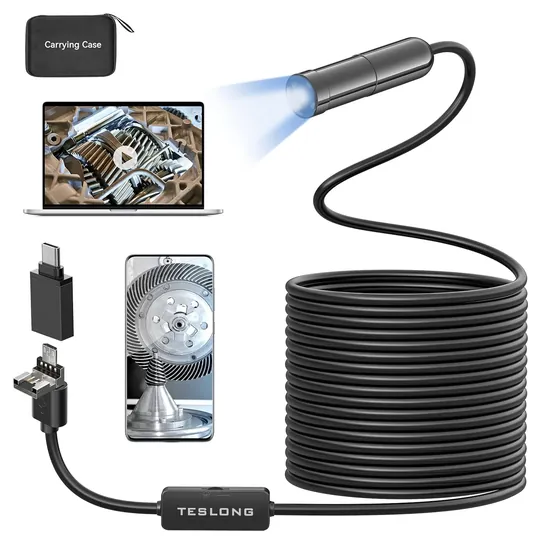
Android is less predictable. The phone must support USB OTG, which lets it power and read an accessory, and many scopes also need UVC camera support. Some phones have both but still won't show a picture, so check the maker's compatibility notes and keep the return window open. Digital Camera World flags the same limits on the Depstech scope it reviewed, and notes that some apps ask for an email address.
Computers are a third route. A few scopes, such as Teslong's autofocus model, work with Windows PCs and Macs through a USB-A plug; most phone scopes don't. Autel's scope runs on the company's own diagnostic tablets.
Focus, Lenses And What Resolution Really Means
Most cheap scopes have fixed focus. The picture is sharp a few inches from the tip, often about 3 to 6 inches, and blurry beyond that. That's fine inside a pipe or a cylinder, but not for looking across an attic. An autofocus camera fixes this at a higher price.
A dual-lens scope adds a side camera. You switch between the two in the app, which lets you read the wall of a pipe or the inside of an engine port without bending the cable into a hook.
Don't shop by the resolution figure alone. Digital Camera World warns that some makers upscale a smaller sensor to quote a bigger number. Lighting and focus distance matter more at these close ranges.
Probe width decides where the camera fits. Bob Vila puts most DIY probes between about 5 and 17 millimeters. An 8 mm head fits drains, holes in drywall and most spark-plug ports; a smaller head reaches tighter passages but is less durable.
Cable Reach, Stiffness, Steering And Safe Use
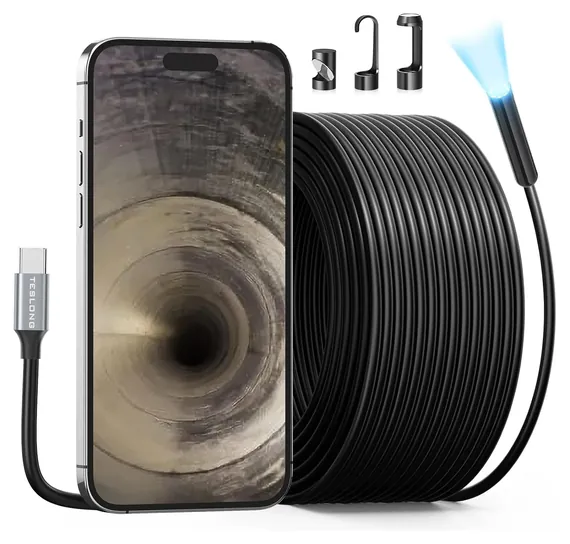
A semi-rigid cable holds the shape you bend it into, so you can push it around a corner or up a wall. Bob Vila calls semi-rigid the best all-round choice. About 10 to 16 feet covers most home and car jobs. Longer cables, up to 50 feet, reach down drain lines, but Teslong says its 50-foot cable bends without the stiffness of a sewer camera and suggests taping it to a fish tape.
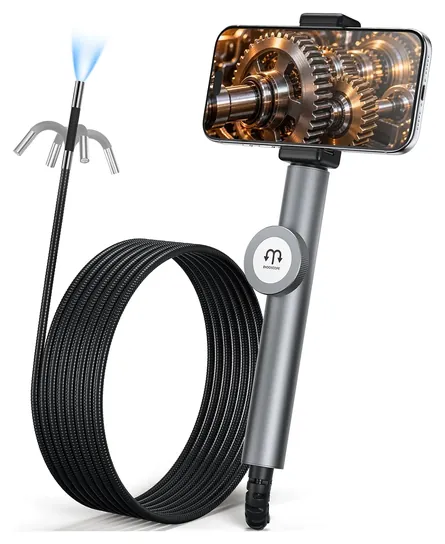
A two-way articulating scope has a short, stiff gooseneck and a thumb lever that bends the tip itself. It's the better tool for looking behind something at arm's length, but the reach is about five feet.
Use these scopes safely. They are not medical devices and must never go into a person or an animal. Let an engine cool first, since many probes aren't built for heat, and never push a scope into a live electrical box. A waterproof rating covers a brief dunk, not a pressurized pipe. Wear gloves in drains, and dry and clean the probe afterward. We checked the CPSC database and found no recalls for any brand here. Scopes with their own screen are on our inspection camera list.
How we researched this
We compared 19 USB and phone borescopes, read the makers' specs and compatibility notes for the 9 finalists, checked independent reviews from Digital Camera World and Bob Vila, analyzed patterns in owner feedback, and checked every brand against the U.S. Consumer Product Safety Commission's recall records.
Frequently asked questions
Is a borescope the same as an endoscope?
For these tools, yes. Borescope is the industrial name and endoscope the medical one, but plug-in inspection cameras are sold under both. None of them is a medical device, and none should go into a body.
Will a USB borescope work with my iPhone?
An iPhone 15 or newer takes a USB-C scope directly. Older iPhones need a Lightning adapter, which only some kits include, and many USB-C scopes say they don't support Lightning at all.
Why won't my Android phone show the camera?
The phone needs USB OTG, and many scopes also need UVC camera support. Turn OTG on in settings, install the maker's app, and if nothing appears, the phone may not be compatible.
How long a cable do I need?
About 10 to 16 feet handles most home and car jobs. Choose 50 feet only for drain lines or long wall runs, and expect to tape it to a fish tape to push it that far.
Can a borescope go underwater or down a drain?
Most have a waterproof tip that survives a short dunk, so a sink trap or a drain is fine. They aren't made for pressurized pipes. Wear gloves and clean the probe afterward.