The 9 Best Video Wall Controllers
Updated by · How we research

Nine 2x2, 3x3 and matrix video wall controllers compared on inputs, per-screen resolution and control. The OREI UHD-14VW is the best all-round pick. When users buy our independently chosen editorial choices, we may earn commissions to help fund the Wiki.
A video wall controller takes one video feed and slices it so four or nine ordinary TVs show one giant picture. The catch: budget boxes send each TV a full HD slice, so a wall of 4K sets gains little sharpness. This guide is for shops, churches, offices and home theaters building a TV wall without pro-level spending.


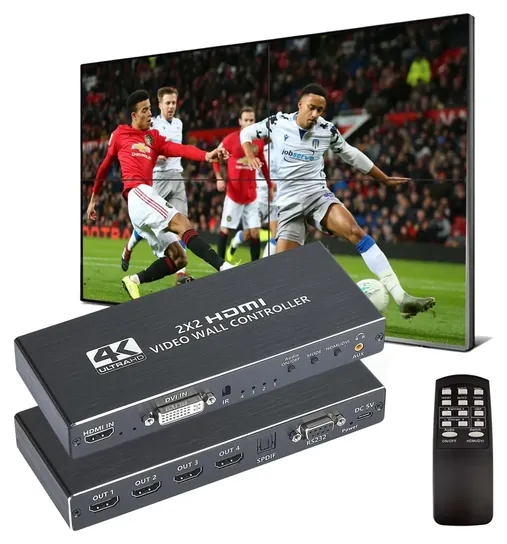
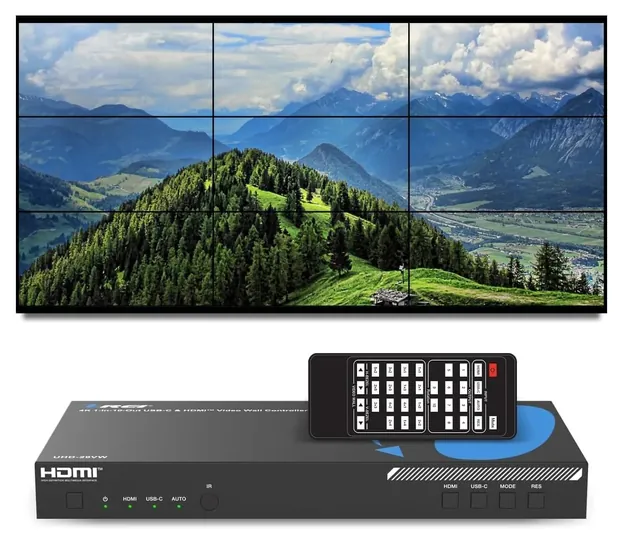
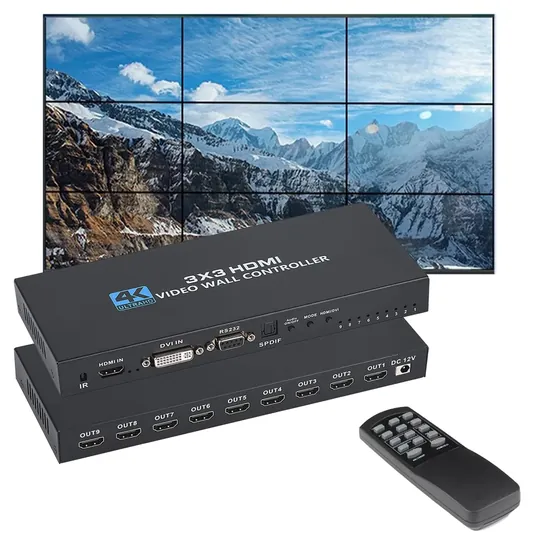
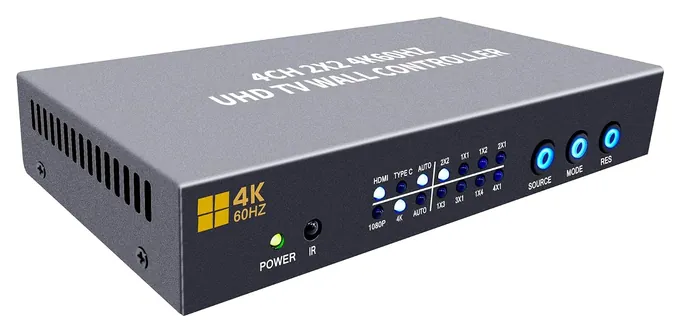
Editor's Notes
October 27, 2026, by Ezvid Wiki Admin:
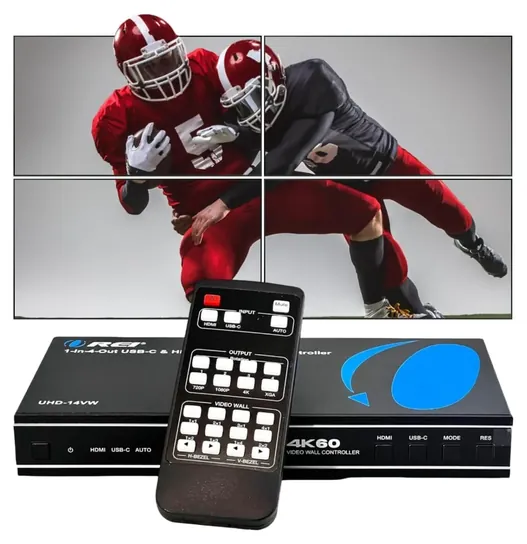
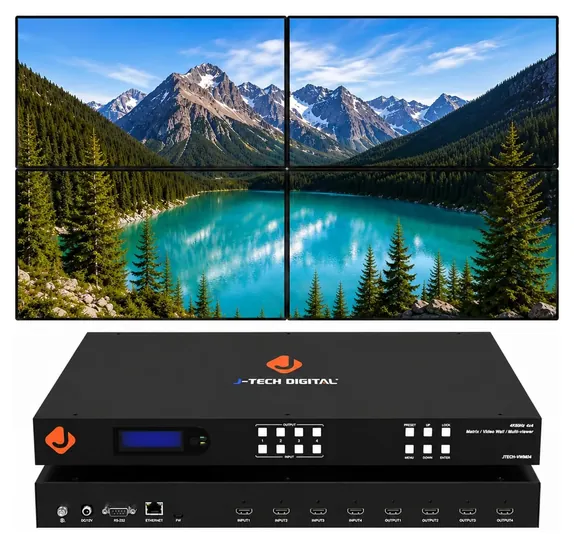
The OREI UHD-14VW now leads this list. It takes a 4K source over HDMI or USB-C, trims the picture at each TV's frame, and comes from a company with U.S. phone support, all at a modest price. Most of the old list was gone: the Link-Mi LM-TV09, Rijer, Mophorn and Uniharpa boxes are no longer sold, and we couldn't find the No Hassle, AVI ProAV, Deface or Link-Mi 4-Channel processors for sale anywhere. The old iseevy splicer gave way to the newer iseevy ISV-TWC4-4K60P, and the J-Tech Digital JTECH-VWM04 stays for professional installs.
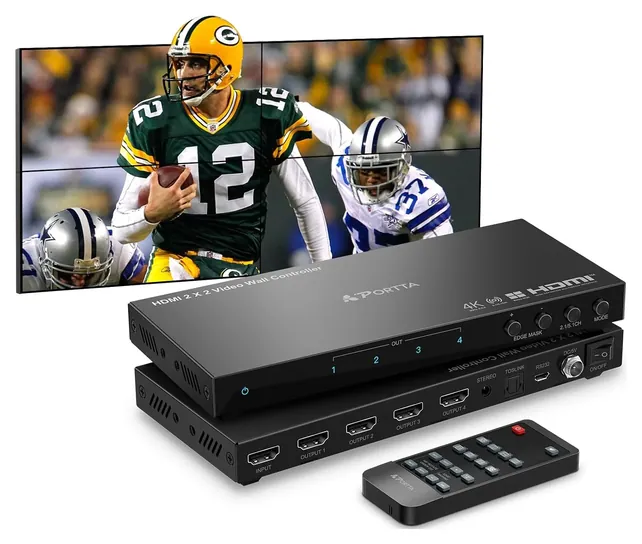
The fine print was the real story. Most of these boxes cut the picture into full HD pieces no matter how sharp the input is, and OREI's own diagrams for the OREI UHD-19VW say so. We read the OREI and J-Tech Digital spec pages and manuals, weighed sellers' specs for the rest, and looked for repeat problems in owner feedback. A well-documented J-Tech 2x2 box missed the cut only because it's built much like the Portta N14VW.
November 16, 2020:
As with our last visit to this ranking, the drive toward additional models capable of handling 4K signals continues. To that end, we updated the Link-Mi LM-TV09, the layout of which is largely the same as its predecessor save for the elimination of support for VGA and composite video input. While this may alienate some users, HDMI connectivity is liable to dominate most setups, and the composite connection will continue fading into obsolescence in the coming years. In place of those connections, the TV09 has included a Displayport input, which should prove to be more useful in connecting most computers as sources for video content.
We also upgraded the Rijer 2X2 Processor to the Rijer Matrix Processor, taking you from a 2x2 maximum setup to a 3x3. One of the most important features of this model is its interlaced feed conversion, which prevents annoying lines from appearing in your image, especially during action scenes, by turning that feed into a progressive signal that plays much more fluidly on most modern televisions.
August 18, 2019:
For this latest ranking, we wanted to focus on controllers that could utilize and even output 4K signals, where our previous list only included models that offered up to 1080p. The Rijer unit on our old list has been replaced by a new offering from the same company that does, in fact, boast a 4K stream. No Hassle AV, which took a bit of a hit on our last ranking, has rebounded into first place with their 3x3 4K model. In our special honors section, you'll find three devices all capable of 4K display, two of which are rack-mountable and clearly geared toward the highest echelon of professional application.
October 22, 2018:
A new addition to the market, the Mophorn 3x3 made a big splash by offering all the same bells and whistles as similar units, while being both equally durable and more competitively priced compared to its competition. One such competitor, the No Hassle AV 3x3, took a dive as its remote has failed to live up to the company's name.
Special Honors
RGB Spectrum Video Wall Processors RGB Spectrum has built video wall processors since 1987, mostly for control rooms and defense installations. Its current Zio line shares many sources across large walls over a network, the kind of system an AV integrator designs and installs. It's far more than a shop's TV wall needs, but it's where to look when a wall has to run around the clock. rgb.com
KanexPro Video Wall Processors KanexPro sells its video wall gear from its own store. The VW-HDUSBC1X4 takes a 4K source over HDMI or USB-C for a four-screen wall with frame correction, and the MMX-4X4VW is a four-input matrix that also builds a 2x2 wall. Both are aimed at installers and come with the brand's own support. store.kanexpro.com
Count The Screens, Then Check What Each One Gets
Four 1080p slices add up to roughly one 4K picture across the whole wall, so a 2x2 of ordinary full HD TVs looks right.
Start with the shape of the wall. A 2x2 wall needs a controller with four HDMI outputs, and a 3x3 wall needs nine. Most boxes also offer strips (1x3, 4x1 and the like) and a splitter mode that repeats the same picture on every screen, which is handy for a lobby or a bar.
Then read two resolution numbers, not one. The input number tells you what the box accepts; the output number tells you what each TV actually receives. The J-Tech Digital JTECH-VW0104-AE spec page is unusually clear about it: 4K at 30 Hz in, a fixed 1080p at 60 Hz out. The OREI UHD-14VW accepts 4K at 60 Hz but also sends 1080p to each TV in wall modes, and OREI's UHD-19VW notes the same limit for its 3x3 layouts.
That isn't a scam. Four 1080p slices add up to roughly one 4K picture across the whole wall, so a 2x2 of ordinary full HD TVs looks right. It only matters if you bought 4K TVs and expect each one to look 4K sharp. For that, you need a box that claims 4K per output, and you should check the claim before you mount anything.
Last, look at the input jack. A USB-C input lets a laptop plug in with one cable. An input limited to 4K at 30 Hz makes motion look less smooth with sports or games, though it's fine for slides, menus and dashboards.
One Source Or Several: Controller, Matrix Or Computer
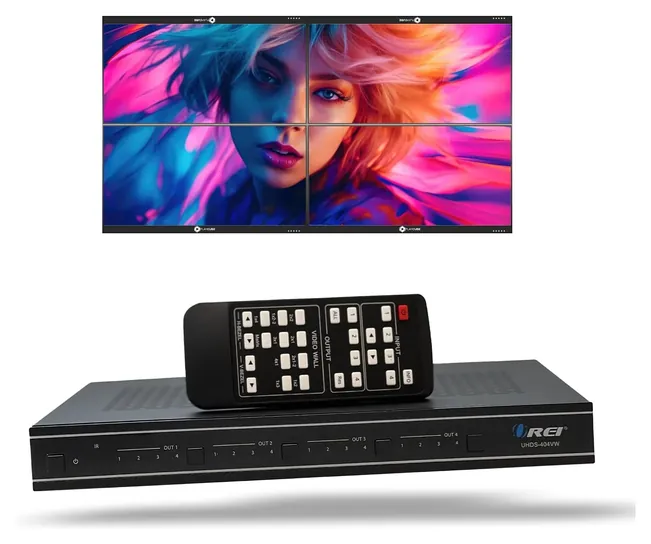
A basic video wall controller shows one source at a time. If you want a game on the left TVs and a menu on the right, or a quick switch between a cable box and a laptop, you need a matrix with a video wall mode. The OREI UHDS-404VW routes any of four inputs to any of four TVs and can still join them into a 2x2 wall, with a web page, network and RS-232 control. The J-Tech Digital JTECH-VWM04 adds a multiviewer mode and drivers for Control4, Crestron, Q-SYS, URC, RTI and Savant, which is what an installer wants when the wall is part of a bigger system.
KanexPro sells similar matrix and wall boxes direct, and control rooms move up to network-based processors from companies like RGB Spectrum. Those handle many sources across large walls and run day and night, at a price that only makes sense for a commercial install.
There's also a software route. A computer with a graphics card that has several outputs can stretch its desktop across several screens, and Windows handles the arrangement in its display settings (Microsoft). That works well for dashboards and signage you run from a PC. It doesn't help with a cable box, game console or streaming stick, and that's where a hardware controller earns its place.
Setup: Bezels, Rotation, Cables And Copy Protection
Ordinary TVs have thick frames, and no controller can remove the gap. What bezel compensation (also called edge masking) does is hide a strip of the picture behind each frame, so a straight line crossing two screens stays straight instead of jumping. The J-Tech Digital spec sheet for its 2x2 box allows a trim of up to 8 pixels, and OREI and Portta offer the same adjustment. Thin-bezel commercial displays shrink the gap, but they cost far more than a TV.
Some walls mount TVs upside down so the thinner edge sits in the middle. Check the rotation fine print. The GGrozza 2x2 flips only two of its outputs, the J-Tech VW0104-AE flips only in one layout, and OREI's UHD-14VW needs an RS-232 command from a computer.
Keep HDMI runs short. OREI rates its 4K boxes for cable runs of about 16 to 30 feet depending on the model (OREI UHD-14VW), and long, cheap cables are the usual cause of flicker or blank screens. Set every TV to the same picture mode and turn off its own zoom and overscan, or the edges won't line up.
Copy-protected sources can be a problem. Streaming boxes and cable boxes use HDCP, and a controller that doesn't handle it properly may show a blank screen. Test with your real source while you can still return the box. Finally, consumer TVs aren't built to run around the clock, so check your TV's warranty before using a wall as all-day signage.
How we researched this
We compared 18 video wall controllers and matrix switchers, read the spec pages and manuals that OREI and J-Tech Digital publish, weighed sellers' specs for the brands without a working support site, looked for repeat problems in owner feedback, and checked every brand against U.S. Consumer Product Safety Commission recalls. We found no independent lab test of these boxes.
Sources (9)
- OREI: UHD-14VW video wall controller
- OREI: UHDS-404VW 4x4 matrix with video wall
- OREI: UHD-19VW 3x3 video wall controller
- J-Tech Digital: JTECH-VW0104-AE 2x2 video wall processor
- J-Tech Digital: JTECH-VWM04 video wall controller and matrix
- KanexPro: video wall processors
- RGB Spectrum
- Microsoft: How to use multiple monitors in Windows
- U.S. Consumer Product Safety Commission: recalls
Frequently asked questions
What is a video wall controller?
It's a small box, also called a video wall processor, that takes one video source and splits the picture into pieces, one per TV, so several screens act as one large display. Most handle 2x2 walls; larger models drive 3x3.
Can each TV show something different?
Not with a basic controller, which splits one source. For different sources on different screens, you need a matrix with a video wall mode, such as the OREI UHDS-404VW, or a multiviewer.
Will a wall of 4K TVs look sharper?
Usually not. Most budget controllers send each TV a 1080p slice, so the TVs upscale it. A 2x2 wall of 1080p slices adds up to about one 4K picture overall. Only a few boxes claim 4K per screen.
Can a controller hide the gaps between TVs?
It can't remove them, but bezel compensation hides a strip of the picture behind each frame so lines stay straight across the gap. Thin-bezel commercial displays are the only way to shrink the gap itself.
Can I use software instead of a controller?
Yes, if your source is a computer. A graphics card with several outputs can stretch the desktop across screens. It won't help with a cable box, console or streaming stick.
Will it work with my streaming or cable box?
Often, but copy-protected (HDCP) sources can blank out on some boxes. Test with your own source while the return window is open.