The 5 Best Virtual Keyboards
Updated by · How we research

Laser projection keyboards and two folding alternatives compared on typing, battery and pairing. The AGS Laser Keyboard and Mouse leads for its touchpad mode. When users buy our independently chosen editorial selections, we may earn commissions to help fund the Wiki.
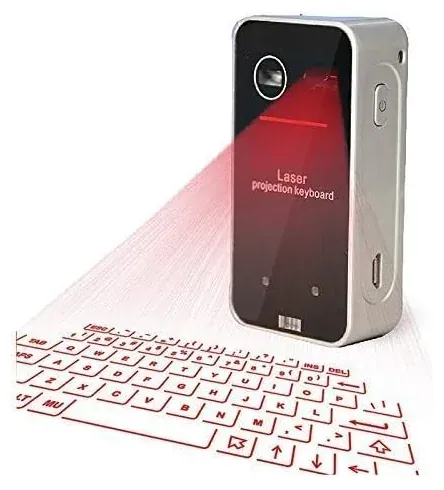
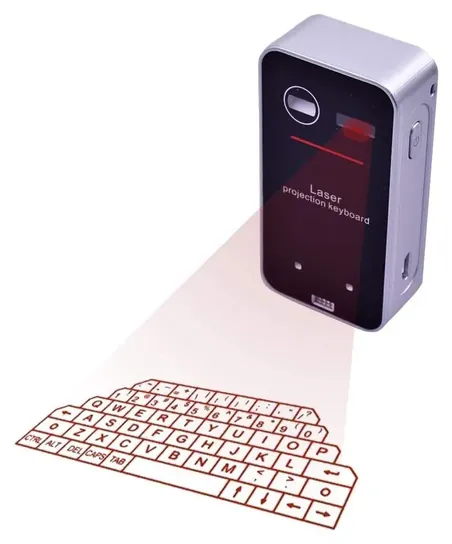
A laser keyboard has no keys at all: a matchbox-size unit beams a red layout onto the table and watches your fingertips with an invisible infrared beam. It's a fun, pocketable way to type short messages on a phone or tablet, but not a laptop replacement. Travelers who type a lot should look at the folding keyboards here instead.


Editor's Notes
November 1, 2026, by Ezvid Wiki Editors:
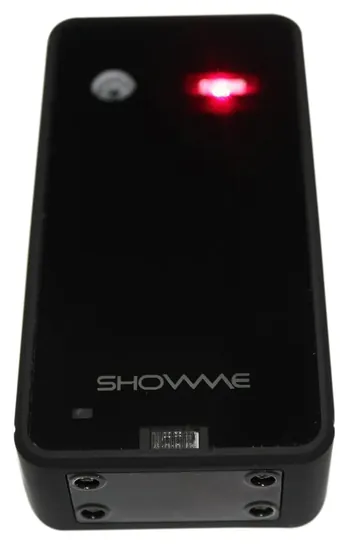
The AGS Laser Keyboard and Mouse leads this list because it adds a touchpad mode to the projected keyboard and has the longest owner history of the laser units still sold. The MOJO Laser Keyboard and the Gangxun ShowMe F1 follow, each for one clear reason: a stated battery time at a lower price, or key clicks you can hear.
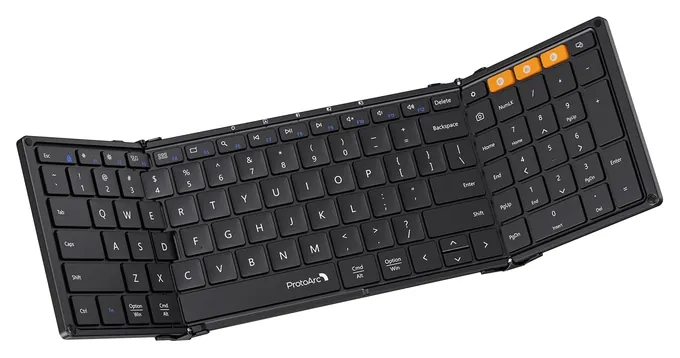
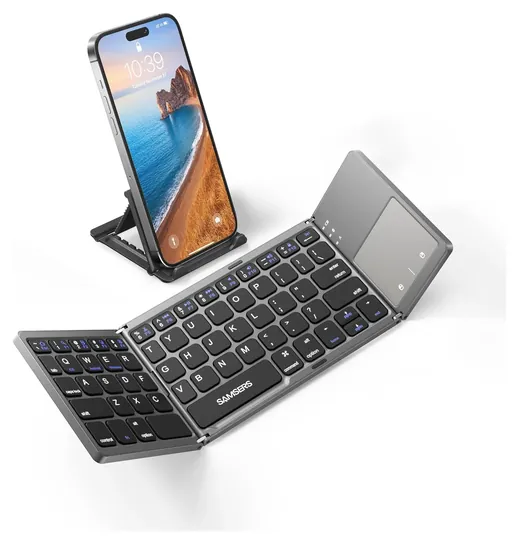
Nearly every laser keyboard on sale is the same small box under a different name, so we kept one of each kind and left out the twins, along with unbranded dropship units and models sold as replacement parts. Owners are split on how well the whole category types, so we added two folding keyboards with real keys, the ProtoArc XK01 and the Samsers KT03, for anyone who needs more than a few lines.
No major lab or magazine has tested laser keyboards, so this ranking rests on the sellers' stated specs, how the projection design works, the FDA's laser rules, and repeated owner reports of fading layouts, stray keystrokes and dropped connections.
Special Honors
Tap Strap 2 A wearable keyboard that slips over the fingers of one hand and reads taps on any surface, so you can type on a knee or a tray table. Tap Systems sells it direct with a one-year warranty. It's often out of stock elsewhere, and each letter is a tap combination you have to learn. tapwithus.com
How A Laser Keyboard Works, And Where It Struggles
Most people type far slower this way than on a phone screen or real keys.
A laser keyboard is a small box with two lights and a sensor. A red laser draws the keyboard on the table, while a second, invisible infrared laser spreads a thin sheet of light just above the surface. When a fingertip breaks that sheet, the sensor works out which key it hit and sends the letter over Bluetooth (Wikipedia: Projection keyboard). IBM patented the idea in 1992, and the design has barely changed: nearly every unit sold now is the same matchbox-size body under a different brand.
The surface matters more than the brand. Sellers ask for a flat, opaque, non-glossy table with about two inches clear around the unit. Glass, dark wood and shiny laminate scatter the light, and bright sun washes the red keys out. Resting fingers count as presses, so you type with hovering hands, and there are no keys to feel. Most people type far slower this way than on a phone screen or real keys. It suits short messages and a bit of fun more than a long email.
Laser Safety, Batteries And Recalls
Every laser keyboard holds two laser diodes. In the U.S., the FDA sorts lasers into classes from 1, which poses no known hazard, up to 4, and lasers in Class 2 and above must carry a label with their class and power. None of the units on this page states a class, so treat the beam with care: don't stare into the window, keep it away from small children's eyes and pets, and favor a unit that arrives with a warning label.
The battery is a small built-in lithium cell. Charge it with the cable that came with it, stop using a unit that swells or gets hot, and don't leave it charging on a bed or sofa. Laser units run a few hours per charge; MOJO states about 200 minutes. Folding keyboards run for days between charges. We checked every brand here against the CPSC recall database and found no recalls.
When A Folding Or On-Screen Keyboard Makes More Sense
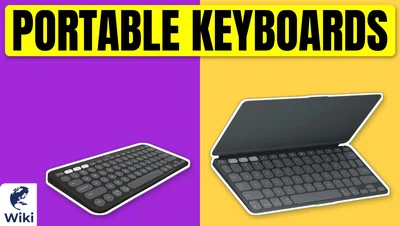
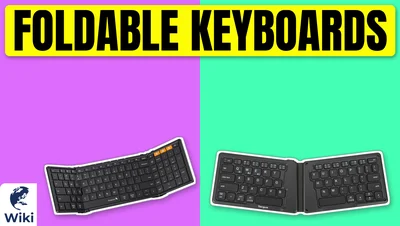
If you want to type rather than show off a gadget, a folding Bluetooth keyboard is the practical choice. It has real keys that move, runs for days or weeks between charges, and fits a jacket pocket or a laptop bag. The ProtoArc XK01 unfolds to a full-size layout with a number pad and pairs with three devices, and the maker rates it for up to 150 days on standby. Smaller bi-folds such as the Samsers KT03 add a touchpad at the cost of cramped keys.
If the goal is simply a keyboard on a screen, you already have one. Windows includes an On-Screen Keyboard that works with a mouse, touch or a switch, and phones and tablets show one whenever you tap a text box. Neither costs anything. A third route is a wearable such as the Tap Strap 2, which reads finger taps on any surface, but you have to learn a new tap alphabet first.
How we researched this
We compared 15 virtual and portable keyboards, including every laser projection unit we could find on sale, read the makers' and sellers' specifications, the design history of projection keyboards and the FDA's rules for laser devices, analyzed owner feedback, and checked every brand against the U.S. Consumer Product Safety Commission's recall database. We found no independent lab tests of laser keyboards.
Frequently asked questions
How does a laser projection keyboard work?
A red laser draws a keyboard on the table and an invisible infrared laser spreads a sheet of light just above it. When your finger breaks that sheet, a sensor works out the key and sends it over Bluetooth.
Does a virtual keyboard work on any surface?
No. It needs a flat, opaque, matte surface with some clear space around it. Glass, glossy or dark surfaces and bright sunlight make the keys hard to see and hard to read.
Will a laser keyboard work with my iPhone or Android phone?
Yes, if the phone supports Bluetooth keyboards, which current iPhones, iPads and Android phones do. The units on this page also pair with Windows and Mac computers.
Are laser keyboards safe for your eyes?
Don't stare into the laser window and keep the unit away from young children's eyes. None of the units here states its laser class, and the FDA requires a warning label on Class 2 lasers and above.
Is a laser keyboard faster than typing on a phone screen?
Usually not. There's no key travel and resting fingers trigger keys, so most people type more slowly. A folding keyboard with real keys is the faster choice for long text.
Is the Windows virtual keyboard the same thing?
No. The Windows On-Screen Keyboard is free software that shows keys on your display. A laser keyboard is a separate gadget that projects keys onto a table.