The 10 Best Laser Printers
Updated by · How we research

From print-only mono models to color all-in-ones with fax, ten laser printers compared on speed, toner cost per page and warranty. The Canon MF753Cdw II leads. When users buy our independently chosen editorial selections, we may earn commissions to help fund the Wiki.
HP states that its current printers block toner with non-HP chips, and Brother has faced similar complaints, which it denies, so check before buying third-party toner. A laser printer fuses toner powder onto paper with heat, so it's fast and sharp for text and can sit unused for weeks without clogging. It suits homes and small offices.


Editor's Notes
October 16, 2026, by Ezvid Wiki Admin:
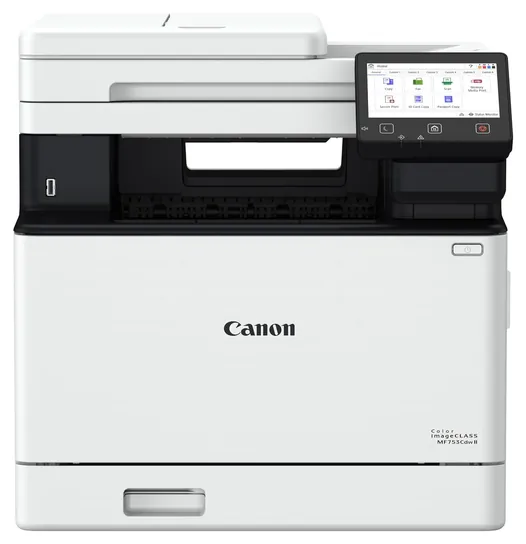
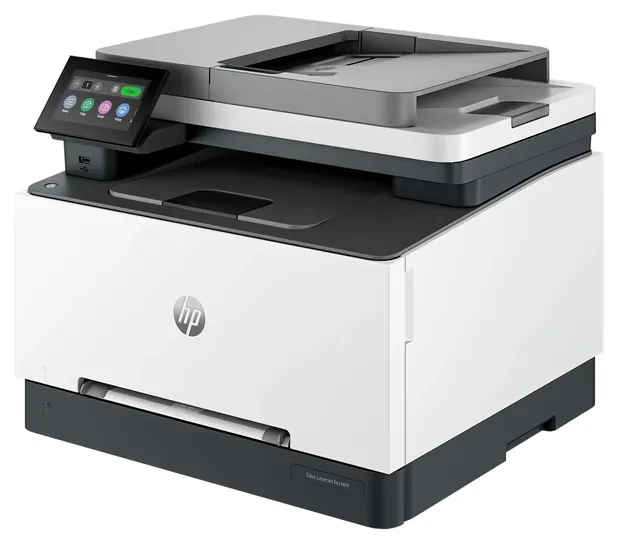
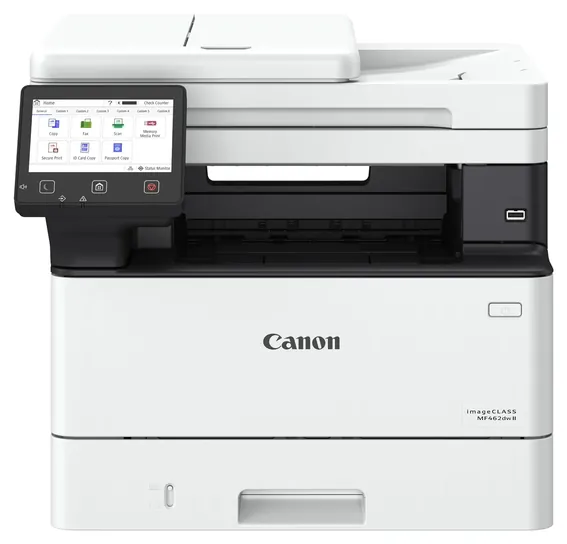
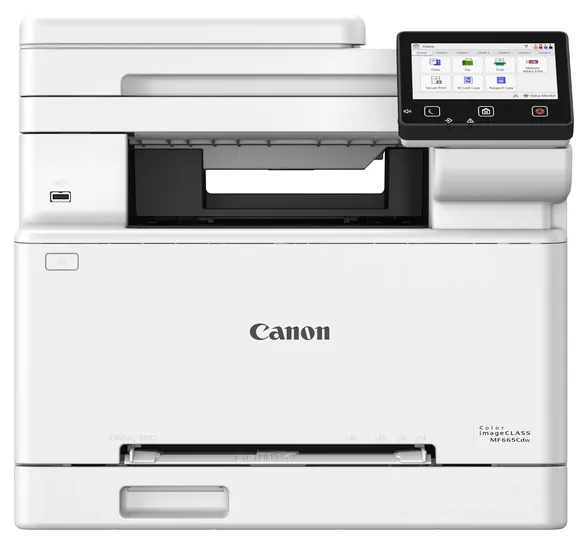
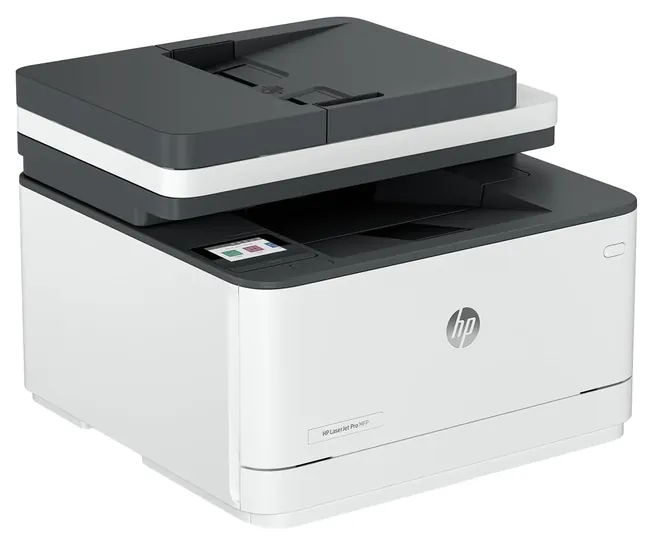
Three things lift the Canon MF753Cdw II to the top: it's quick, it scans both sides of a page in one pass, and it carries three years of warranty. Every printer on the 2020 list has since been replaced or become hard to find. The HP LaserJet Pro Multifunction, HP LaserJet Pro M283fdw, HP Color LaserJet Pro M454DW and HP LaserJet Pro Monochrome are now sold as old versions or not at all, and the Xerox B205NI Monochrome is unavailable. The Canon Imageclass MF445DW, Canon Color ImageClass Duplex and Lexmark Full Spectrum all have newer replacements that cost less or do more.
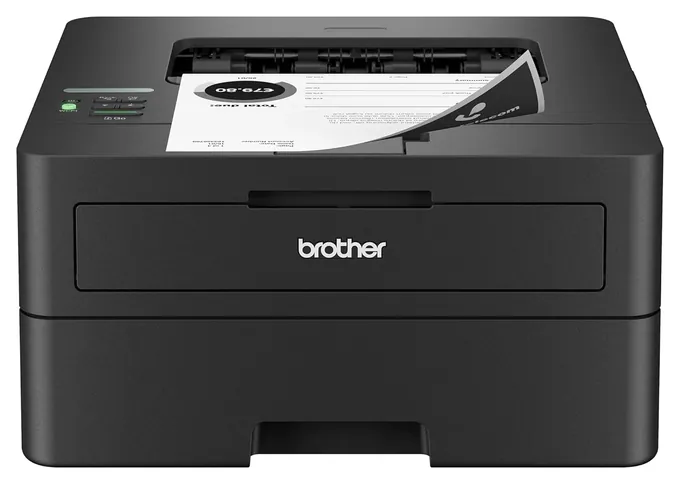
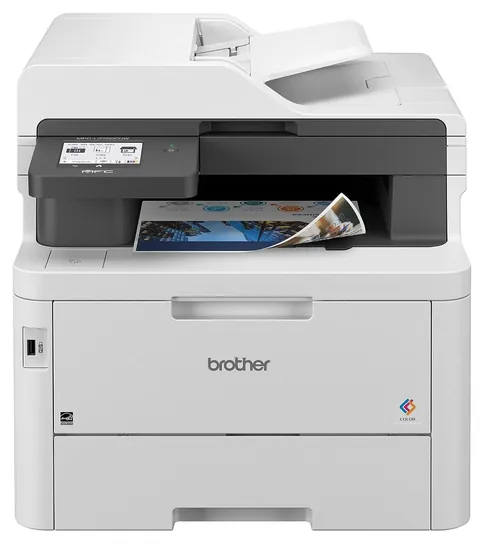
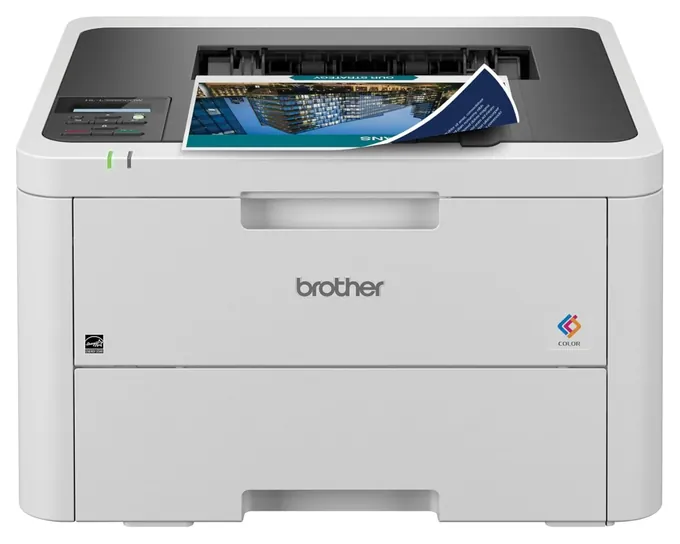
If you print mostly text, the Brother HL-L2460DW is the smarter buy for far less money. If you print a lot in color, the Brother MFC-L3780CDW had the lowest color cost per page in the lab results we found.
Two warnings come with this category. HP states that its current printers block toner with non-HP chips, and Brother has faced similar complaints, which it denies. If you plan to buy third-party toner, check owner reports for the exact model first. And any printer on a network should get its own admin password and firmware updates.
We leaned on PCMag's lab results where they exist, and each entry says when a test covered a sibling model rather than the exact one. For photos, an inkjet still does a better job.
May 20, 2020:
A handful of the models on our current ranking are upgrades to previously included options, while some others, like the Ricoh SP C250DN haven't been upgraded as of yet, or have been upgraded and don't quite live up to our quality standards. Then there are the models by Samsung, which have been scrubbed from our ranking for software issues that required frequent and frustrating restarting.
You might be hard-pressed to find a laser printer on the market today that doesn't have wireless capabilities, but there are still plenty of variables to consider when purchasing one. If you simply prefer the functionality of laser over ink, and want something for your home, you can get away with a smaller option like the Lexmark Full Spectrum. This doesn't feature a scanner or copier, however, let alone faxing capabilities, so anyone with either more variegated needs at home or the need to outfit a small office could pick something like the Xerox B205NI Monochrome.
Duty cycle is something we consider heavily, as well, with the HP LaserJet Pro Multifunction allowing you to print up to 4,000 pages each month without having to worry about maintenance. HP also has one of the best printing apps in the business, but many of these offerings are compatible with the likes of AirPrint, Mopria, and other cloud-based solutions.
Color Or Black And White, All-In-One Or Print-Only
Color lasers make sense for charts, flyers and invoices with a logo.
Start with what you print. If it's mostly black text, a monochrome laser costs less to buy and far less to run. In PCMag's lab tests, black pages on current models cost about 2.3 to 3.7 cents each, while color pages ran 12.3 to 17 cents even with high-yield toner (PCMag, PCMag). Color lasers make sense for charts, flyers and invoices with a logo. They're weak at photos: RTINGS scored one popular Brother color laser 9.5 for documents but 4.3 for photos (RTINGS), so for pictures look at inkjet printers or a photo printer.
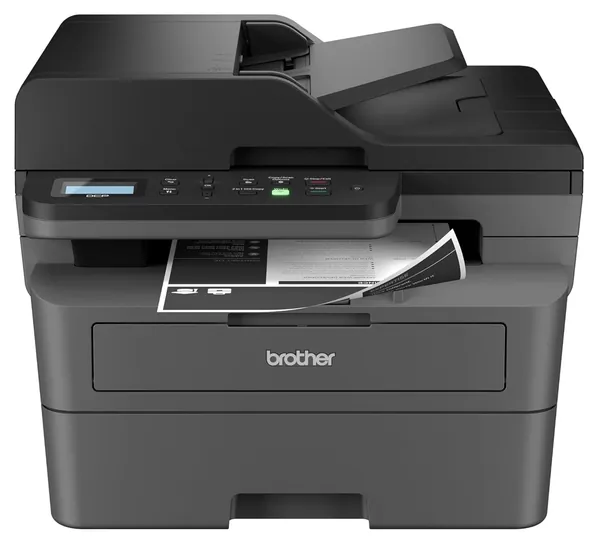
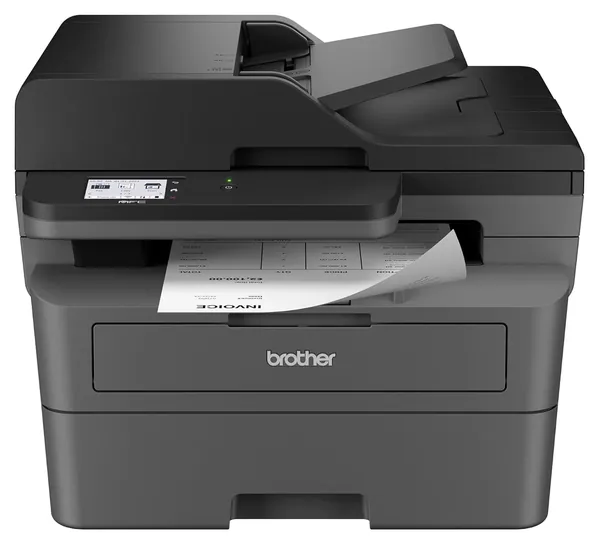
Next, decide whether you need an all-in-one. Print-only models are smaller and cheaper. All-in-ones add a flatbed scanner, copying and usually a document feeder for stacks of pages. Check two details. First, whether the feeder scans both sides in one pass: Brother's compact mono all-in-ones scan one side at a time, so two-sided originals need a second run (PCMag). Second, whether you need fax: the Brother MFC and Canon imageCLASS MF models here include it, while the Brother DCP and HP sdw models don't.
Some Brother models labeled digital color use a row of LEDs instead of a laser to draw the page on the drum. PCMag notes that otherwise they work just like a laser printer (PCMag).
Toner, Running Costs And Monthly Volume
The sticker price is only the start. The toner in the box is usually a starter cartridge: about 700 pages on Brother's compact mono models and about 1,000 pages per color on its entry color printer (Brother, Brother). Plan to buy a high-yield cartridge early, because it cuts the cost per page. PCMag's figures for the original Canon MF753Cdw show color at about 14.7 cents per page with high-yield toner and about 23 cents with standard cartridges (PCMag). Some printers also need a separate drum. Brother rates the DR830 drum in its compact mono models at about 15,000 pages, while HP builds the drum into each 3101sdw cartridge (PCMag).
Ignore the big duty cycle figure, such as 35,000 pages a month. It's a ceiling, not a target. The recommended monthly volume is the useful number: Brother lists 2,500 pages for its compact mono printers and up to 4,000 for the MFC-L3780CDW (Brother).
Third-party toner is a gamble on some brands. HP's listings for its current LaserJets say the printers block cartridges with non-HP chips, and that firmware updates keep the block working. HP settled a U.S. class action over that kind of firmware in 2025, agreeing to let owners decline such updates (The Register). Brother faced similar accusations the same year and denies blocking third-party supplies (Tom's Hardware). Genuine toner always works. For anything else, check recent owner reports for your exact model.
Connections, Setup And Safety
Most laser printers now connect over Wi-Fi, and phones can print to them through Apple AirPrint, Mopria or the maker's app. Wi-Fi Direct lets a phone print straight to the printer without a router. An Ethernet port matters for a fixed office desk or a spot with weak Wi-Fi. Brother's HL-L3220CDW has none, and neither does its MFC-L3720CDW (Brother).
Treat a networked printer like any other connected device. In 2025, security firm Rapid7 found that the default admin password on 689 Brother printer models, plus dozens of models from other makers, could be worked out from the serial number (BleepingComputer). Set your own admin password during setup, install firmware updates, and keep the printer off the open internet.
Laser printers give off ultrafine particles while they print. A 2007 Queensland University of Technology study of 62 office printers found 17 high emitters (QUT), and other researchers said at the time that any health effects were unproven (Computerworld). Putting the printer in a ventilated room rather than a closed cabinet is a sensible precaution. The fuser runs hot, so let it cool before you reach in to clear a jam.
We searched the U.S. Consumer Product Safety Commission's recall database for Brother, Canon and HP and found no recalls covering current laser printers (CPSC).
How we researched this
We compared 27 laser printers, including the eight from our previous list, and screened 14 finalists in depth. We read Brother's spec pages, retailer and listing specs for the Canon and HP models (their own sites wouldn't load for us), and lab reviews from PCMag, Tom's Guide and RTINGS where they existed, noting when a test covered a sibling model. We reviewed toner-lockout and security reports and checked every brand for recalls with the U.S. Consumer Product Safety Commission.
Sources (21)
- PCMag: Brother MFC-L3780CDW review
- PCMag: Canon Color imageClass MF753Cdw review
- PCMag: HP Color LaserJet Pro MFP 3301fdw review
- PCMag: Canon imageClass MF462dw review
- PCMag: Brother HL-L2460DW review
- PCMag: Brother MFC-L2820DW XL review
- PCMag: HP LaserJet Pro MFP 3101sdw review
- Tom's Guide: best all-in-one printers
- RTINGS: Brother MFC-L3780CDW / MFC-L3720CDW
- Brother: HL-L2460DW
- Brother: MFC-L3780CDW
- Brother: DCP-L2640DW
- Brother: MFC-L2820DW
- Brother: HL-L3220CDW
- Brother: MFC-L3720CDW
- The Register: HP printer firmware lawsuit settled
- Tom's Hardware: Brother accused of locking third-party cartridges
- BleepingComputer: Brother printer bug exposes default admin passwords
- QUT: laser printer particle study
- Computerworld: HP dismisses laser printer health risks
- CPSC recalls
Frequently asked questions
What is the best laser printer for home use?
For mostly black-and-white text, the Brother HL-L2460DW. It's fast, prints both sides and costs about 2.4 cents per page in PCMag's tests. If you need color plus scanning, the Canon MF753Cdw II is the stronger all-in-one.
Are laser printers cheaper to run than inkjets?
For black text, usually yes. Toner on current lasers costs about 2.3 to 3.7 cents per page in PCMag's tests, and it doesn't dry out between jobs. Color is another story: color laser pages cost about 12 to 17 cents each.
Can I use third-party toner?
It depends on the brand and its firmware. HP says its current LaserJets block cartridges with non-HP chips. Brother denies blocking third-party toner, but check recent owner reports for your model first. Genuine toner always works.
Do I need Ethernet on a laser printer?
Not at home. Wi-Fi works for most homes, and Wi-Fi Direct lets a phone print without a router. Ethernet helps in an office where the printer stays at one desk or the Wi-Fi is weak.
Can a laser printer print photos?
It can, but not well. RTINGS gave one popular Brother color laser 4.3 out of 10 for photos against 9.5 for documents. For photos, an inkjet is the better tool.
Why does a new laser printer run out of toner so fast?
Most ship with a starter cartridge, good for roughly 700 to 2,300 pages depending on the model. Buy a high-yield replacement early, which also lowers the cost per page.