The 10 Best Flash Drive Duplicators
Updated by · How we research

Standalone USB duplicators with two to 31 ports, compared on copy modes, verification, speed and warranty. The StarTech USBDUPE17 leads for its copy checks. When users buy our independently chosen editorial picks, we may earn commissions to help fund the Wiki.
The speed printed on a duplicator's box is a ceiling, not a promise: every batch runs at the pace of its slowest blank, and cheap sticks can drag a whole run down. A standalone unit copies one master drive onto many with no computer, which suits IT staff building boot drives, schools, and teams handing out files at events or training days.


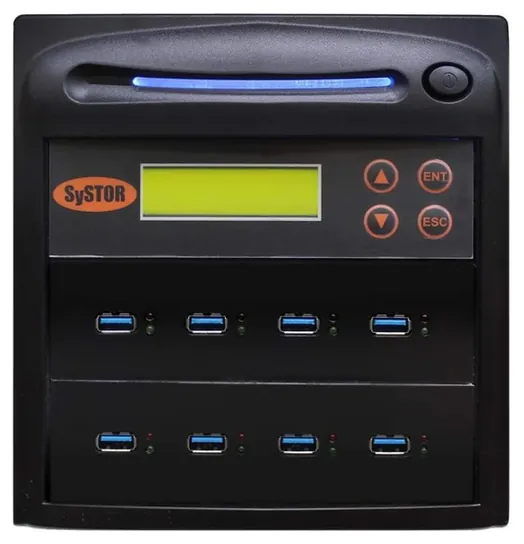
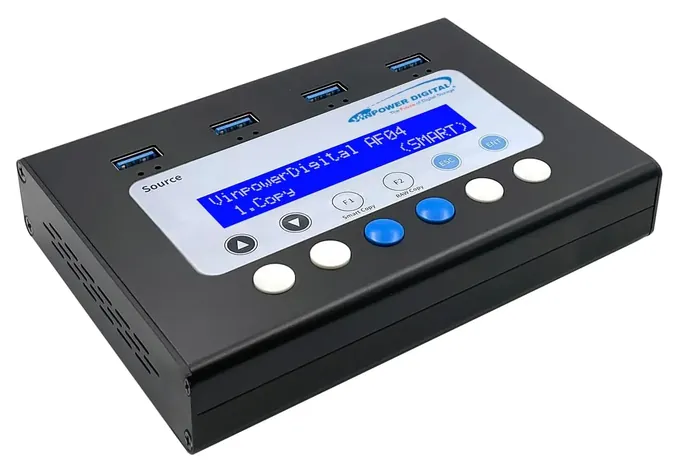
Editor's Notes
October 23, 2026, by Ezvid Wiki Admin:
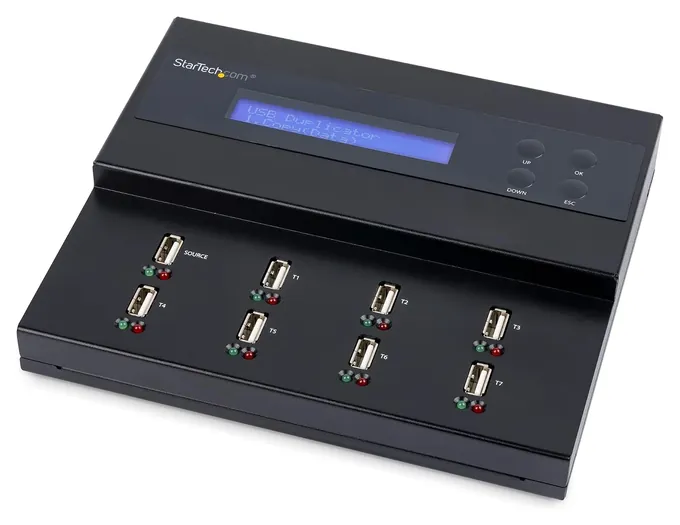
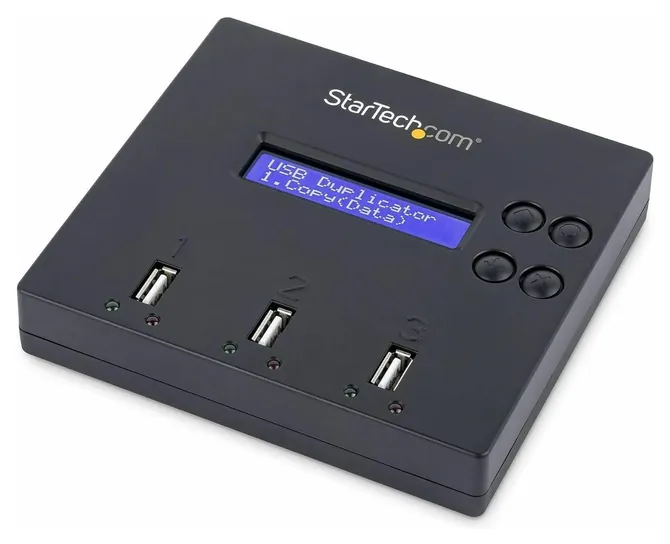
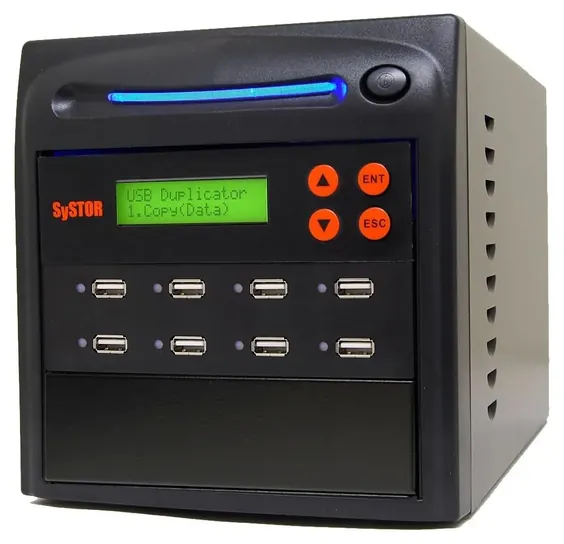
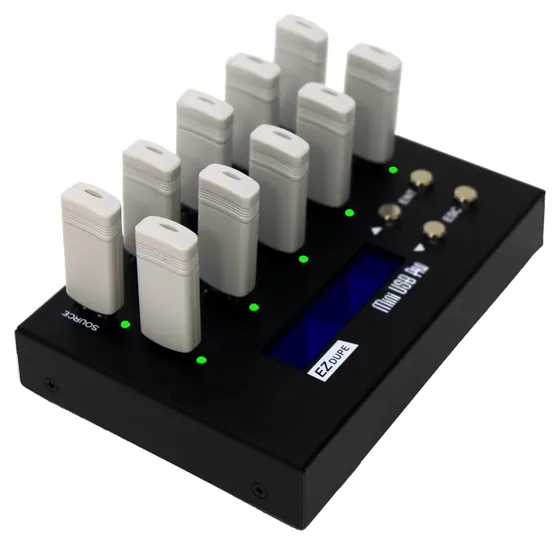
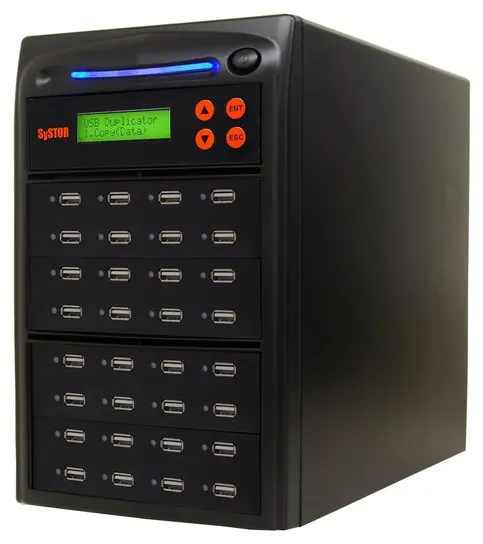
The StarTech USBDUPE17 now leads this list. It pairs a status screen with a compare step that checks every copy against the master, and that matters more than raw speed when the drives are going to customers or into a server room. The StarTech USBDUP12 stays as the small choice, and the EZ Dupe Mini USB Pro and Systor SYS-USBD-31 stay for bigger runs.
We dropped the Aleratec Mini V2, which is no longer sold in that form, and the StarTech 1-to-5, which now costs more than some seven-port units. The Rocketek SK-ME921 clones solid-state drives and the U-Reach SD300 copies memory cards, so neither belonged here, and both are unavailable.
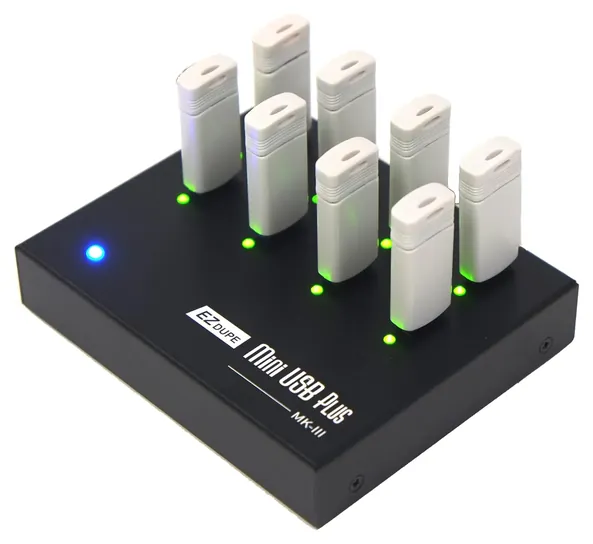
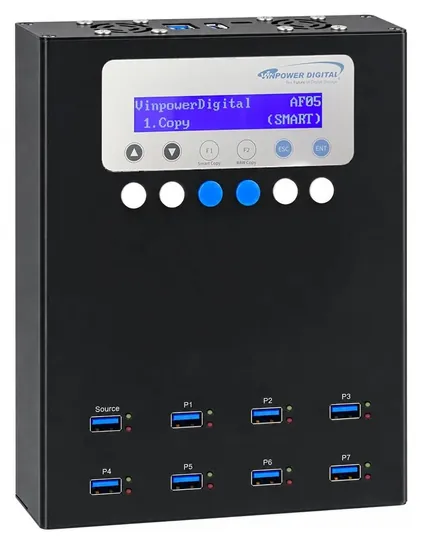
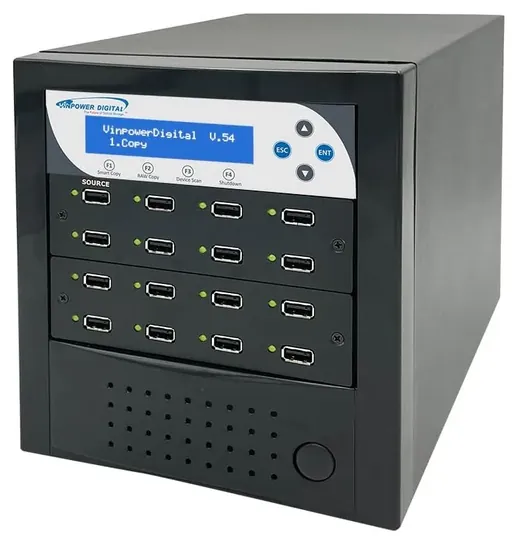
New are the EZ Dupe Mini USB Plus, the Vinpower USBMiniDup 1:7 and 1:3, the Vinpower USBDBL tower, and two more Systor models, the SYS-USBD-7 and the USB 3.0 SYS-USB30-7.
What decided the order was each maker's description of its copy modes, verification and async limits, read side by side, plus EZ Dupe's own price and model pages and a duplicator maker's buying guide. Several of these units are new and have almost no owner history, and their entries say so.
January 29, 2021:
Both the StarTech Standalone and StarTech 1-to-5 are still great choices, but the Aleratec Mini V2 takes the cake if you need mid-range capacity and are able to connect to a PC to source your data. Alternatively, the EZ Dupe 10V09B has a similar capacity and is completely standalone. If you need to copy an NVMe SSD, the Rocketek SK-ME921 is a handy dual-bay enclosure that can provide two separate USB drives in addition to its cloning capability.
February 04, 2019:
In a somewhat specialized category, it's important to be clear what you'll need a duplicator for. Some common uses include distributing creative media like music or videos, but also important are security-related purposes, like sharing PGP keys and signatures, as well as government contract data. For those uses, you'll probably want one with DoD-compliant erasure. The StarTechs both offer that, as does the AleraTec.
If you're working exclusively with USB-connectable media, one of those same StarTechs will likely get the job done, unless you need a large quantity of copies made, on a regular basis. In that case, the Systor is just about your only option, as it's one of the few high-volume models that we've found quality feedback on, and the last thing you want when disseminating sensitive data, is a poorly programmed, off-brand product.
If you're using the smaller, SD or microSD formats, rather than mess around with USB dongles, it will probably be easier to get the U-Reach, which is also relatively affordable, although it is limited to those SD formats only. The AleraTec works great for solid-state drives that exist in laptops, or external enclosures, and with right adapters, it can also duplicate and securely wipe M.2 and NVMe drives. If you're mainly archiving to optical discs, or preparing data for systems that lack USB functionality, the Acumen is the one you'll want, as it's made with whatever number of integrated DVD burners that you need.
Special Honors
Nexcopy PC-Connected Duplicators Nexcopy builds USB duplicators that run from a computer. Its software can write from an image file, lock drives as read-only and log every job, features no standalone unit offers. nexcopy.com
Media Duplication Systems EconoUSB The EconoUSB line runs from seven to well over a hundred ports, with hardware copy-and-compare and a quick or whole-media copy choice. It's sold directly by the maker. mediaduplicationsystems.com
Standalone Or Computer-Connected
Those systems usually cost less per port, but they tie up a computer.
Every unit on this list is standalone: plug in a master drive, plug in blanks, press a button, and no computer is involved. That keeps the job simple, and a host PC's malware can't slip onto the copies. The trade-off is control. A standalone box copies a physical master and that's all.
Computer-connected systems run from software on a PC. Nexcopy, which sells both kinds, explains in its 2026 buyer's guide that the PC route can write from an image file, make drives read-only, split them into partitions and keep a log of each job as proof of work. Those systems usually cost less per port, but they tie up a computer.
For most offices, schools and event teams a standalone unit is the right call. Software publishers who need write-protected drives or audit logs should look at PC-based systems instead.
Copy Modes, Bootable Drives And Verification
Duplicators offer two ways to copy. A quick or smart copy reads only the files on the master, so it's faster, but it needs a file system the unit understands, such as FAT, NTFS or Linux ext. A whole-media, raw or sector-by-sector copy duplicates every bit, which is what bootable installers, encrypted volumes and unusual formats need. Media Duplication Systems describes the same split on its EconoUSB page.
A full-drive copy has a catch: each blank must be at least as large as the master. Two 32 GB sticks from different brands can differ slightly in real capacity, so the smaller one fails. Buying blanks of one brand and model avoids that.
Verification is the other feature to look for. A copy-and-compare pass reads each finished drive back and checks it against the master, which catches bad sticks before they reach anyone. Async, or swap-as-you-go, mode lets you pull a finished drive and start another without waiting for the batch, but on several units it only works when the master's data fits in the duplicator's memory, which can be as little as 64 MB.
Speed, Ports And Wiping Drives
Rated speeds are ceilings. Most units here are rated at 1.5 to 2.5 GB per minute per port, about the pace of a good USB 2.0 drive, and the slowest stick in a batch sets the pace for the rest. On designs with independent ports, such as Systor's, adding drives doesn't slow each one down. Nexcopy's guide notes that a large load can take close to an hour even on USB 3.0 media. Only a true USB 3.0 duplicator with fast blanks breaks well past those figures.
Buy for the jobs you run most often, plus a little room. A two- or three-port unit covers occasional copies. Seven ports suit weekly batches, and towers with 15 or more are for event giveaways and software distribution. EZ Dupe's model list shows how price climbs with port count.
Most duplicators also erase drives. A one-pass overwrite is what NIST's media sanitization guidelines (SP 800-88) call a Clear for USB drives, enough to defeat ordinary recovery tools. Flash drives shuffle data internally, so for truly sensitive files, encrypt the drive and physically destroy it at the end of its life.
How we researched this
We looked at 18 flash drive duplicators and related cloners and narrowed them to 10. For each finalist we compared the maker's or seller's specifications for copy modes, verification, async limits, speed and warranty, and we read EZ Dupe's and Media Duplication Systems' product pages and Nexcopy's buyer's guide. We weighed patterns in owner feedback where there was enough of it, and we checked every brand for recalls with the U.S. Consumer Product Safety Commission. We found no independent lab tests of USB duplicators.
Frequently asked questions
Can a USB duplicator copy a bootable drive?
Yes, if you use its whole-media, raw or sector-by-sector mode. That copies every bit, including the boot area. A quick file copy may leave a stick that won't boot.
Do the blank drives have to match the master?
For a full-drive copy, each blank must be at least as large as the master. Drives of the same nominal size can differ slightly, so use the same brand and model when you can.
Why is my duplicator slower than its rated speed?
Rated speeds are best cases. The slowest drive in the batch sets the pace, and cheap USB 2.0 sticks, many small files and large images all stretch the time.
Can a flash drive duplicator copy SD cards?
Only with an adapter or an add-on card module, such as the one Vinpower sells for its USBDBL tower. Dedicated SD duplicators exist for bigger card jobs.
Do I need a computer to use one?
No. Every unit on this list works on its own: plug in the master and blanks, pick a mode on the buttons and start the copy.
Will the erase function make my data unrecoverable?
An overwrite defeats ordinary recovery software. Flash drives can keep stray copies of data in reserved areas, so for sensitive files encrypt the drive and destroy it when you retire it.