The 10 Best Gaming Backpacks
Updated by · How we research

Ten gaming backpacks compared by laptop fit, padding, charger space and weight. The Lenovo Legion Armored II leads for its hard shield and 17-inch sleeve. When users buy our independently chosen editorial choices, we may earn commissions to help fund the Wiki.
The laptop size printed on a backpack is a screen size, not a promise that a thick gaming machine and its brick-size charger will fit. Gaming laptops often run over an inch thick, so check the sleeve depth and charger pocket first. These picks are for students, LAN-party regulars and travelers carrying a 15- to 18-inch rig.


Editor's Notes
October 23, 2026, by Ezvid Wiki Editors:
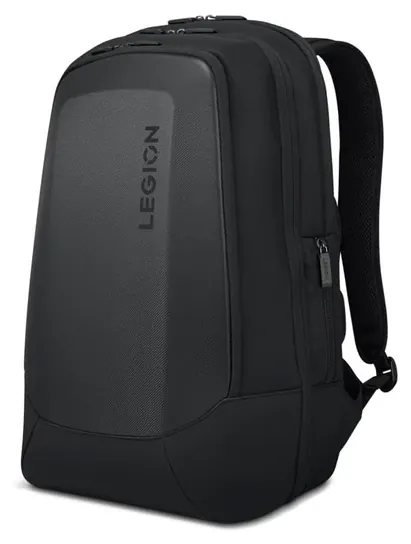
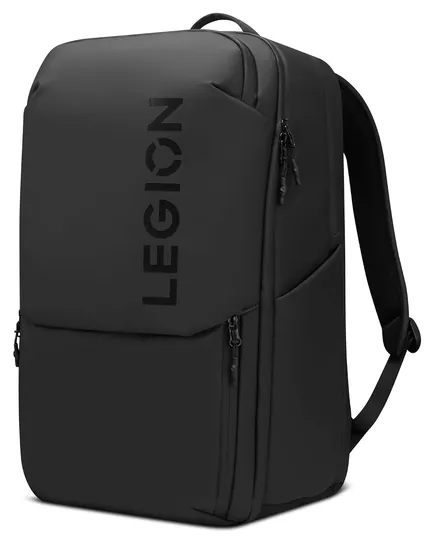
The Lenovo Legion Armored II is the only bag that survived from the old list, and it now leads. Its hard front shield and separate laptop section still give the most protection for the money, and it's still easy to buy.
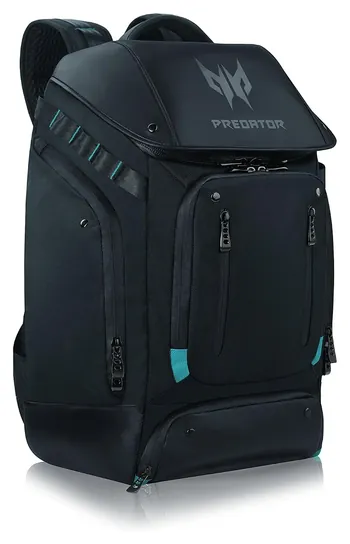
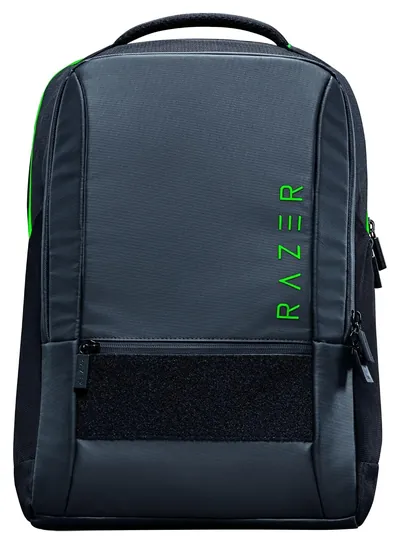
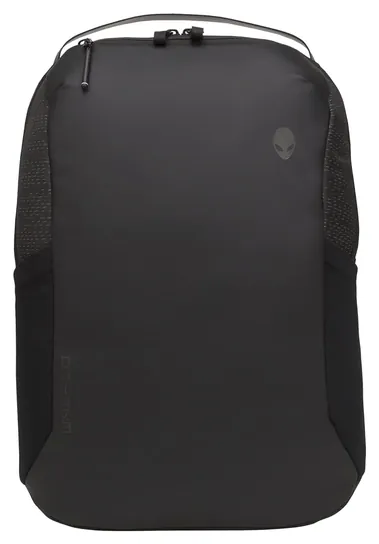
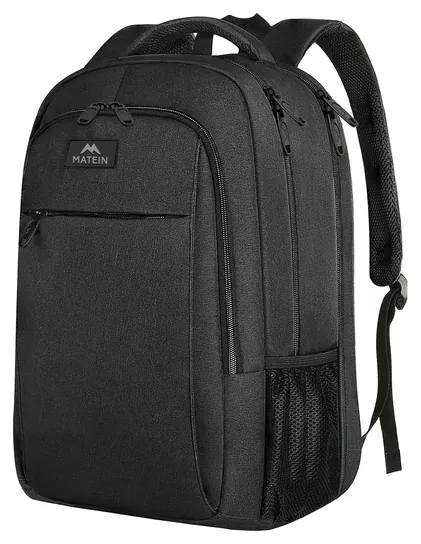
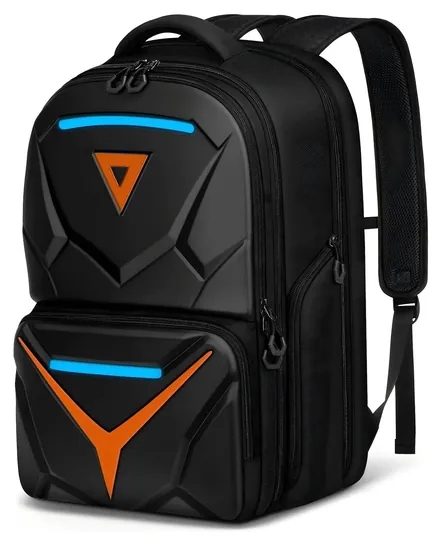
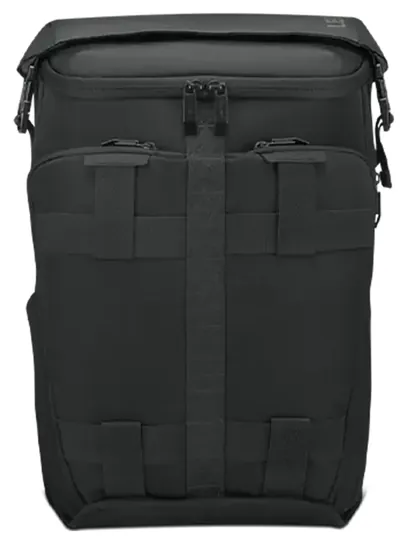
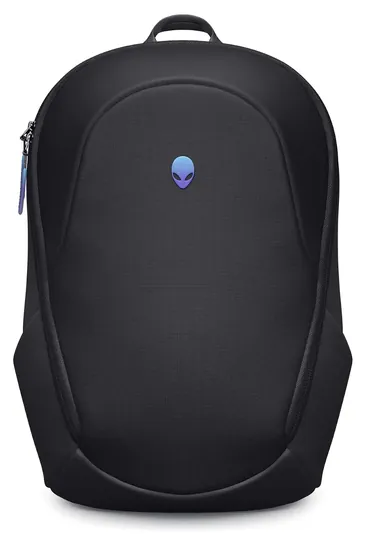
Six of the old picks are gone from sale: the Acer Predator rolltop, Razer Rogue v2, Asus Republic of Gamers, Targus Strike, Everki Beacon and Dell Alienware Vindicator. We also dropped the Mobile Edge Alienware Orion M17x and Enhance Universal, which are older designs, and the PDP 500 Elite Edition, a console case. In their place come the Acer Predator Utility for people who carry a whole setup, the Razer Rogue V4 16, the slim Alienware Horizon 17, a cheap Matein for travelers and the Matein Hard Shell 18 for the biggest laptops.
Nobody lab-tests gaming backpacks, so we worked from the laptop limits Lenovo, Razer, Acer and Dell publish, Guiding Tech's roundup of 17-inch packs, and owner complaints about weight, zippers and laptops that didn't fit.
Earlier notes
December 13, 2020, by Brett Dvoretz:
Gaming backpacks come in many sizes and designs, and while one might automatically gravitate towards choosing one based on style, this shouldn't be your top priority. Instead, you should consider how well one will protect its precious cargo, rather than simply how cool it looks. Luckily for you though, we have found one we think checks both those boxes nicely, namely the Acer Predator. It has a sleek, stylish design with its grey fabric and roll-top closure. At the same time, it has plenty of padding, segregated compartments so you don't have stuff your headphones and other more delicate equipment in with your heavy laptop, and a water-repellent exterior. Plus, at first glance, it looks like any other backpack, so it doesn't scream to onlookers that you are carrying expensive equipment inside.
The Lenovo Legion II and Dell Alienware Vindicator, with their heavily-armored shells, rank very highly in the protection department, though perhaps less so in the looks category. Both feature channeled backs for airflow and divided main compartments. The Legion can accommodate up to 17 inch laptops, and the Vindicator comes in three sizes to suit gaming laptops ranging from 13 to 17 inches.
We like the Razer Rogue v2 for its addition of a mesh water bottle pocket on one side and MOLLE-style webbing that allows you to attach some items to the exterior if needed. It also features a waterproof shell, and a vibrant neon green interior that makes it easy to spot small, darkly-colored items stored inside that may be difficult to see if they were inside a model with a black lining. Additionally, buckled flaps that go across the zipper make it harder for someone to open it without you noticing, so it would be a good choice for anyone who is often in crowds of people.
Despite being the one of the top-selling consoles, we didn't previously have a backpack here designed for the Nintendo Switch. We have remedied that with the addition of the PDP 500 Elite Edition. It can hold a 15-inch laptop along with the Switch, and it has an attractive aesthetic, so you won't mind using it as an everyday carry backpack when not transporting your console.
April 25, 2019, by Brett Dvoretz:
With the availability of dedicated gaming backpacks there is no excuse for not keeping your gear well-protected when traveling, whether that be riding a bike to a friend's house or heading to the other side of the country via an airplane. While protection was obviously first and foremost in our mind when selecting these items, we also realize that style can play a big role for some users too, which is why we included options like the Acer Predator, Razer Rogue, and Everki Beacon, which most would be happy to use as a regular school pack or weekend travel bag. When it comes to maximum protection however, you might be wise to forgo traditional looks and instead choose a model that features a rigid shield, such as the Alienware Orion M17x, Dell Alienware Vindicator, Lenovo Legion, and Dell 50KD6. If organization is a top priority for you, we recommend you take a look at the Mobile Edge Razer, Lenovo Legion, and Everki Beacon, all of which feature a large number of pockets, ensuring every accessory has a dedicated home.
Special Honors
Razer Rogue 18 Backpack V4 The 18-inch version of the Rogue V4 adds a third compartment and more room for desktop-replacement laptops such as the Razer Blade 18. Razer lists it on its own site. razer.com
Laptop Fit Is About Thickness, Not Just Screen Size
Check three numbers before you buy: the screen size, the sleeve's depth if the maker lists it, and whether there's a separate charger pocket.
A backpack's laptop rating is a screen size, and gaming laptops are thick. Many run 1 to 1.5 inches deep, and the power brick for a high-wattage machine can be as big as a paperback. Check three numbers before you buy: the screen size, the sleeve's depth if the maker lists it, and whether there's a separate charger pocket.
Makers are getting more specific. Razer sells the Rogue V4 in two sizes, one for laptops up to 16 inches and one for 18-inch machines, and says each is cut to its laptop class. Lenovo gives the Legion GB800's sleeve as about 16.9 by 11.4 by 1.2 inches, and retailers list the Alienware Horizon 17's limit as about 1 inch thick. Acer's Predator Utility page lists a 17.3-inch fit and a bottom pocket for the adapter, which keeps a heavy brick off the screen.
If your laptop is 17.3 inches, don't buy a 16-inch bag. If it's 18 inches, look for a bag rated 18 inches or more. A buying guide from Evetech makes the same point: measure the laptop, not just the screen.
Hard Shell Or Soft Pack
Hard-fronted packs use a molded EVA panel, the same kind of foam shell used on some camera cases. It shrugs off knocks and keeps the bag's shape, but it adds weight. The Lenovo Legion Armored II weighs about 3.2 pounds empty, and the Acer Predator Utility about 3.4, according to Guiding Tech's 17-inch roundup. A gaming laptop and charger can add another 6 to 8 pounds, so a loaded hard-shell pack can pass 10 pounds.
Soft packs such as the Matein Extra Large or Lenovo Legion Active are lighter and cheaper, and they flex to fit more gear. Their protection comes from foam in the laptop sleeve, so look for a sleeve that sits above the bottom of the bag. That gap keeps the laptop off the ground when you set the bag down hard.
Whatever you pick, wide padded straps and a chest strap matter more than looks on a long walk. Water-resistant fabric and coated zippers handle a shower, but none of these bags is waterproof, so use a rain cover or a dry bag in a downpour.
Flying And Charging With A Gaming Laptop
Keep the laptop and every spare battery in the cabin. The FAA says spare lithium batteries and power banks must go in carry-on bags only, and batteries over 100 watt-hours need airline approval. Most gaming laptop batteries come in under that limit, but a big power bank may not.
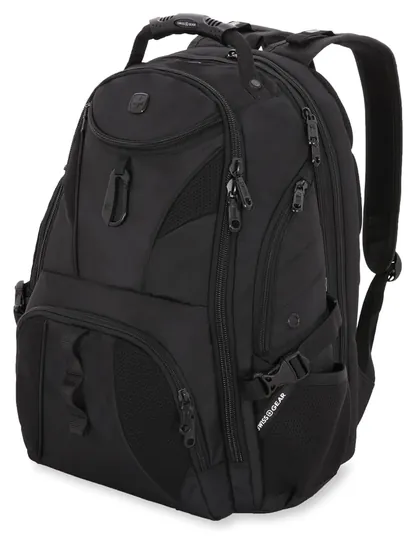
Bags with a lay-flat laptop section, such as the SwissGear 1900 ScanSmart, can speed up screening at checkpoints that still ask for laptops out, because the screener can see the computer without you removing it. Rules vary by airport, so be ready to take it out anyway.
A USB port on the outside of a backpack doesn't charge anything by itself. It's a short cable that runs to a pocket inside, where you put your own power bank. It's handy for a phone, but no ordinary power bank will run a gaming laptop, which needs its own brick.
How we researched this
We compared 20 backpacks, including the current versions of every bag on the old list, read the laptop limits and spec pages that Lenovo, Razer, Acer and Dell publish for the 10 finalists, analyzed owner feedback for fit, weight and zipper problems, and checked every brand against U.S. Consumer Product Safety Commission recall records. Updated October 23, 2026 by Ezvid Wiki Editors.
Frequently asked questions
Do I need a gaming backpack for a gaming laptop?
No. Any well-padded backpack rated for your laptop's size works. Gaming packs add styling and pockets for a mouse, keyboard and headset, but the sleeve size and padding matter most.
Will a 17.3-inch laptop fit in a 16-inch backpack?
No. A bag's rating is the largest screen it takes. Pick a bag rated for 17.3 inches or more, and check the sleeve depth if your laptop is thick.
Does the USB port on a backpack charge my devices?
Only if you plug a power bank into the cable inside. The port is a pass-through, and it won't power a gaming laptop.
Can I check a backpack with my laptop in it?
Keep the laptop and any spare batteries or power banks in the cabin. The FAA bans spare lithium batteries from checked bags.
Is a hard-shell backpack worth the extra weight?
If your bag gets knocked around on buses, in lockers or at events, yes. A hard front adds about a pound or more, so skip it if you walk a lot and your laptop rarely leaves a desk.