The 10 Best Inspection Cameras For Android
Updated by · How we research

Ten phone-powered endoscopes for Android, compared on plug type, cable length, tip steering and focus. The Teslong NTC30P leads for most USB-C phones. When users buy our independently chosen editorial recommendations, we may earn commissions to help fund the Wiki.
Before buying a phone scope, check one setting: Android has to act as a USB host, a feature called OTG, and some phones ship with it off or lack it. When it works, a cheap camera on a cable turns the phone into the screen, which suits homeowners chasing leaks, mechanics peering into cylinders and anyone fishing for a dropped ring.


Editor's Notes
October 26, 2026, by Ezvid Wiki Editors:
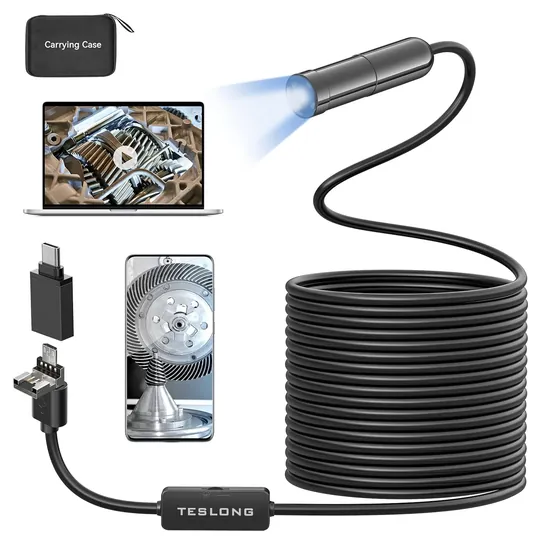
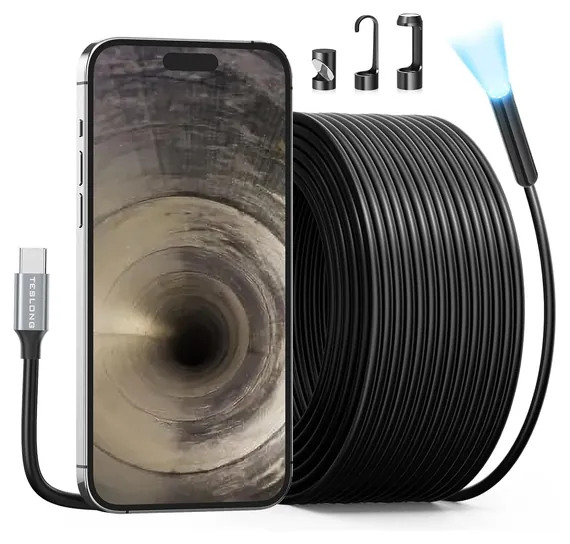
Phones changed under this list. It was built around Wi-Fi scopes, and every one of them has either vanished or been replaced, because most Android phones now have a USB-C port and a plug-in camera is simpler and steadier than a scope that makes its own wireless network. The Teslong NTC30P takes the top spot for that reason: it plugs straight in, and Teslong puts a one-year warranty behind it.
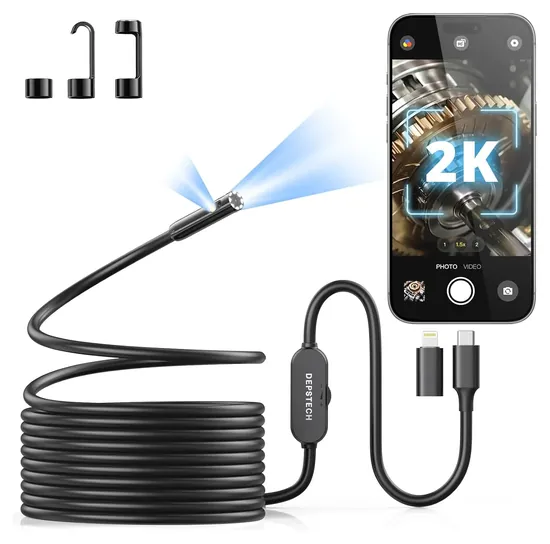
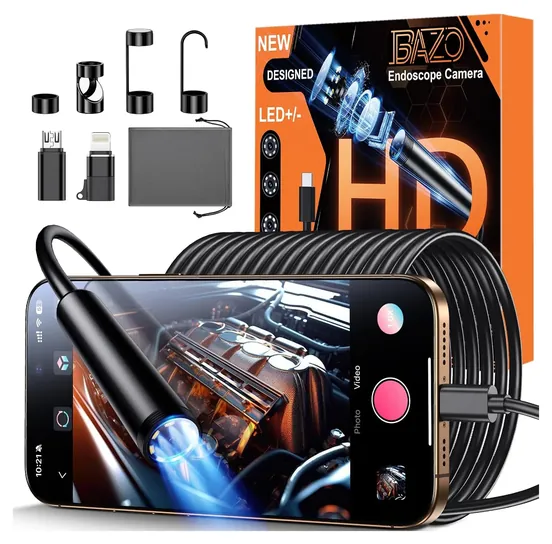
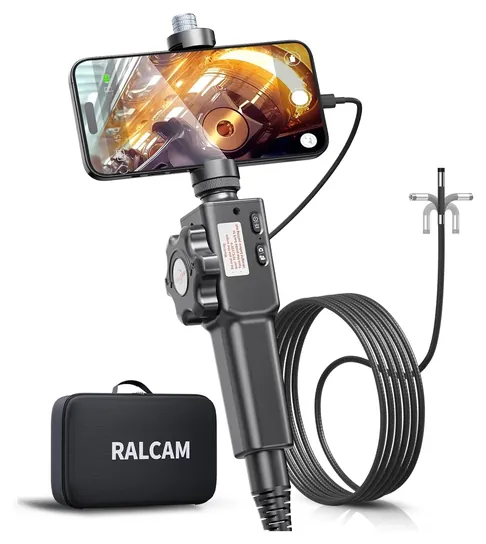
Gone are the Depstech Semi-Rigid Wireless and Depstech Dual-Lens, which are unavailable, along with the Oiiwak Wireless, Kyzee Wireless Borescope, OSLooker Borescope Lizard Cam, Fantronics OTG Micro USB and T Takmly USB 3-in-1, which are no longer offered. New picks cover what Android owners ask about: a front and side lens in the Depstech NTC55, steerable tips in the Teslong TD300, T Takmly Z60 and Ralcam F4, autofocus in the Teslong 5MP Autofocus, and adapters for older micro-USB phones in the Bazo 1920P.
We went through Teslong's and Depstech's own pages for the Android version, plug and app each scope needs, compared focus range, tip size and cable length across 16 phone scopes, and found no recalls for any of these brands in the CPSC database. This page sticks to scopes that use your phone as the screen. For handheld units with a built-in display, see our inspection cameras list.
Earlier notes
November 12, 2020, by Tina Morna Freitas:
It's true that nearly any gadget that connects to another with a cord is now offered with wireless or Bluetooth connectivity, but not everyone sees this as a plus. While wireless or Bluetooth is often seen as a convenience, some users still prefer a wired connection, whether they just don't want to deal with the pairing process, or because they fear a poor connection could interrupt their work. For this reason, we still reviewed and included two wired options in our selections, the T Takmly USB 3-in-1 and the Fantronics OTG Micro USB.
For this update we added the Depstech Dual-Lens that allows users to see the area around the intended target at about a 90 degree angle. Although the picture quality is not as crisp as one usually expects from a Depstech inspection camera, it's an excellent upgrade for those who need to see multiple perspectives at once. And the app can even display both camera views side by side on a smart phone.
August 29, 2019, by Daniel Imperiale:
In the time since our last ranking in this category, the industry has pushed hard to provide users with wireless options for their endoscopes, utilizing Wi-Fi connections to link their cameras with your smartphones. Since most people buying these are looking to use them for home DIY projects, this makes sense. Wi-Fi offers more bandwidth than Bluetooth, so it can more reliably transfer lag-free, high-resolution video content, and most homeowners will have a Wi-Fi network set up in their homes. If they don't, or if the user needs an inspection cam they can use outside the house, they can usually use the same smartphone they're employing as a monitor to set up a Wi-Fi hotspot.
Beyond the issue of connectivity, companies want to be able to boast the highest resolution, but this gets complicated by sensor size. Most companies will gloat about having a certain number of megapixels, but the more of those they cram on to a sensor that's roughly the same size (or smaller) than everybody else's, the worse that camera is going to perform in low light. The 5MP Depstech HD operates at about the best balance between sensor size and megapixel count, and it offers a base for power and Wi-Fi transmission that's actually comfortable to hold.
You may notice that we had to send a lot of the old models around here packing. That has a lot to do with a push towards more wireless models, but it's also due to availability issues with a number of previous contenders, including the wireless Rotek offering previously at number three. ViVida's AbleScope also left the list, as its price was unreasonably high for its specs, especially as the rest of the category gets more capable and less expensive.
Check Your Phone Before You Buy
Some cheap scopes also need the phone to accept standard USB cameras, which a few phones refuse.
A plug-in scope is a USB camera, and Android only talks to it when the phone acts as a USB host, a mode usually called OTG (On-The-Go). Google's Android developer guide to USB host mode explains that in this mode the phone powers the device, and that not every Android device is guaranteed to support it. Some phones have an OTG switch in Settings that turns itself off after a few minutes of no use, so a scope that worked yesterday can show a black screen today.
Before you order, install a free OTG checker app, or check your phone maker's spec page. Then look at the scope's Android floor: the Depstech NTC55 needs Android 9 or later, Teslong lists Android 8 for its USB-C snakes, and the Bazo 1920P goes back to Android 4.4. Some cheap scopes also need the phone to accept standard USB cameras, which a few phones refuse.
If the phone shows nothing, the supertekmodule guide to Android endoscopes lists the usual fixes: turn OTG on, try a better adapter, use the maker's app rather than a generic one, follow the manual's order for plugging in and opening the app, and allow the app's camera and storage permissions when it asks.
USB-C Cable Or Wi-Fi
Older phone scopes made their own Wi-Fi network, which let any phone connect without a plug. The catch is that your phone drops its regular Wi-Fi while it's joined, the picture lags, and the link can break in a crowded radio area or behind a metal panel. Wi-Fi scopes also need their own battery charged.
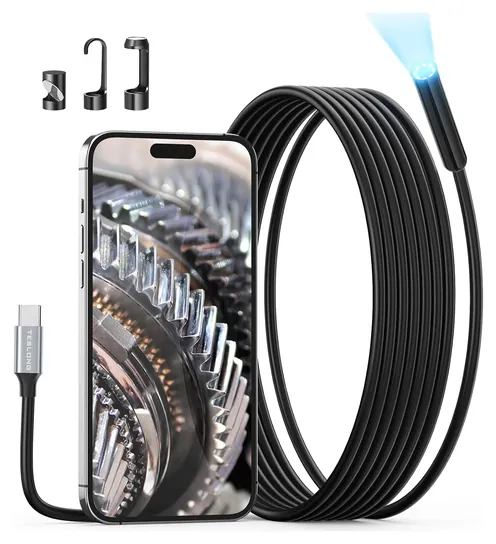
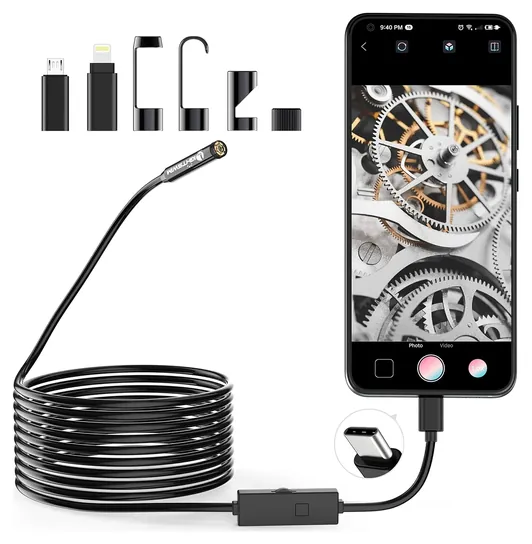
A wired scope draws power from the phone and sends video down the cable, so the picture keeps up as you move the tip. Most current models plug straight into USB-C, and Teslong's USB endoscope range now centers on USB-C models, with Wi-Fi kept to a couple of separate models. Older micro-USB phones need a scope that ships with a micro-USB adapter, such as the Bazo 1920P or Lightswim TENG-W400.
Wired scopes do run down the phone's battery on a long job. The Ralcam F4 avoids that with a battery in its handle. Otherwise, charge the phone before a big inspection.
Focus, Tip Size And Steering
Ads lead with big resolution numbers, but most phone scopes use a small sensor, and three other things matter more. First is focus. Most tips are fixed-focus and sharp only within a few inches: Depstech lists about 0.8 to 3.9 inches for the NTC55, and the Lightswim TENG-W400 about 3 to 6 inches. The Teslong 5MP Autofocus is the exception.
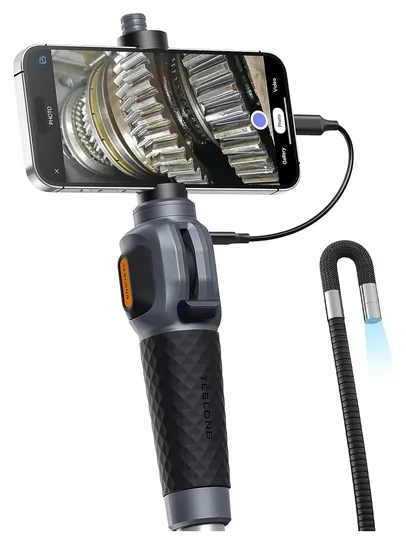
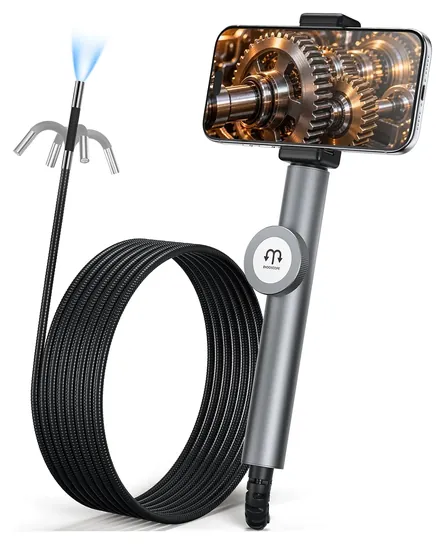
Second is tip size. A thin tip slips into tight gaps, while a wider one carries a bigger lens and more light. Third is the cable. Semi-rigid snakes hold a bend you shape by hand; steerable models such as the Teslong TD300 bend the last few inches with a thumb lever, which is how you look back at the top of a cylinder or around a duct elbow.
Waterproof ratings cover the probe only, not the phone, adapter or handle. The probes aren't heat resistant, so let an engine cool first, and switch off the breaker before pushing a cable into a wall near wiring. Wear gloves for drains, and don't force a cable around sharp bends, which can scrape its coating or snap off a tip attachment. We found no recalls for these brands in the CPSC's SaferProducts.gov database.
How we researched this
We compared 16 phone-connected scopes, read the makers' pages for the Teslong and Depstech models, checked each pick's plug, app and minimum Android version, analyzed owner feedback patterns, and checked every brand against the CPSC recall database. Updated October 26, 2026 by Ezvid Wiki Editors.
Frequently asked questions
Why doesn't my Android phone detect the endoscope?
Usually OTG is off or not supported. Turn it on in Settings, try another adapter, and use the maker's app. Some phones turn OTG off again after a few idle minutes.
Which app should I use?
Use the one the maker names in the manual, such as Depstech's DEPSTECHCAM or Teslong's app. Generic USB camera apps can work, but some can't save photos or show ads.
Will a phone scope work with an iPhone?
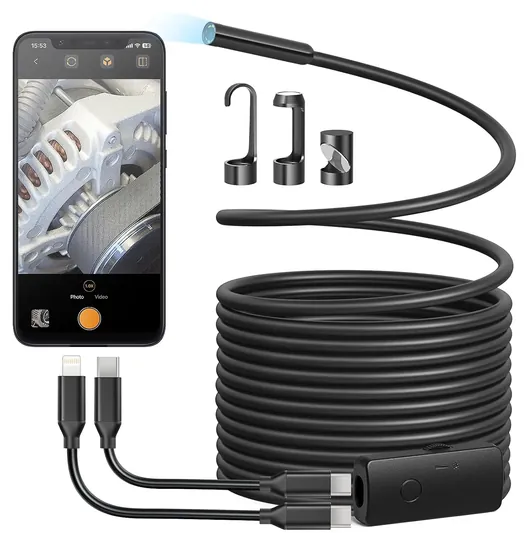
Most USB-C scopes work with an iPhone 15 or later. Older Lightning iPhones need a scope that includes a Lightning adapter, such as the Depstech NTC55 or Anykit 1920P.
Can I use one in a hot engine?
No. The probes aren't heat resistant. Let the engine cool before you remove a spark plug and look inside.
Can I plug it into a laptop?
Most phone scopes are phone-only. The Teslong 5MP Autofocus has a USB-A plug and also works with Windows and Mac computers.