The 10 Best Keyboards For Fast Typing
Updated by · How we research

Mechanical, low-profile, split and quiet keyboards compared for typing speed, accuracy and comfort. The Logitech MX Keys S leads for its quiet, cupped keys. When users buy our independently chosen editorial picks, we may earn commissions to help fund the Wiki.
No keyboard adds words per minute on its own. Touch typing and practice do most of the work, and the big typing-site data that favor mechanical boards can't rule out that fast typists simply buy them. What hardware can do is cut errors and fatigue for writers, coders and students, through clear key feedback, a short reach and a comfortable shape.


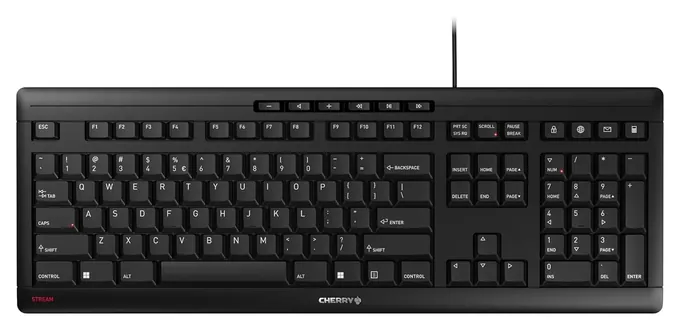
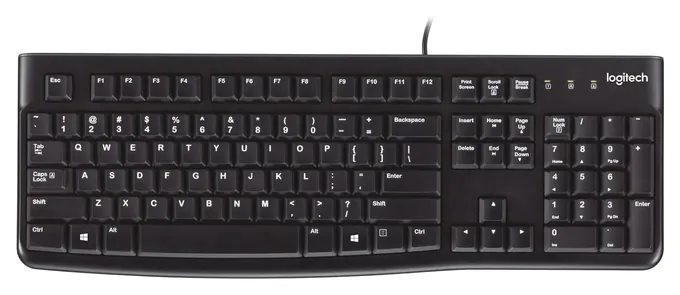
Editor's Notes
November 2, 2026, by Ezvid Wiki Admin:
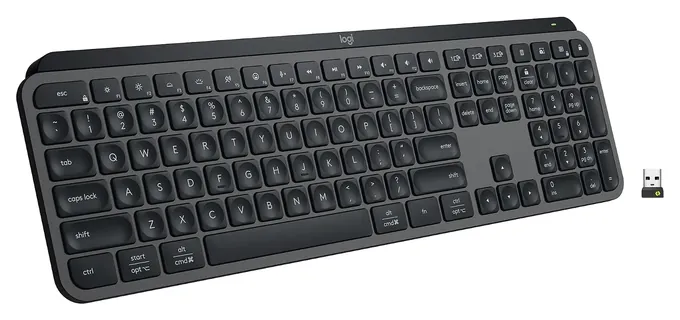
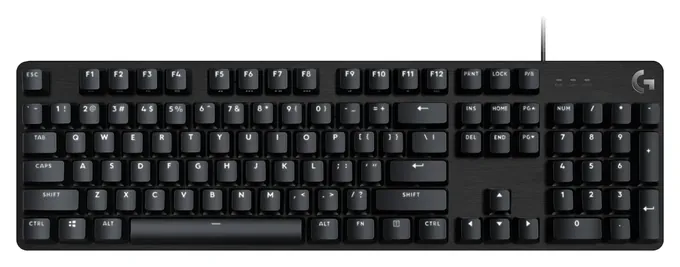
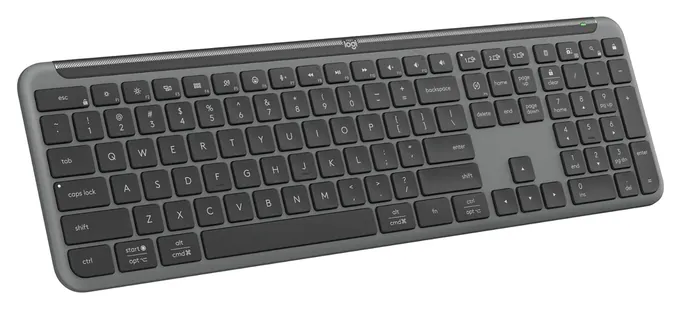
The Logitech MX Keys S leads this list because its quiet, cupped keys suit long writing days for most people, and it moves easily among a laptop, a desktop and a tablet. The Logitech G413 SE is the pick for anyone who wants real mechanical feedback without paying for gaming extras.
This page returns with ten keyboards chosen for typing, not gaming. We skipped boards sold on ultra-high polling rates, since fingers move far slower than any modern keyboard reports. We also left out 60 percent boards that hide the arrow keys behind a function key, and compact models too new to have a track record, such as the Keychron K1 Max.
The evidence came from makers' spec sheets, magazine reviews such as Tom's Guide, TechRadar and 9to5Toys, switch-force figures from keyboard enthusiasts, and recall searches for every brand, which turned up none.
Special Honors
Dygma Defy A fully split, column-staggered keyboard with thumb keys, tenting and remappable layers, sold direct by Dygma. It suits typists willing to spend weeks retraining for a wider, flatter hand position. dygma.com
Happy Hacking Keyboard PFU's compact HHKB line uses Topre switches, a cushioned, quiet tactile feel many fast typists favor. Its layout moves some keys, such as Control, so it takes time to learn. happyhackingkb.com
Technique Beats Hardware
The site itself warns that this is not a controlled test: keen typists are more likely to buy mechanical boards in the first place.
The fastest typists get there through practice. Touch typing, which means using all ten fingers without looking down, does far more for speed than any switch. Posters on the enthusiast forum geekhack and the split-keyboard maker Dygma both put technique first, and the forum's fastest members type well over 100 words per minute on ordinary boards.
The hardware question is real but smaller. TypeTest.io found that people typing on mechanical keyboards averaged about 68 words per minute, against about 58 on laptop keyboards. The site itself warns that this is not a controlled test: keen typists are more likely to buy mechanical boards in the first place. No controlled study we found shows a keyboard type making the same person much faster.
What a good keyboard does is cut errors and fatigue. A key that gives clear feedback helps you notice a miss, a layout that keeps your hands in one place saves reaching, and a shape that suits your wrists lets you type longer before you slow down.
Switches, Key Travel And Force
Most keyboards fall into a few families. Membrane boards, like most cheap office keyboards, press a rubber dome and feel soft. Scissor-switch boards, like laptop keyboards and the Logitech MX Keys S, keep the key stable with a small hinge and travel only a short way. Mechanical boards give each key its own spring and switch, and they come in three main feels.
Tactile switches have a small bump that tells you the key has registered. Switch and Click calls Cherry MX Brown switches a typist favorite, with about 45 grams of force to register and 55 grams to bottom out. Linear switches move straight down with no bump. Light ones feel fast, but posters on geekhack note that they make stray presses easier. Clicky switches add a sound and are loud in a shared room.
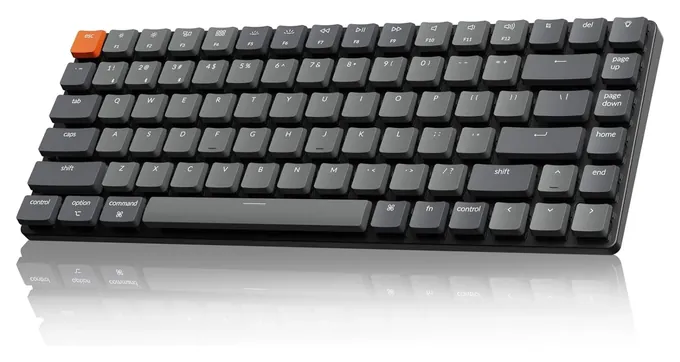
Low-profile mechanical boards, such as the Keychron K3 Version 2, shorten the trip. Any change of switch type takes time: expect a few days to a few weeks before your accuracy comes back. Polling rate barely matters for typing. The standard 1,000 reports per second is far faster than any finger.
Layout, Shape And Noise
Layout decides how far your hands travel. A full-size board keeps the number pad, which matters for spreadsheets and data entry. Tenkeyless and 75 percent boards drop the number pad but keep the arrow keys, which brings the mouse closer and keeps your shoulders square. Sixty percent boards hide the arrows and function keys behind a layer key, which many typists find impractical for everyday work.
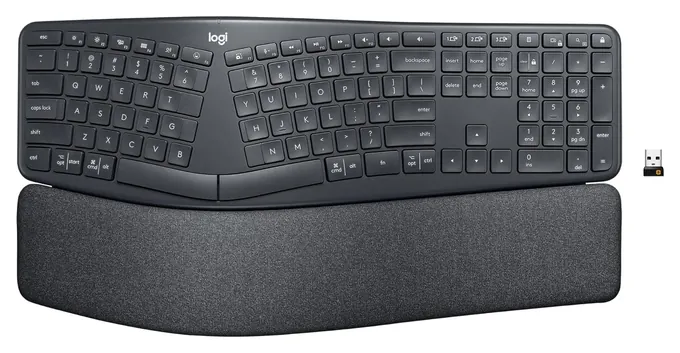
Shape matters for long sessions. Split and curved boards, like the Logitech Ergo K860, let your hands sit wider and turned slightly inward. Fully split, column-staggered boards such as the Dygma Defy go further, with thumb keys and tenting, but they take weeks to learn. Wrist rests and split layouts may ease strain for some people, but they aren't medical devices: pain that lasts calls for a doctor.
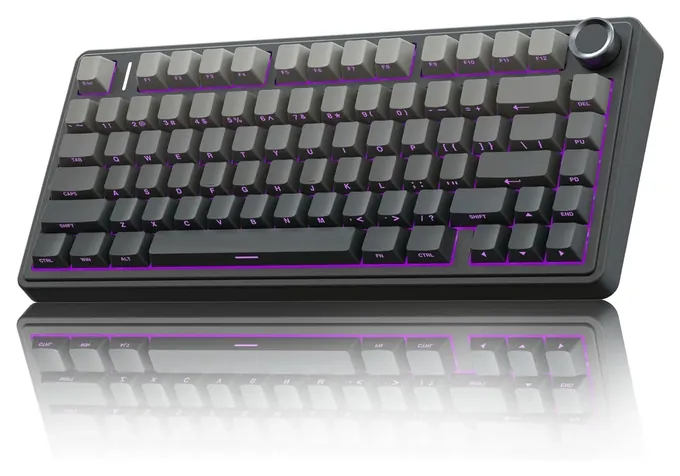
Noise depends on the switch and the case. Membrane and scissor boards are the quietest. Foam inside a mechanical board, like the layers in the AULA F75 Pro, softens the sound. If you share a room, skip clicky switches. Battery-powered boards carry lithium cells or take AAA batteries; charge rechargeable ones with the supplied cable or a standard USB-C charger, and stop using any keyboard whose battery has swollen.
How we researched this
We compared 16 keyboards for typing, read the makers' spec pages and a Logitech business spec sheet for the finalists, gathered findings from independent reviews and keyboard enthusiast forums, and checked every brand for recalls with the U.S. Consumer Product Safety Commission.
Sources (18)
- Logitech: MX Keys S
- Tom's Guide: Logitech MX Keys S review
- 9to5Toys: Logitech G413 SE review
- Gizmochina: AULA F75 review
- Parkablogs: AULA F75 review
- RTINGS: Keychron K3 vs K3 Version 2
- iFixit: Keychron K3 V2
- Logitech: Signature Slim combo for business specifications
- ITC.ua: Logitech Signature Slim K950 review
- TechRadar: Logitech Ergo K860 review
- TechRadar: Logitech Wave Keys review
- Creative Bloq: Logitech Wave Keys review
- Tom's Guide: Cherry MX 10.0N RGB review
- Switch and Click: best mechanical keyboards for typing
- geekhack: fastest keyboard for typing thread
- Dygma: best keyboard for typing
- TypeTest.io: laptop vs mechanical typing speed
- U.S. Consumer Product Safety Commission: SaferProducts.gov
Frequently asked questions
Is a mechanical keyboard faster for typing?
Not by itself. Typing-site data show mechanical users averaging a little faster, but keen typists tend to buy mechanical boards, so the gap may come from the typists. A board with clear feedback can help you make fewer errors.
What is the fastest way to type?
Touch typing: all ten fingers on the home row, eyes on the screen. Practice and accuracy drills add more speed than any keyboard.
Does polling rate matter for typing?
No. The standard 1,000 reports per second is far faster than anyone types. Higher rates are aimed at gaming.
What keyboard layout is best for typing?
For most people a full-size or 75 percent board. Both keep the arrow keys where you expect them. Sixty percent boards save space but hide keys behind a function layer.
Is it worth learning Dvorak or Colemak?
It can cut finger travel, but switching costs weeks of slow typing, and there's no strong evidence it makes most people much faster. Touch typing on the standard layout is the bigger gain.