The 9 Best Large Format Scanners
Updated by · How we research

Tabloid flatbeds, office feeders and a 24-inch drawing scanner compared by scan area, sensor and speed. The Plustek OpticSlim 1180 suits most art and maps. When users buy our independently chosen editorial selections, we may earn commissions to help fund the Wiki.
No scanner sold at a home-office price can take a full architectural drawing in one pass. Flatbeds stop near tabloid size, and machines that feed 24-inch sheets cost thousands. This list covers both kinds, plus office feeders and an overhead book camera, for anyone digitizing art, maps, plans, ledgers or archives larger than a letter page.


Editor's Notes
October 26, 2026, by Ezvid Wiki Admin:
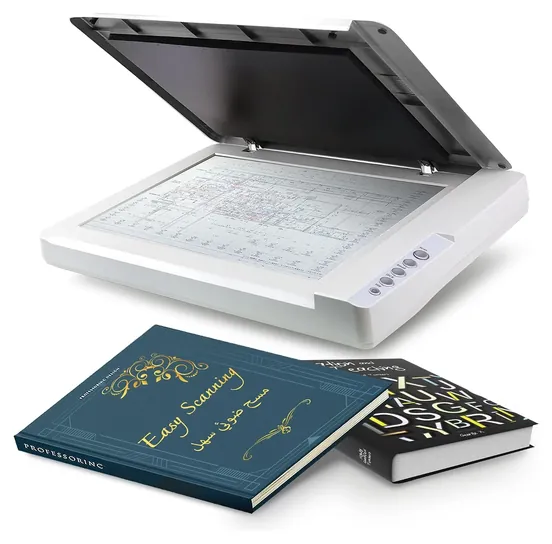
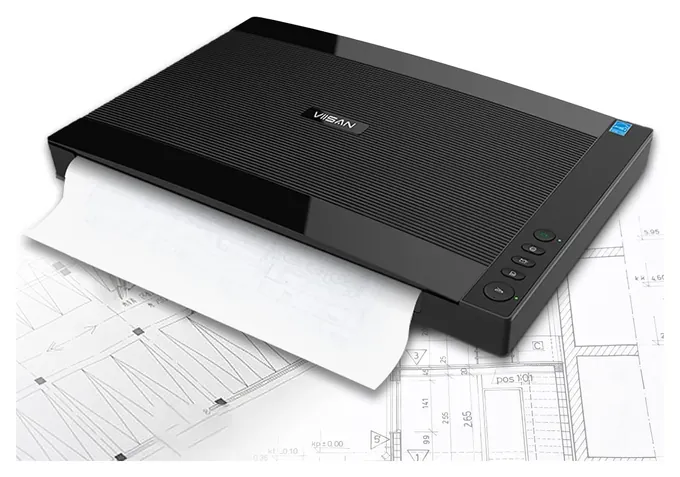
The Plustek OpticSlim 1180 is the scanner most readers here should buy. It captures a whole tabloid sheet at a small fraction of a wide-format machine's cost, and it has stayed on sale for years. The VIISAN VF3240 stays as its faster rival.
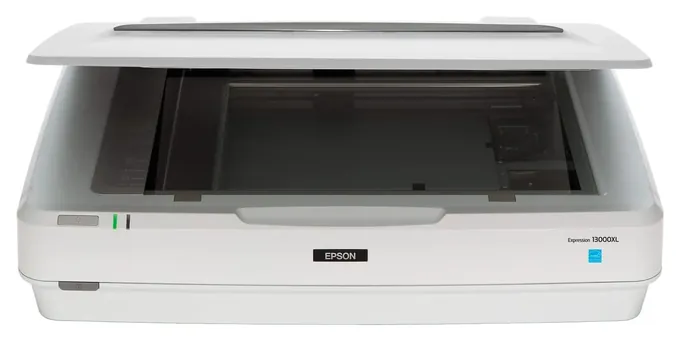
Eight of the ten earlier picks are out. The Contex SD One+ Sheetfed, Plustek Opticpro A320L and CZUR ET18-P are gone from sale, the Colortrac SmartLF SC 36 listing no longer works, and Epson replaced the Expression 12000XL-PH with the Epson Expression 13000XL. The Fujitsu ScanSnap iX100, HP ScanJet Pro 2500 F1 and Xerox DocuMate 3220 Duplex were letter-size scanners that never belonged here.
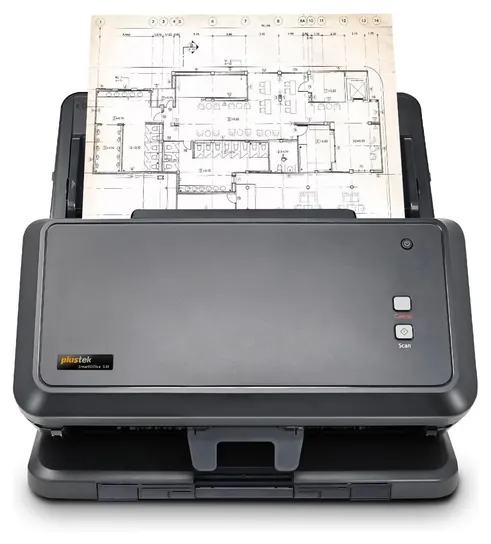
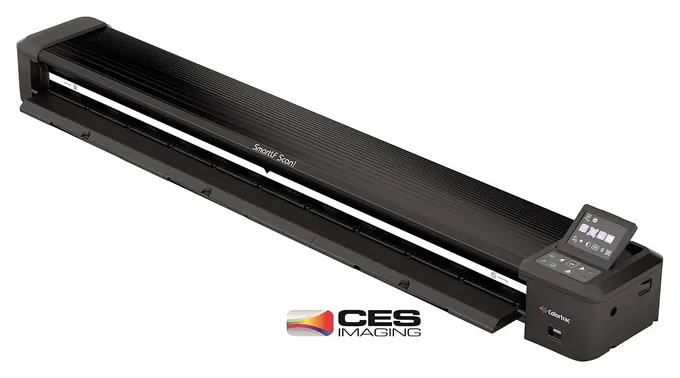
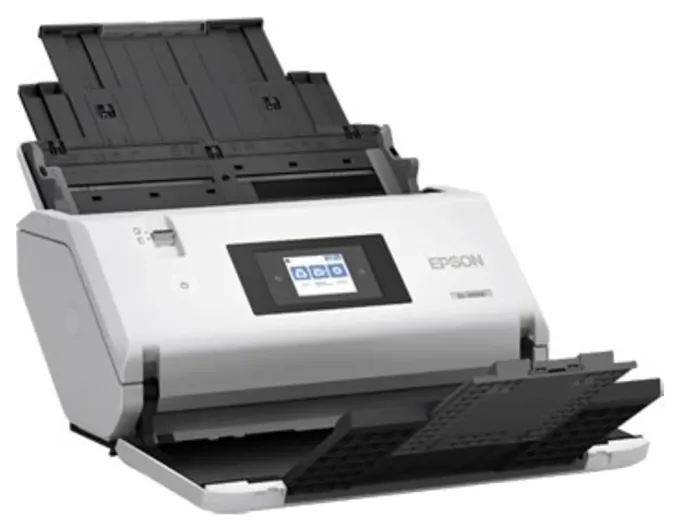
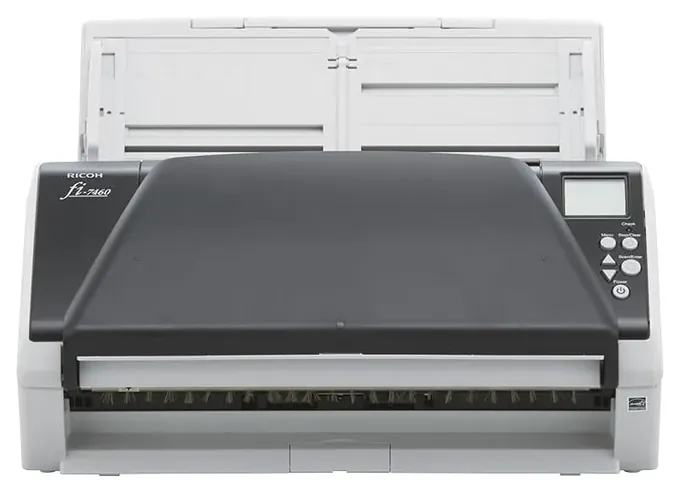
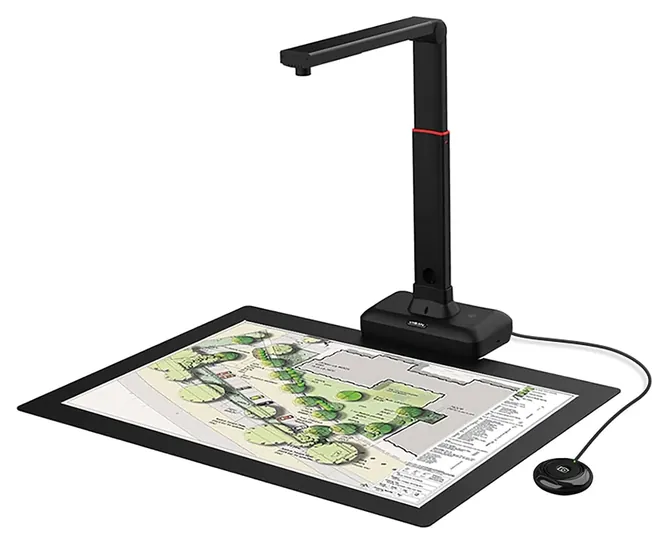
The new picks match the jobs readers search for: the Colortrac SmartLF Scan! 24 for blueprints, the Plustek S30, Epson WorkForce DS-30000 and Ricoh fi-7460 for stacks, and the VIISAN S21 for bound books. We read scan areas, sensor types and daily duty ratings on the Plustek, Epson, Ricoh and Colortrac spec pages, and a reseller's wide-format buying guide set the price tiers.
December 15, 2020:
This time around, we added a few more convenient options, such as the portable Fujitsu ScanSnap iX100 for those on the go, and the HP ScanJet Pro 2500 F1, a solid, everyday workhorse that gets the job done. We also felt the VIISAN 3240, a newer model with a sleek silhouette and a very approachable price tag, was a valuable addition to our list, thanks to its efficiency, high-quality imaging and versatility.
Once you pin down the perfect model for your particular scanning needs, let us be your guide to the world of large format printing.
June 28, 2019:
If you have a business that relies on high-quality scans of crucial documents, we still think you can rely on the Epson Expression 12000XL-PH and the Contex SD One+ Sheetfed. They combine dependable output with ease of use, making them handy in a wide variety of environments, from healthcare firms to photography studios. But because we know that some users out there don't have the budget for these robust solutions, we added a couple of less pricey models. These include the Xerox DocuMate 3220 Duplex and the Plustek OpticSlim 1180. Although the scans they produce aren't as crisp and don't provide exceptional color fidelity, they are more than adequate for scanning books, newspapers, and more. If it is books you need to scan, specifically, you might look at the CZUR ET16 Plus. It boasts OCR software to produce editable, searchable scans for your convenience.
Special Honors
Contex IQ Quattro X For engineering firms, GIS shops and copy centers that scan drawings all day, the Contex IQ Quattro X series feeds sheets up to 44 inches wide at up to 17.8 inches per second. It reads media up to 2 millimeters thick at 1,200 dpi optical, and it needs a Windows PC with Contex's Nextimage software, sold separately. contex.com
Image Access WideTEK 36ART Paintings, collages and framed art can't go through a feeder. The Image Access WideTEK 36ART passes them under a camera without touching the surface, across an area up to 36 by 60 inches and objects up to 4 inches tall. It has its own built-in computer and touchscreen, and museums and galleries are its main buyers. imageaccess.com
Scan Area: Tabloid Glass, Long Feeders Or Drawing Width
Overlap the halves by an inch or two and stitch them with photo software.
Large format means anything bigger than a letter page, and that covers three very different machines. Start with the biggest original you have.
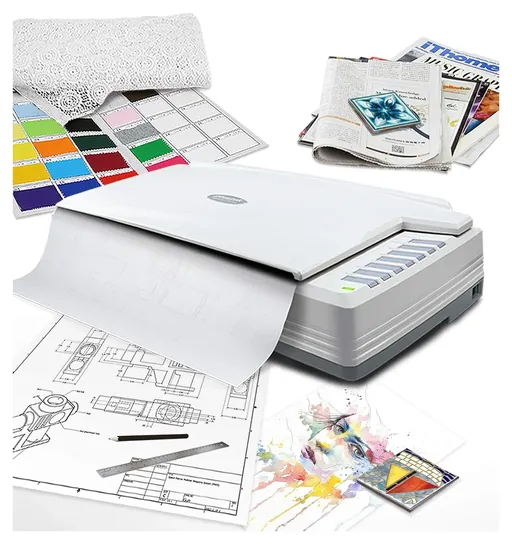
Tabloid (11 x 17 inches) and A3 (11.7 x 16.5 inches) fit on the glass of a flatbed like the Plustek OpticSlim 1180, whose scan area is 11.69 by 17 inches. Desktop feeders such as the Epson WorkForce DS-30000 are only 12 inches wide, but they can pull a page through for far longer: Epson rates it at up to 220 inches at 200 dpi.
Architectural and engineering drawings are another class. A 24 by 36 inch sheet fits a 24-inch wide-format scanner fed short edge first; E-size (34 x 44 inches) needs a 36-inch model. Colortrac sells its portable drawing scanner in both widths. A reseller's wide-format buying guide puts entry-level machines around $4,000, mid-range at $7,000 to $10,000 and production units near $15,000.
If your biggest sheet is only a little over the glass, a flatbed can still do it in two passes. Overlap the halves by an inch or two and stitch them with photo software.
Flatbed, Feeder Or Overhead Camera
A flatbed is the safe choice for art, maps and anything fragile, because the original lies still. The trap is the sensor. Slim flatbeds use a contact image sensor (CIS), which is sharp only on paper pressed flat to the glass; a book spine or a creased plan goes soft. Deeper CCD flatbeds such as the Plustek OpticPro A320E and the Epson Expression 13000XL hold focus a little above the glass, which is why archives and photographers use them.
A sheet feeder is the right tool for stacks: 100 pages of ledgers or invoices scan in minutes, both sides at once. Feeders are rough on old paper, though. Never send brittle, torn, taped or mounted originals through one; use a carrier sleeve or the flatbed.
Wide-format feeders work the same way at drawing width, with rollers that pull the sheet over a sensor. Colortrac's portable drawing scanner accepts media only up to 0.5 millimeters thick, per Colortrac, so foam boards and framed art need a contact-free scanner like the Image Access WideTEK 36ART.
Overhead cameras shoot from above, so nothing touches the page. They are the gentlest option for bound volumes, at the cost of some sharpness.
Resolution, Software And Safety
More dots per inch is not always better. For drawings and blueprints, 300 to 600 dpi is enough, according to Plotters.com; go higher only for art you plan to enlarge or print. Every doubling of resolution quadruples file size, and slow USB 2.0 links like the one on the OpticSlim 1180 feel it most.
Check maker numbers with care. Many slim A3 scanners list 1200 dpi optical; claims far above that on a slim body are hard to confirm, and owners of several models report real detail below the headline figure.
Software decides how a scanner fits your day. Look for TWAIN or WIA drivers on Windows and ICA on a Mac. Not every office scanner supports Macs: the Ricoh fi-7460 ships drivers for Windows and Linux only. Some book-camera software is built for Intel and AMD chips only, so Apple silicon owners should check before buying.
Finally, safety. A check of the U.S. Consumer Product Safety Commission's recall database turned up a 2020 Epson recall of power adapters sold with certain scanners, for burn and fire risk. If you buy an older Epson unit secondhand, compare its adapter against the CPSC recall list.
How we researched this
We compared 19 scanners across tabloid flatbeds, office feeders, wide-format drawing scanners and overhead book cameras, read the makers' spec pages for the finalists, used a reseller's wide-format buying guide for price tiers, analyzed patterns in owner feedback, and checked every brand against the U.S. Consumer Product Safety Commission's recall database. Large-format scanners get little independent lab testing, so maker figures we couldn't confirm are labeled as claims.
Sources (10)
- Plustek: OpticSlim 1180 specifications
- Plustek: OpticPro A320E
- Epson: WorkForce DS-30000
- Epson: Expression 13000XL
- Colortrac: SmartLF Scan!
- Ricoh PFU: fi-7460
- Plotters.com: best scanner for large documents
- Contex: IQ Quattro X
- Image Access: WideTEK 36ART
- U.S. Consumer Product Safety Commission: recalls
Frequently asked questions
Can I scan a 24 x 36 inch drawing at home?
Only with a wide-format scanner. A 24-inch model takes it fed short edge first, and E-size sheets need a 36-inch one. Tabloid flatbeds can do it in several overlapping passes stitched together, but lines may not join perfectly.
What resolution should I use for blueprints?
300 to 400 dpi is enough for most drawings, and 600 dpi keeps fine text crisp. Higher settings mainly add file size.
Can a flatbed scanner handle a thick book?
Slim CIS flatbeds blur the pages near the spine. A CCD flatbed like the Plustek OpticPro A320E, or an overhead camera like the VIISAN S21, does far better.
Is a sheetfed or a flatbed scanner better for large documents?
Sheetfed is faster for stacks and long pages. Flatbed is safer for art, fragile paper and anything bound. Many offices keep one of each.
How do I scan a poster bigger than my scanner?
Scan it in overlapping sections, then merge them with photo-stitching software. Keep the poster flat and the same side up for each pass so the colors match.
Do these scanners work with a Mac?
Most flatbeds do through ICA or TWAIN drivers. The Ricoh fi-7460 supports only Windows and Linux, and the Colortrac drawing scanner on this list needs no computer at all.