The 10 Best RGB Mouse Pads
Updated by · How we research

Hard, cloth and desk-size lit mouse pads compared on surface, USB ports and lighting control. The Razer Firefly V2 leads; the Ktrio RGB XL is the value pick. When users buy our independently chosen editorial selections, we may earn commissions to help fund the Wiki.
The light on a gaming mouse pad does nothing for aim: tracking depends on the surface and the size, so choose those first and the glow second. Hard tops glide faster but sound louder, and cloth gives more control. This list suits gamers and desk setups that want the look, from cheap long mats to software-controlled pads with USB ports.


Editor's Notes
November 1, 2026, by Ezvid Wiki Admin:
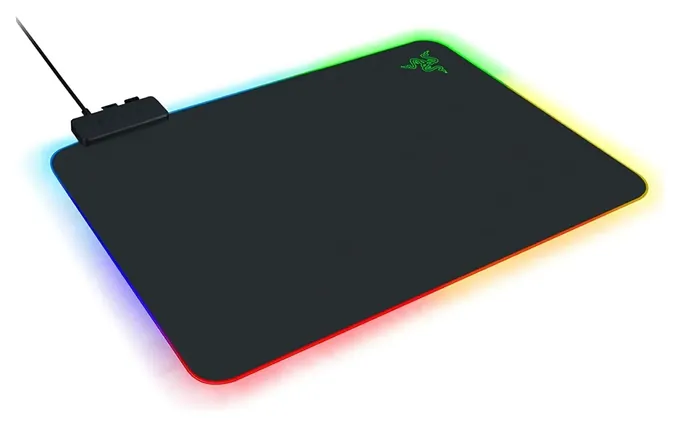
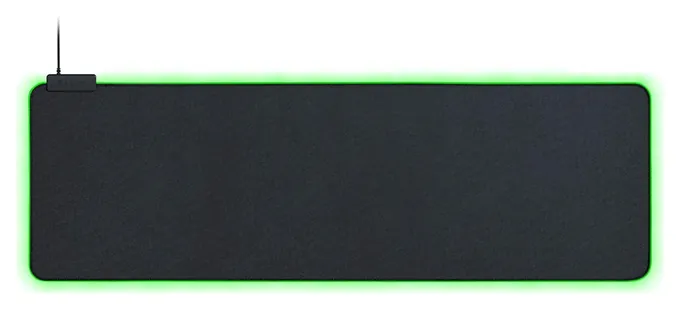
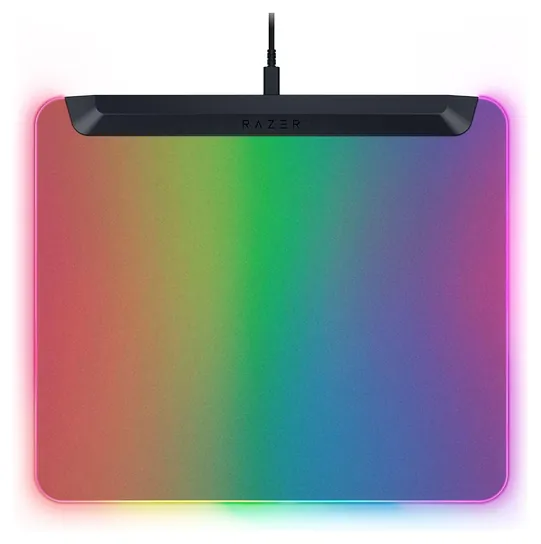
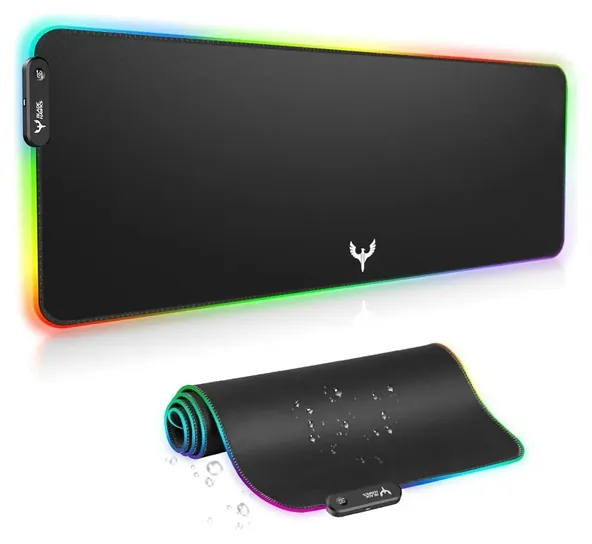
The Razer Firefly V2 is still the pad to beat. It's sold unchanged, and it's the lit pad with the clearest independent praise behind it. The Razer Goliathus Extended Chroma stays in its long size, and the Blade Hawks BX04 stays as the cheapest option.
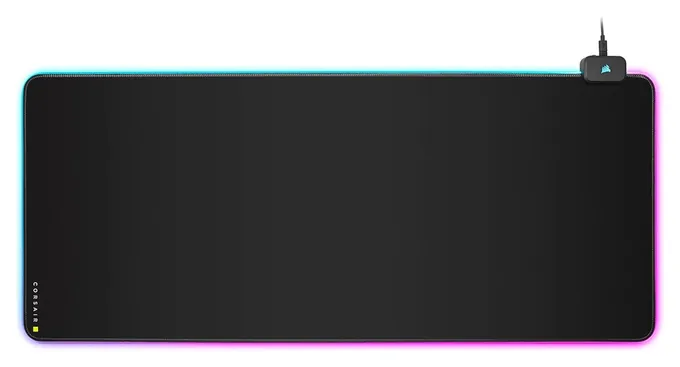
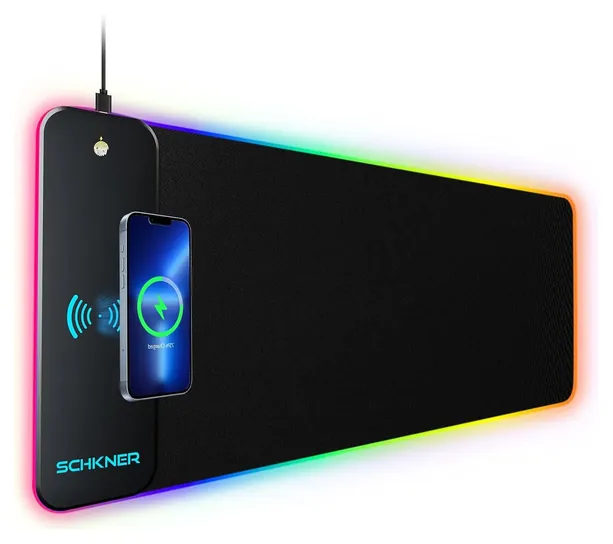
Seven earlier picks are out. The SteelSeries QcK Prism, Corsair MM800 Polaris, Havit, Luxcoms, Redragon and Cooler Master MP750 are no longer made or stocked, while the Cooler Master dual-sided pad is down to a few units with little feedback. New here are the Corsair MM700 RGB Extended for its USB hub, the Ktrio RGB XL for value, and mats with a four-port hub, a phone charger or a deeper surface, because readers keep asking for those.
The evidence is uneven. One review site compared hard and cloth pads side by side, a hardware site covered the MM700 in depth, and the cheap mats rest on makers' specs and years of sales.
October 28, 2020:
The recent rise in popularity of RGB accessories has increased the number of available choices within this category. Manufacturers have become more competitive and innovative, bringing their best to the table. There is now a larger variety of choices to fulfill more specific gaming needs. We've added several items such as the Cooler Master MPA Dual-Sided, the Havit Gaming Soft, the Blade Hawks Gaming, and the Cooler Master MP750. We've also updated our list by removing the Acgam Gaming and Beautiful Tech models which are no longer available. Finally, it should also be noted that the well-received Razer Firefly has an upgraded model and we have replaced that version with the new Razer Firefly V2.
December 24, 2018:
The two Razer models as well as the SteelSeries one are highly popular among gamers, and they are known for their impressive effects and reliability. While the Redragon and Acgam options offer less customization, they won’t put as big a dent in your wallet -- which makes them popular even among non-gamers who just want to add a little flair to their setup.
Hard, Cloth Or Hybrid: The Surface Matters More Than The Light
Pick cloth if you play shooters and want to stop the mouse precisely.
The lights are for looks. How a mouse moves depends on the surface. In TechGearLab's comparison of gaming mouse pads, hard pads gave the fastest glide but were clearly louder and had less stopping power, while cloth pads slowed the mouse more and gave finer control. Hard tops also wipe clean, and cloth collects pet hair and skin flakes and can fray at the edges over time.
Most lit pads are cloth, because a long cloth mat is cheap to make and rolls up. The Razer Firefly V2 and Firefly V2 Pro are hard. Razer's Strider Chroma is a hybrid, aiming for a speed pad's glide with some of cloth's control, and Razer says it resists water and warping.
Pick cloth if you play shooters and want to stop the mouse precisely. Pick hard if you like a fast, light feel or eat at your desk and want to wipe it down.
Size: Measure Your Desk First
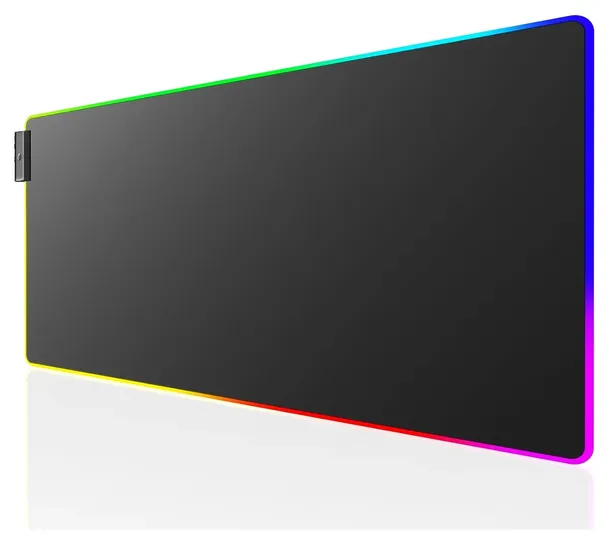
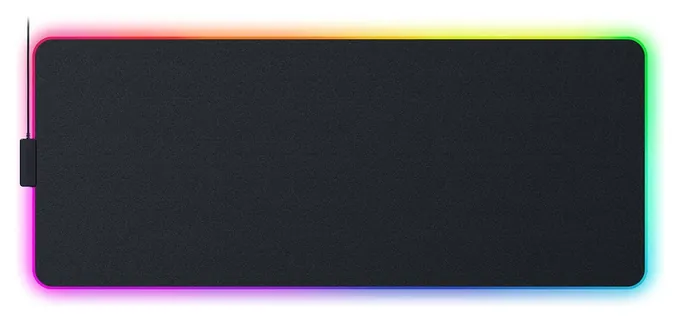
Lit pads come in three rough sizes. A standard pad, like the Firefly V2 at about 355 by 275 millimeters, holds only the mouse. An extended mat of about 800 by 300 millimeters holds a full keyboard and a mouse, and most budget mats are this size. Deeper mats, like the Corsair MM700 at 930 by 400 millimeters (bit-tech) or Razer's Strider Chroma at about 940 by 410, leave room for a wrist rest.
If you searched for a 300 by 700 mat, the 800 by 300 class is the closest common size. Desk-size mats go larger still: Corsair sells the MM700 in a 3XL version about 1,220 by 610 millimeters.
Before ordering, measure the free desk depth in front of your monitor stand. A lit edge that runs under a monitor foot or keyboard is wasted, and the light bar or hub on some mats sits along the top edge, which needs a little clearance.
Lighting Control, USB Ports And Power
Cheap mats change color with one button, usually with a dozen or so modes, and some remember the last mode after a restart. Razer and Corsair pads use software (Razer Synapse and Corsair iCUE) to set zones and sync with other devices. Corsair's software doesn't run on Linux (bit-tech).
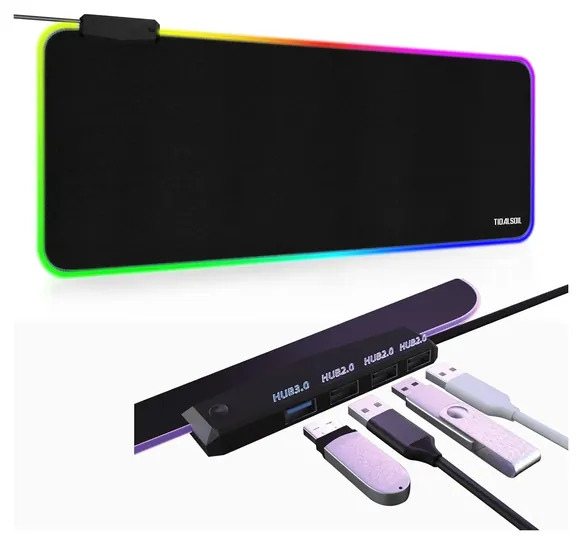
Every lit pad takes one USB port on the computer. Some give ports back: the Corsair MM700 has a two-port hub, the Razer Firefly V2 Pro has one port for a wireless mouse receiver, and budget mats with four-port hubs exist. The Firefly V2 has none, per TechGearLab. Check where the hub sits, since a port near the mouse can catch the cable.
The water-resistant coating on cloth mats protects the fabric, not the light strip or control box, so keep drinks away from the edge. On a charging mat, keep keys, coins and cards with metal strips off the coil and use a proper power adapter. The Consumer Product Safety Commission lists no recalls for these brands or for mouse pads. If flashing light bothers you, use a static color.
How we researched this
We compared 21 lit mouse pads, read Razer's and Corsair's product pages and the specs for the budget mats, used two independent reviews, weighed long-term sales and owner feedback, and checked every brand for recalls with the U.S. Consumer Product Safety Commission.
Frequently asked questions
Does an RGB mouse pad improve tracking?
No. The light is for looks. Tracking depends on the surface, so choose hard or cloth and the right size first.
What's the best RGB mouse pad with a USB passthrough?
The Corsair MM700 RGB Extended has a two-port hub, the Razer Firefly V2 Pro has one port for a wireless receiver, and the Tidalsoil 4-Port Hub adds four ports on a budget. The Razer Firefly V2 has none.
Is a hard or a cloth RGB mouse pad better for gaming?
Hard pads glide faster and wipe clean but are louder. Cloth gives more control and quiet, and it holds dust and pet hair.
Do RGB mouse pads need software?
Budget mats change color with a button. Razer and Corsair pads use their own apps to set zones and sync with other gear, and Corsair's app doesn't run on Linux.
Is a lit mouse pad safe to leave on?
It runs on low-voltage USB power. Keep liquids off the lit edge and, on a charging mat, keep metal objects off the coil.