The 10 Best Scanners
Updated by · How we research

Ten document, photo, portable and flatbed scanners compared by real speed, feeder size, software and price. The ScanSnap iX2500 leads with a 100-sheet feeder. When users buy our independently chosen editorial choices, we may earn commissions to help fund the Wiki.
Books and fragile prints need a flatbed, since a sheet feeder can't handle them. A scanner turns paper into searchable PDFs and image files. Sheet-fed models with a document feeder clear stacks of bills and records, and portable units fit in a bag. Rated speeds can run far ahead of what reviewers time in real use.


Editor's Notes
October 19, 2026, by Ezvid Wiki Admin:
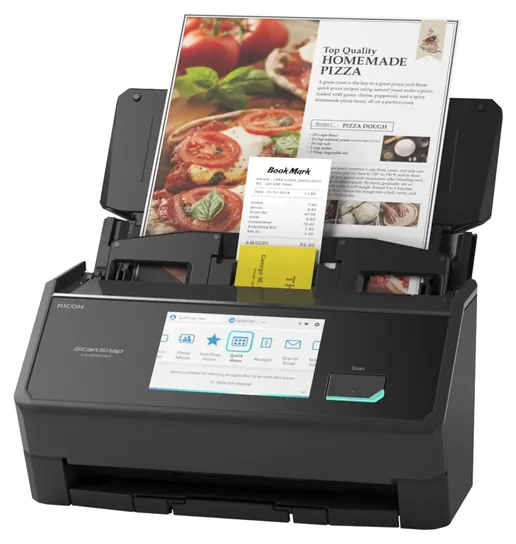
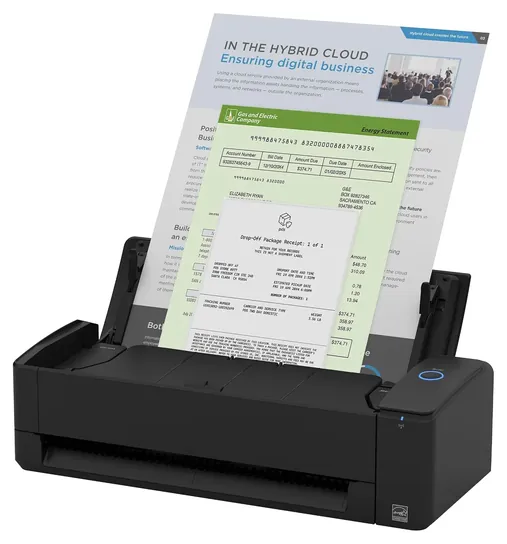
The new No. 1 is the ScanSnap iX2500, the current successor to the iX1500, with a 100-sheet feeder and Wi-Fi. Most of the 2021 list had aged out. The Raven Pro is gone because Raven went out of business and shut down its cloud service at the end of 2023, which left owners without features they had paid for. Brother has discontinued the ADS-2700W, Ricoh has retired the Fujitsu ScanSnap iX1500, and Epson has replaced the WorkForce ES-500W twice. We also dropped the Xerox XD-Combo over feeder jam reports, the HP ScanJet Pro 3000 s4 because it costs more than better-documented rivals, and the Doxie Go SE and iCodis X9 because we couldn't confirm they're current or well made.
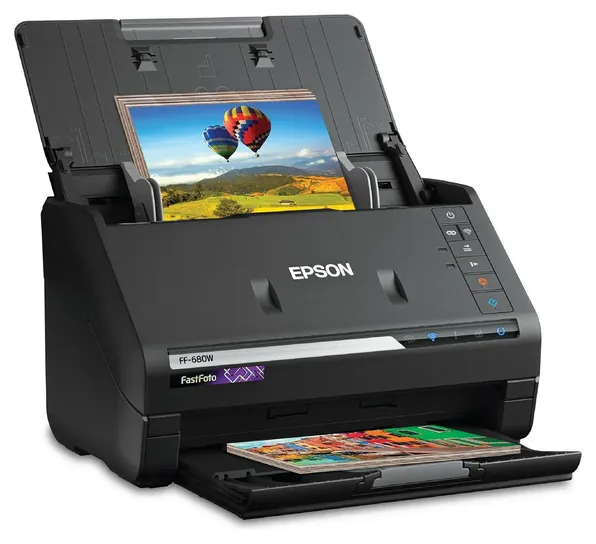
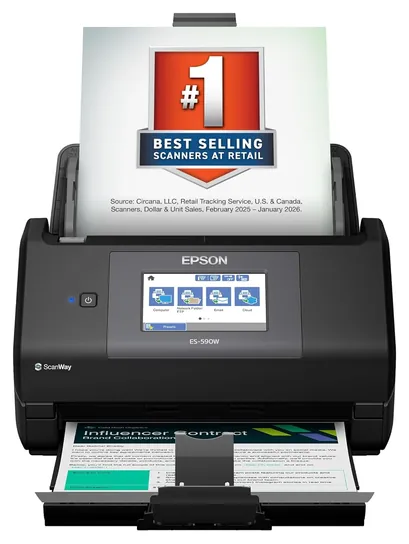
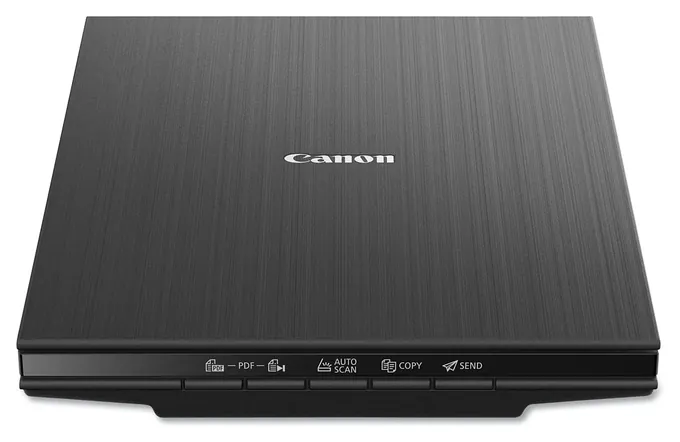
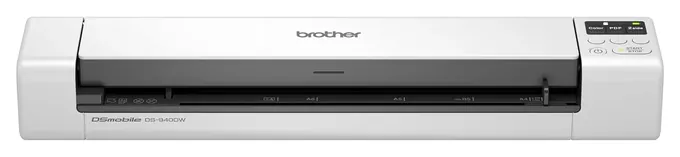
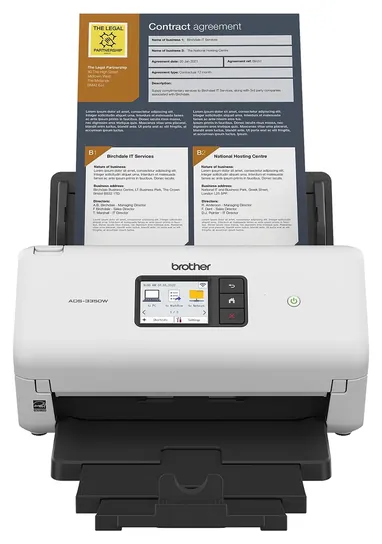
The Canon CanoScan LiDE 400 and Brother DS-940DW stay. New are the Canon imageFORMULA R40II, a strong value, the Epson FastFoto FF-680W for family photos, and a handful of document scanners from Epson, Brother and Ricoh, including the Brother ADS-3350W for offices that want a wired connection.
Several of these models are new enough that nobody has tested them independently. Where that's the case, we lean on maker specs and on lab results for the model each one replaced, and the entry says so.
January 12, 2021:
We had a couple of priorities during this update, one of which was making sure that all of our recommendations featured optical character recognition. We also aimed to include some mobile options for traveling professionals, such as the Brother DS-940DW and Doxie Go SE, both of which weigh less than two pounds and can easily fit in the average laptop bag. The iCodis X9 is also a portable option that can be used on books and magazines, and which supports real-time projection for classroom use or business presentations. Additionally, we wanted to add some flatbed models, like the Xerox XD-Combo and Canon CanoScan Lide 400. This latter option has a very high DPI and is ideal for digitizing photos. Coming from a company most might not be familiar with, the Raven Pro boasts some of the most on-board features, with a full document editor that you control via its rather large 8-inch touchscreen. It also has a very modern aesthetic and comes with unlimited cloud storage for documents.
February 11, 2020:
A few of the models from the previous update like the Epson WorkForce ES-500W, HP ScanJet Pro 3000 S3 and others are still good, sought-after options; while many of the older options simply needed updating. In some cases, I’ve simply swapped out the old models for similar options with more updated features. The Epson Workforce DS-870 for instance, is almost a direct replacement for the Canon DR-M160II, but it’s also a little cheaper and offers better features for that price, like a slightly faster scanning speed. It only has a USB and no wireless connectivity, but that’s not a big deal, considering the fact that it isn’t a portable printer. I’ve also replaced the Fujitsu ScanSnap iX500 with the Fujitsu ScanSnap iX1500, and I’ve swapped the TaoTronics TT-DS011 wand for the sheet-fed Epson Workforce ES-50 because sheet fed devices are much better and more reliable than wands. They are a tiny bit more expensive and larger, but they will scan your whole document, without any of the common issues that wands have, like missing edges, etc.
I’ve removed the Epson DS-320 Mobile. While it’s a nice portable option, its not quite on the extreme end of either portability or performance - it sort of straddles an awkward area in between, and I thought that there were enough portable models in this list already, like the Doxie Q and Epson Perfection V39 for flatbeds. While I wanted to include a sample of the best portable printers here, I also wanted to prioritize performance. The Xerox Visioneer Combination is definitely not a direct replacement for the DS-320 Mobile; rather, it’s a model that offers the best of both scanning worlds - the flatbed and the sheetfed. It’s actually one of the cheaper and – surprisingly – more reliable combination scanners.
Finally, I’ve included a very high-end flatbed model in the Epson Perfection V850. This is a great option if you’re a professional photographer, or photo or film restoration expert, as the model is geared towards professionals, and it’s a slight step up from the older V800, at least in terms of image processing – but both models offer the same high dpi and Dmax specifications that are essential to catching all those fine-detail and shading changes. It also comes with a set of film holders for a variety of film sizes.
Special Honors
Epson Perfection V600 Epson's Perfection V600 is a flatbed with a CCD sensor and a light built into the lid for film strips and slides, which sheet-fed and photo-feeder scanners can't handle. TechGearLab rated its image quality the best of the 13 scanners it bought, though it's slow. We couldn't find steady new stock at a listed price, but Epson sells it directly, including refurbished units. epson.com
Paperless-ngx Paperless-ngx is free, open-source software that files scanned documents for you. Point a scanner at a shared folder, and it reads the text, tags each file and makes the whole archive searchable. It runs on your own computer or home server, so the documents stay on your hardware rather than a vendor's cloud, and owners compare which scanners work best with it in the project's discussion forum. github.com
Sheet-Fed, Flatbed Or Photo Feeder: Match The Scanner To The Paper
A flatbed is slow for stacks, since each page is placed by hand.
Start with what you'll scan most. A sheet-fed scanner with an automatic document feeder pulls pages through rollers, usually scanning both sides in one pass. It's the right tool for clearing stacks of bills, receipts, tax papers and records, and feeders on home and small-office models hold 20 to 100 sheets. TechGearLab, which bought and timed 13 scanners, found the best of them turn a stack into searchable PDFs with little fuss (TechGearLab).
Rollers can damage what they grab, though. Old photos, book pages, glued or creased papers, and anything fragile belong on a flatbed, where the original lies still on the glass. A flatbed is slow for stacks, since each page is placed by hand.
Prints are a middle case. A photo feeder such as the Epson FastFoto takes dozens of prints at a time, while a flatbed handles one or a few, but gives you more control over curled or delicate photos. Film and slides need a flatbed with a light in the lid.
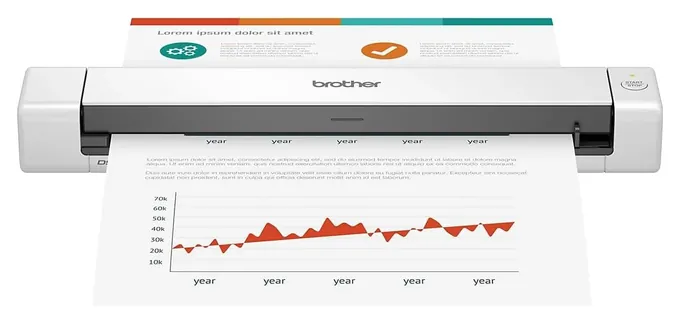
Portable scanners are a slim bar with a slot. They fit in a laptop bag and often run from a USB cable or a battery, but most take one page at a time. Reach for one if you scan away from a desk, not as your main office scanner.
Rated Speed, Real Speed And The Resolution You Need
The speed on the box is a best case. Makers rate pages per minute at 200 or 300 dpi, often in black and white. ITPro found that a scanner rated at 35 pages per minute dropped to about 10 pages a minute in grayscale and 7.7 in color at 600 dpi (ITPro). TechGearLab's timed runs at 600 dpi in color tell the same story: about 15 pages a minute for the fastest desktop model, 10 to 11 for several others, and 1.4 for a hand-fed portable (TechGearLab).
You rarely need 600 dpi for paperwork. The Library of Congress suggests 300 dpi for documents and 300 to 600 dpi for photos, depending on how large you might print them, and it recommends keeping an uncompressed master file alongside everyday copies (Library of Congress). Very high flatbed figures, such as 4,800 dpi, matter mainly for small originals like slides you plan to enlarge.
Feeder size and daily duty decide how a scanner copes with volume. A 20-sheet feeder needs frequent refills, while a 50- to 100-sheet feeder can take a full folder. Office models list a suggested daily volume in the thousands of pages; portable models are meant for about 100.
Software, Connections And Going Paperless Safely
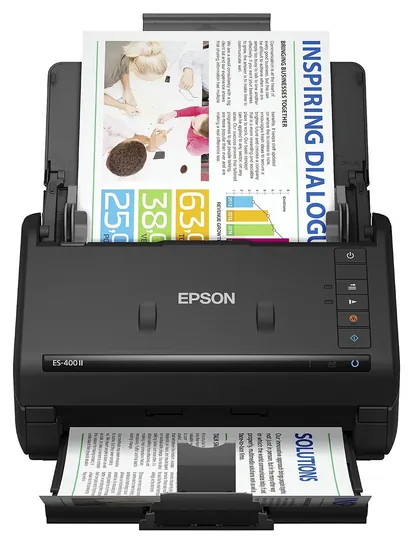
The scanner is only half the job; the software does the rest. Text recognition turns an image into a searchable PDF, and quality varies. In TechGearLab's tests, the Epson ES-400 II and Canon R40 read text almost perfectly, while a ScanSnap model missed many words (TechGearLab). If you use accounting or records software, look for a TWAIN or ISIS driver. Some scanners, such as Canon's R40II, work only with the maker's own app.
Wi-Fi models can send scans to a phone, a cloud account or a flash drive without a computer. USB-only models need a computer every time. Avoid scanners that depend entirely on a company's cloud: Raven shut down its service at the end of 2023 when the company closed, leaving owners stranded (Imaging Products blog). A model that can save to a local folder or USB drive will keep working.
Before you shred, check each scan, back up the files in two places, and keep originals that carry legal weight, such as wills, deeds, titles and passports. The IRS explains how long to keep tax records, usually three years and longer in some cases (IRS). Put a wireless scanner on a network with WPA2 or newer security.
How we researched this
We compared 19 current scanners drawn from the earlier list and two product searches and screened 10 in depth. We read makers' spec pages and published specifications, used one independent lab test series (TechGearLab, which bought and timed 13 scanners) plus published reviews from PCMag, TechRadar, ITPro and Digital Camera World, analyzed patterns in owner feedback, and checked every brand for recalls with the U.S. Consumer Product Safety Commission. Several picks are new models without independent tests yet; for those we relied on maker specs and tests of the model each replaced, and the entries say so.
Sources (17)
- TechGearLab: The Best Scanners
- TechGearLab: Canon imageFORMULA R40 review
- TechGearLab: Epson WorkForce ES-400 II review
- TechGearLab: Brother DS-640 review
- TechGearLab: ScanSnap iX1600 review
- TechGearLab: Epson Perfection V600 review
- PCMag via Yahoo Tech: Ricoh ScanSnap iX2500 review
- TechRadar: Ricoh ScanSnap iX2500 review
- ITPro: Brother ADS-2700W review
- Digital Camera World: Epson FastFoto FF-680W review
- Ricoh PFU: ScanSnap iX1500
- Brother USA: ADS desktop scanners
- Library of Congress: Scanning your collections
- IRS: How long should I keep records
- Imaging Products blog: Raven scanners out of business
- CPSC: Epson recalls power adapters sold with scanners (2020)
- Paperless-ngx discussion: ES-580W versus iX1600
Frequently asked questions
What is the best scanner for a paperless home office?
A sheet-fed scanner that scans both sides at once. The ScanSnap iX2500 holds 100 sheets and works over Wi-Fi. The Canon imageFORMULA R40II costs less and holds 60 sheets but needs a USB connection to a computer.
Should I get a flatbed or a sheet-fed scanner?
Sheet-fed for stacks of ordinary paper, since it feeds and scans pages on its own. Flatbed for photos, books, magazines and anything fragile or bound, since the original stays still on the glass. Many offices keep one of each.
What resolution should I scan documents and photos at?
300 dpi is enough for documents. Photos look good at 300 to 600 dpi, and 600 dpi leaves room to enlarge them. Higher settings make files larger and scans slower, and they rarely add useful detail.
Can I throw away paper after scanning it?
Often, but check each scan first and keep backups in two places. Keep originals with legal weight, such as wills, deeds, titles and passports. For tax papers, the IRS explains how long records should be kept, usually three years and longer in some cases.
What happened to Raven scanners?
Raven went out of business, and its cloud service shut down at the end of 2023. Its scanners relied on that service, so we don't suggest buying one used. Choose a scanner that can save files to a computer or USB drive without an online account.
How long does it take to scan 100 pages?
Longer than the box suggests. In TechGearLab's timed tests at 600 dpi in color, the fastest desktop scanner managed about 15 pages a minute, so 100 pages took around seven minutes, while a hand-fed portable needed more than an hour. Lower resolutions are faster.